



MrMook
Members
-
Joined
-
Last visited
Everything posted by MrMook
-
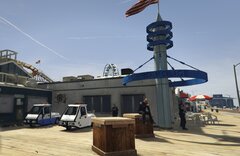
From the album: MrMook's Lore Friendly Adventures
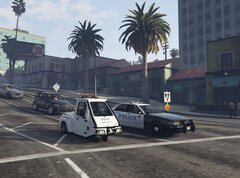
two designs for the DPPD Pigeon. based on Santa Monica Traffic Services. -
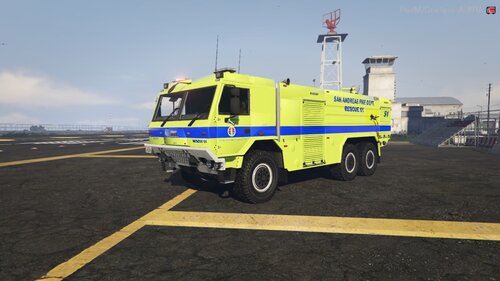 amazin stuff
 -
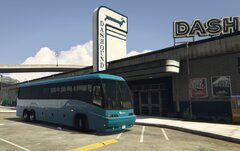
From the album: MrMook's Lore Friendly Adventures
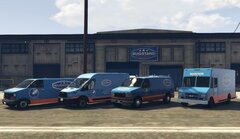
while the Dashound Los Santos Depot has been leased to LS transit recently it still sees some of its original use. her we see a Dashound bus in new livery picking up passengers. -
From the album: MrMook's Lore Friendly Adventures
-
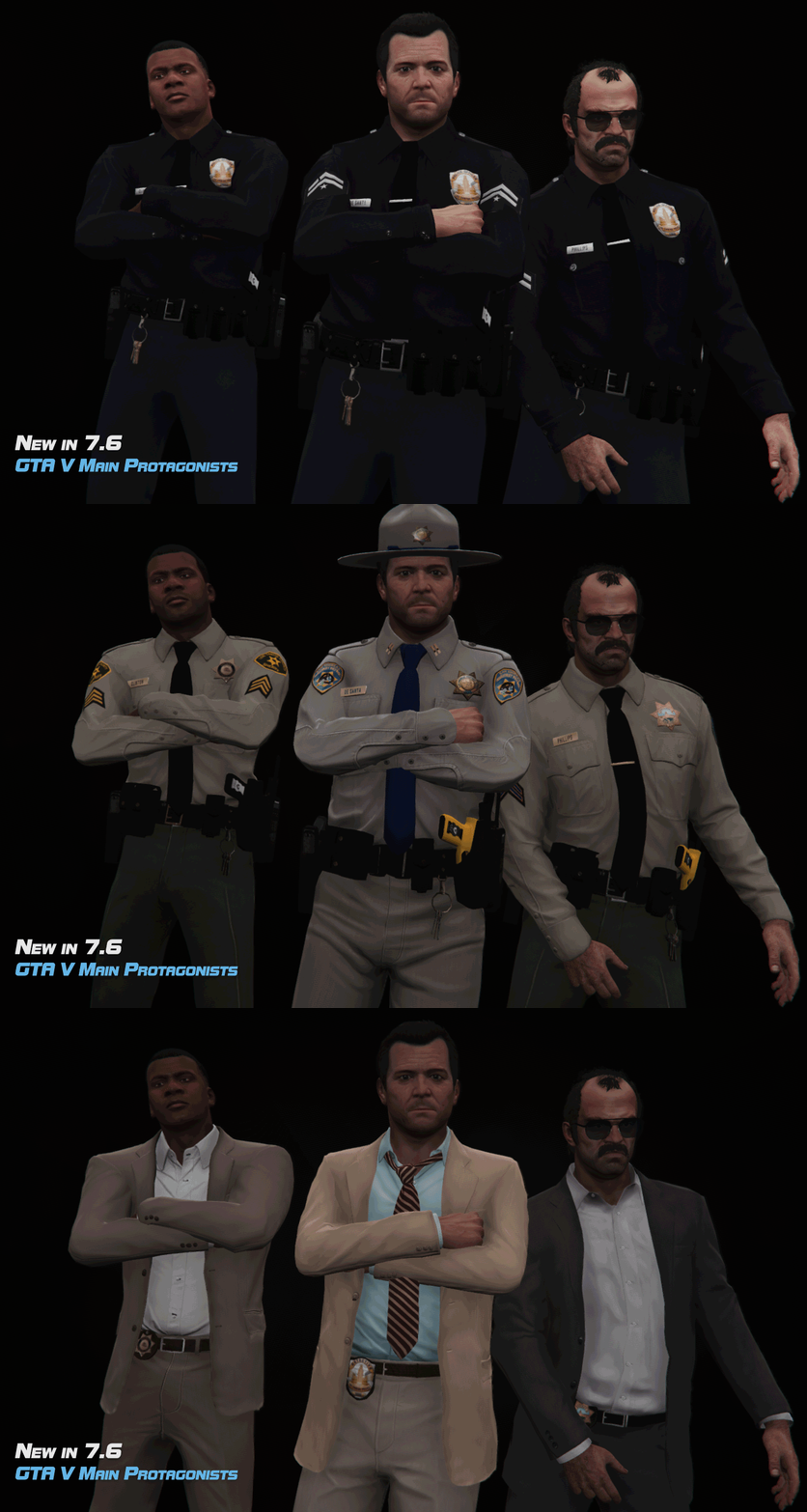 you gotta use Simple Trainer to cycle through and find stuff.
 -
select preset characters. it should be there. preset is where the vanilla police peds are. its at the top of where all your characters are after you create a new MP character. can be seen in this video at 5:30 in
-
From the album: MrMook's Lore Friendly Adventures
-
From the album: MrMook's Lore Friendly Adventures
-
i might take this on. shouldn't be to hard. give me a while though. lore friendly Capitol City, Washington or Los Santos?
-
-
 Does Open All Interiors work? i've noticed a lot of people on gta5mods complaining.
- 255 comments
- 16 reviews
-
-

- 1
-
-
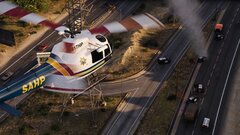 great! thanks a bunch dude
 -
ok thank you. will this maverick handle RDE textures? if so i can just add new liveries to this.
-
would adding that texture to the police mav ytd make the blades striped? would i have to delete the original prop texture. what confused me is the original one in the ytd is blurred. i guess the static prop rtexture is in a vehshare but i can't find it.
-
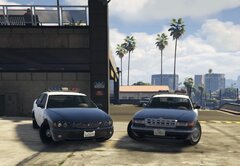
From the album: MrMook's Lore Friendly Adventures
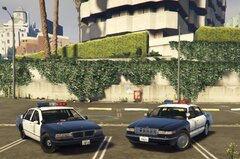
closest thing we can get to a lore friendly 06 to 2012 Impala. hoping someone will make a Merit with an Argent. i know most see the Merit as a 2000 to 2005 Impala but with the shape of the tailights i see it as more of a mix of the two generations. -
that the vanilla polmav with red and white rotors? what texture do you have to replace to get em like that? been trying to change them on the vanilla polmav. anyway i can't wait till this pack drops!
-
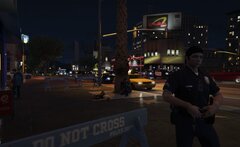
From the album: MrMook's Lore Friendly Adventures
-
when in lspdfr select switch character, create new, and then preset characters. protags should be there
-
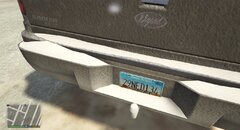
From the album: MrMook's Lore Friendly Adventures
still wondering what kind of joke motto i could put on it. -
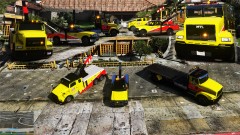 https://www.gta5-mods.com/vehicles/casey-s-new-towing-vehicles-pack
 -
-
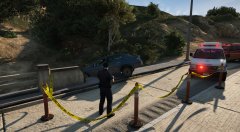 there a download for that tape retexture?
 -
its coming from traffic control. says plugin doesn't exist
-
non ELS preferred. thank you
-
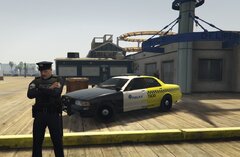
From the album: MrMook's Lore Friendly Adventures


