




Mehmet5050
Members
-
Joined
-
Last visited
Everything posted by Mehmet5050
-
RagePluginHook (1).log
-
I have not game config installed
-
@WMFongYes, some Cars and Graphic mods, Sounds etc... @Charlie686Yes, i have heap adjuster installed but nothing Working.
-
Aber mein LSPDFR crasht auch dauernd ich verstehe das nicht ich habe auch nicht so viele Plugins installiert.
-
Dankeschön! 🙂
-
Allright i played the game ca. 20 minutes i rename the mods to _mods and i startet the game with the Rockstar Games launcher and it is not Crashed.
-
Hallo! Und danke für´s Zeit nehmen ich habe jetzt etwa 20 Minuten gespielt habe den Mods Ordner _mods genannt und ohne RPH bin ganz normal den Rockstar Launcher durchgestartet und das Spiel ist nicht Abgestürzt. @Lenny1887
-
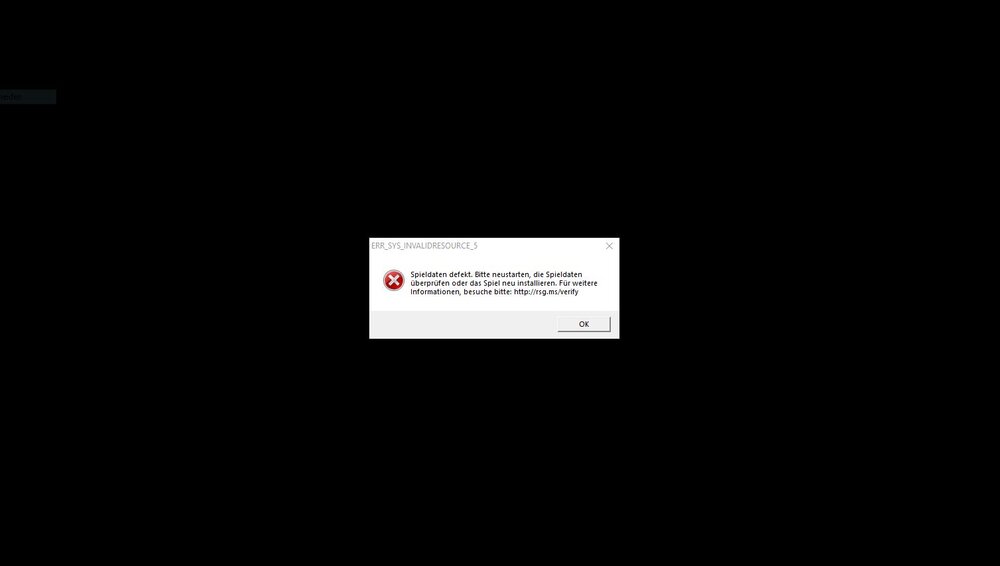
Now i got this Error
-
Here you go, Thanks for helping me 🙂 @Charlie686 RagePluginHook.log
-
I tried everything but nothing helping ... RPH Crashing after 10 - 15 Minutes with LSPDFR im getting an Error it says: "gta 5 rage hook plugin the game has crashed this may be due a bug in the game itself in rage plugin hook in a plugin or some outside issue like bad antivirus or graphics driver etc" Or something I change the Plugin timout threshold to: 60000 pls help! Thanks.


