




LibertyDesigns
Members
-
Joined
Everything posted by LibertyDesigns
-
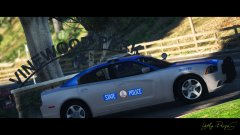
From the album: Virginia State Police Mega Pack
-
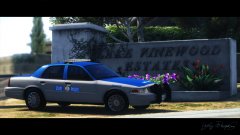
From the album: Virginia State Police Mega Pack
-
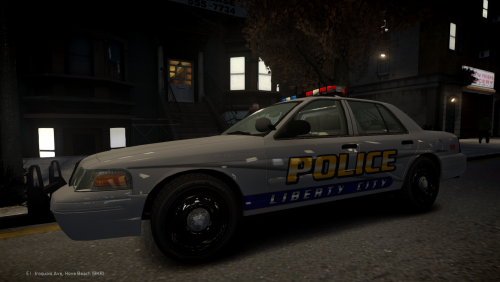 PERFECT setup for an EARLY 2000s Crown Vic. Perfect amount of lights and correct placement of other equipment such as the pushbar. Overall 5/5!
- 22 comments
- 2 reviews
-
-

- 3
-
-

From the album: Eye Candy
-
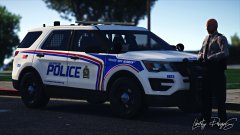
From the album: Eye Candy
-
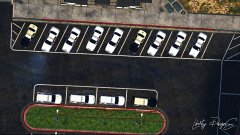
From the album: Eye Candy
-
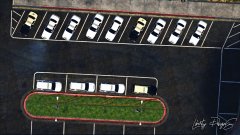
From the album: Eye Candy
-
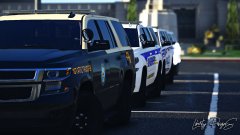
From the album: Eye Candy
-
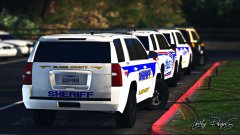
From the album: Eye Candy
-
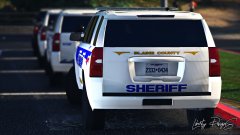
From the album: Eye Candy
-
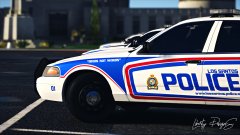
From the album: Eye Candy
-
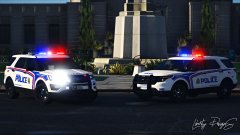
From the album: Eye Candy
-
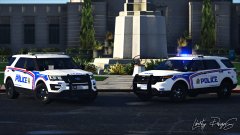
From the album: Eye Candy
-
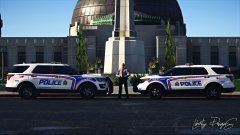
From the album: Eye Candy
-
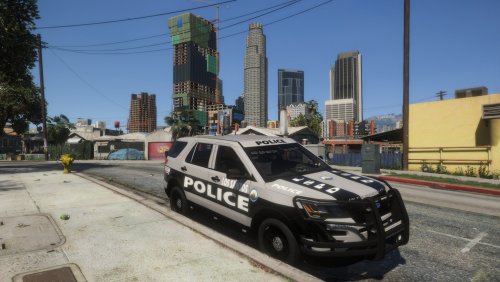 You put the grey over it on the final image file. If you put black over it, the pillars will be black like they are in real life.
 -
You have to make that square black on the template to make the pillars black like they are on the real interceptor.
-
-
-
-
-
-
-
-
-



