LibertyDesigns
-
Joined
Everything posted by LibertyDesigns
-
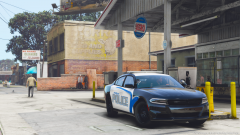
From the album: Paleto Bay Police Department [ELS]
-
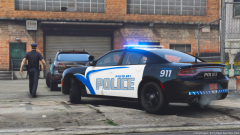
From the album: Paleto Bay Police Department [ELS]
-
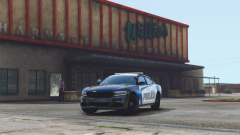
From the album: Paleto Bay Police Department [ELS]
-
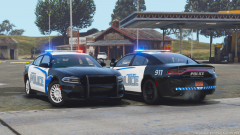
From the album: Paleto Bay Police Department [ELS]
-
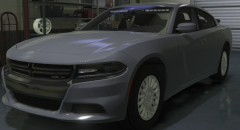 From the looks of it the NCHP pack by Chris?
 -
From the album: Eye Candy
-
From the album: Eye Candy
-
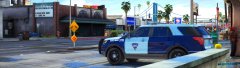
From the album: Eye Candy
-
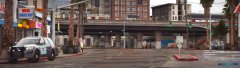
From the album: Eye Candy
-
-
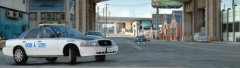 vsp
vsp
-
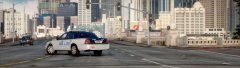 yellow means slow
-
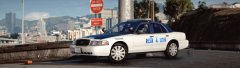 do not enter
-
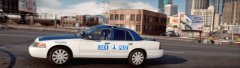 love hubcaps
-
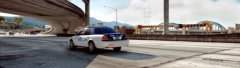 driving down the highway
-
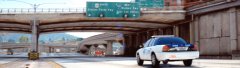 it's a sunny day out
-
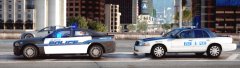 backup on scene
-
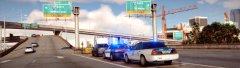 Newport News or RVA? RVA all the way.
-
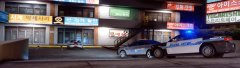 darn liberals
-
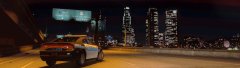 big wide
-
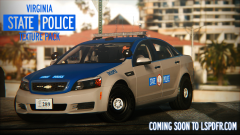 Coming soon...
-
 Server Logo.png
-
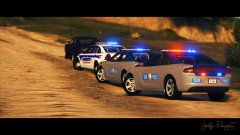 271590_20190105000817_1 copy.jpg
-
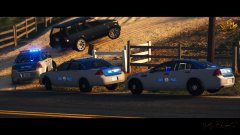 271590_20190105000715_1 copy.jpg
-
 271590_20190105000534_1 copy.jpg
-
 271590_20190105000448_1 copy.jpg
-
 271590_20190105000341_1 copy.jpg
-
 271590_20190105000258_1 copy.jpg
-
 271590_20190105000153_1 copy.jpg
-
 271590_20190105000040_1 copy.jpg
-
-
From the album: Virginia State Police Mega Pack
-
From the album: Virginia State Police Mega Pack
-
From the album: Virginia State Police Mega Pack
-
From the album: Virginia State Police Mega Pack
-
From the album: Virginia State Police Mega Pack
-
From the album: Virginia State Police Mega Pack
-
From the album: Virginia State Police Mega Pack
-
From the album: Virginia State Police Mega Pack
-
From the album: Virginia State Police Mega Pack
-
From the album: Virginia State Police Mega Pack
-
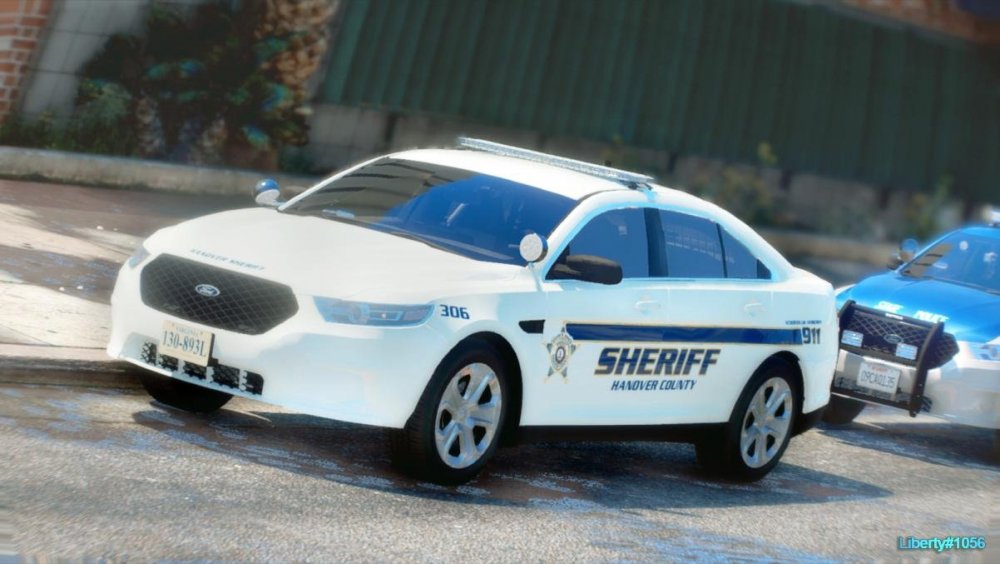
Hanover County Sheriff's Office (Virginia)
-
--- Welcome! This is where I post all of my works in progress; that be models, textures, etc. Most of the time, I'll include relative information to the shots I'm posting. This can be department history, fleet info, or D... All of the above. Commenters are encouraged to leave constructive feedback, that will be helpful. If there's an issue with a model, definitely let me know, but if you want to take the extra step, explain how to fix it! If you chose to leave sarcastic or counter-productive feedback, your comment will be promptly reported. If you happen to have a suggestion for a pack, car, or skin, do not leave it as a reply to this thread, it clutters it up with irrelevant posts. Instead, hit my PMs with the suggestion.
-
-
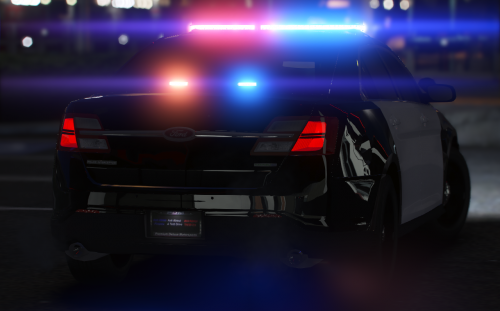 Beautiful! I love how it comes with a plain skin so the user is able to chose a 3rd party skin to apply. Really nice vehicle!
- 18 comments
- 7 reviews
-
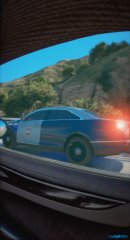
From the album: Eye Candy