
StraightGlitcheZ
Members
-
Joined
-
Last visited
Everything posted by StraightGlitcheZ
-
 Hey old friend.
 -
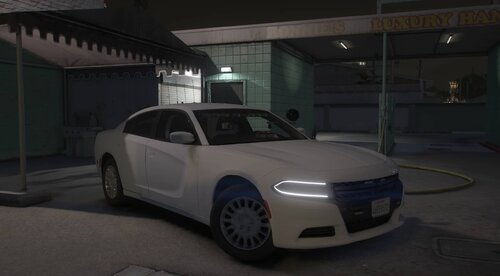
That might be due to your graphics settings. I configured the xml to have lighting all around the vehicle.
-
I orignally had just the dashlight and grill lights, but felt as if the front didn't have enough lighting to it, so I added the visor light. I thought it fit well so I kept it. Hope this answers your question.
-
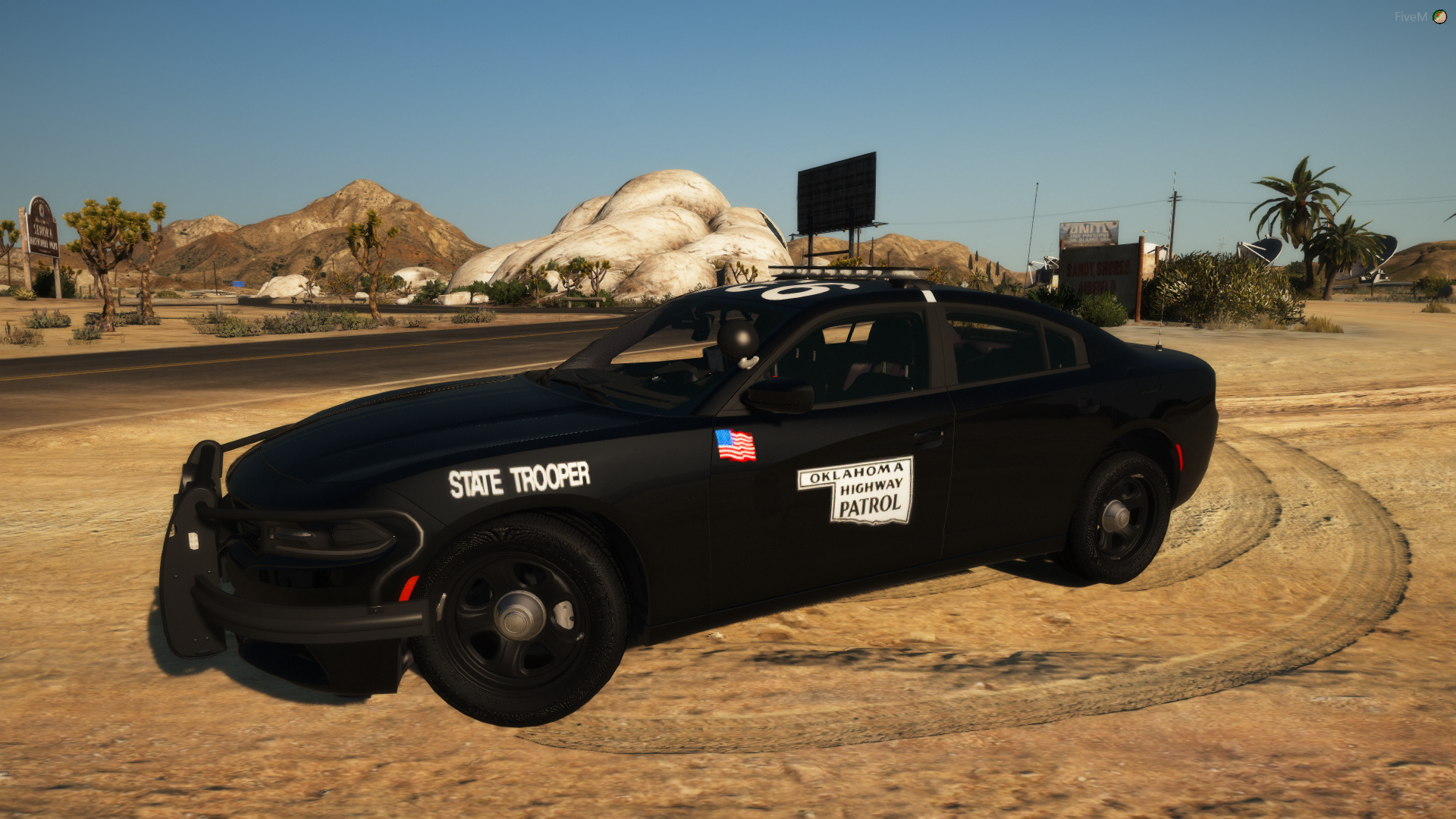
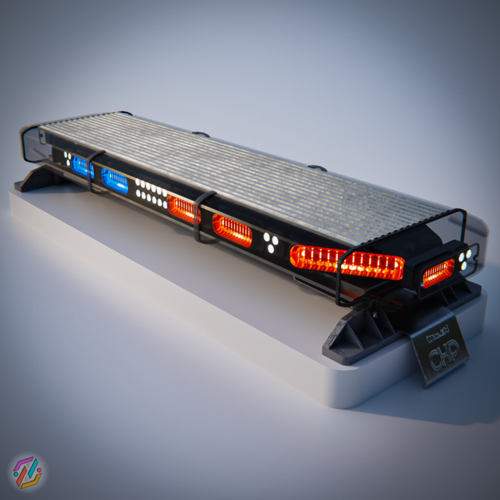
I had been working on this car for about 2 years now, I finally decided to release it as I havn't uploaded anything in awhile, don't have the time anymore to work on anything. I am still currently working on my Oklahoma Highway Patrol pack and you find the latest updates to that in my photo album on my profile! Here is a lighting showcase.
-
 Neat
Neat -
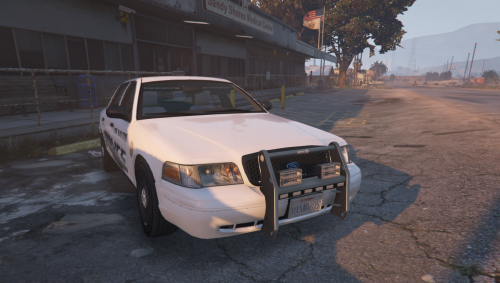 Oh thanks lol, this is very old and these models are poor. Go to my profile then gallery and you can check out my latest stuff.
- 11 comments
- 2 reviews
-
-

- 1
-
-
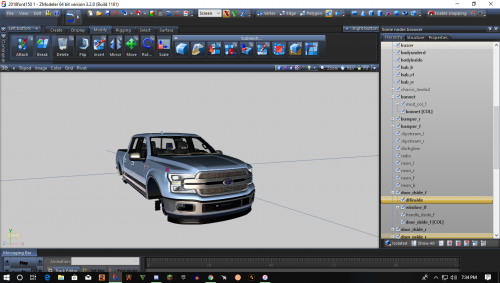 Did not mean to come off as rude, I hadn't touched zmodeler in years. It's nice to hop on every once in awhile and check in, kind of nostalgic as I was young when I first started making models.
 -
make your own
-
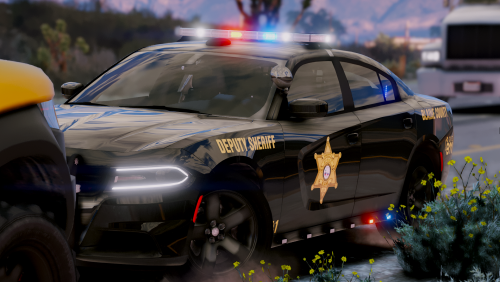 plus this car is kind of old idk what i was doing almost a year ago. check out my latest project BCSO - LCPDFR.com
- 25 comments
- 3 reviews
-
-
-
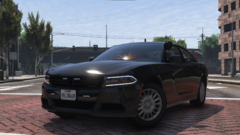
From the album: BCSO
-
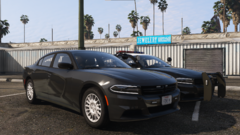
From the album: BCSO
-
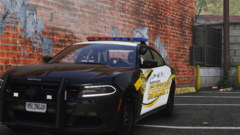
From the album: BCSO
-
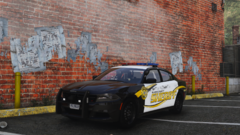
From the album: BCSO
-
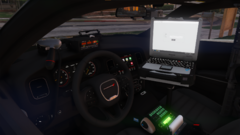
From the album: BCSO
-
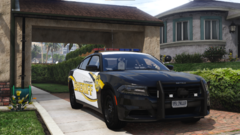
From the album: BCSO
-
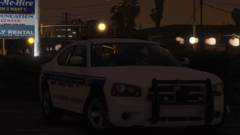
From the album: BCSO
-
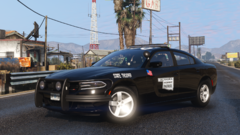
From the album: Oklahoma Highway Patrol
-
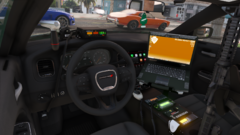
From the album: Oklahoma Highway Patrol
-
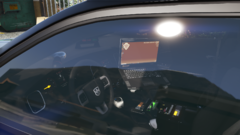
From the album: Oklahoma Highway Patrol
-
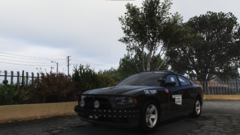
From the album: Oklahoma Highway Patrol
-
-
-
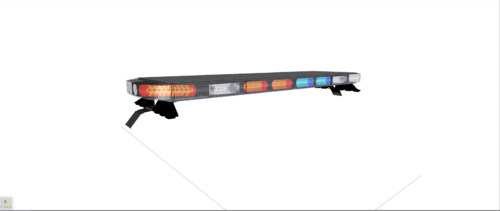 You need to know how to uv map and use basic tools in zmod before downloading. Not trying to be rude but I’m not a trainer