.jpg.b0cae16a6b3f3c97f3b5f115f55bbd28.jpg)
The Terminator
-
Joined
-
Last visited
Everything posted by The Terminator
-
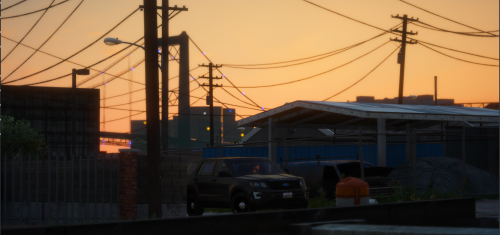 Negitive it would've been a pain in my ass to figure out away to add that in the front i was going for more of a theme that most police department have, which is duo colors and front facing Full flood
- 22 comments
- 3 reviews
-
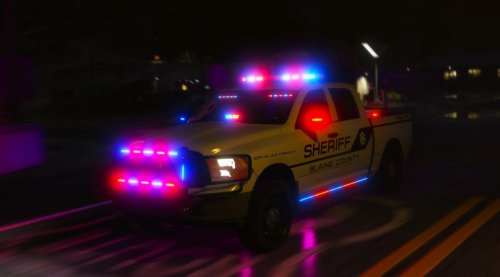
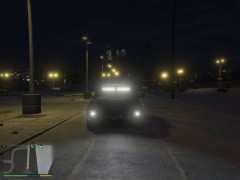 i have uvmapped the lights red a blue and will alternate from red to blue then once you hit the take down key you will be opened to lot of light to play with. it is also cool to have if you have a traffic stop and need light. this first scene lights took me around 9 hours to complete but im not complaining im just wanting to bring the impossible to the LSPDFR site
 -
-
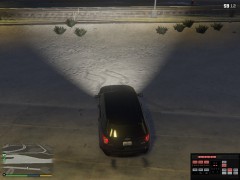
From the album: Upcoming Release
© The Terminator and anyone else who has helped make this possible. the new override and dual colors, Takedowns are working just working on a few things left. we are looking at partial scene lightning as of right now
-
From the album: Upcoming Release
© The Terminator and anyone else who has helped make this possible. the new override and dual colors, Takedowns are working just working on a few things left. we are looking at partial scene lightning as of right now
-
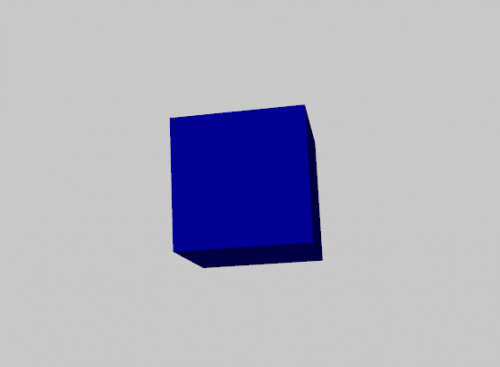 im a noob in zmod3 but how do i compound it into a mesh?
 -
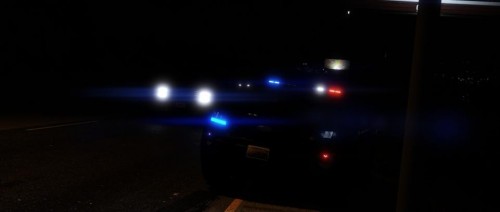 if i made a pack it would be based off peel regional police, more of a canada theme
- 5 comments
- 1 review
-
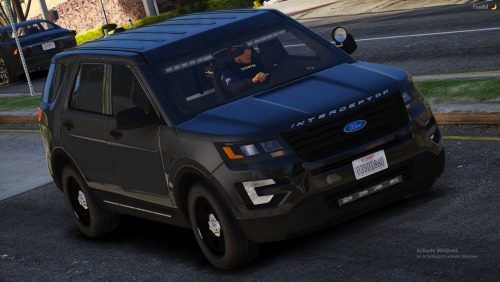
i didnt follow him until now, but that FPIU looks amzing wonder who made it. ummmmmm. lol that would be me what should i change/add?
- 5 comments
- 1 review
-
Lightning 1-3 Stage 1 -Nothing Stage 2 -Extras 1 & 4 rear and front and sides (not all lights on) Stage 3 -all front lighting and rear and sides activated. ***Disclaimer*** just because people post bad reviews doesn't mean they are accurate. I am aware of the issues with this vehicle they will be fixed eventually and be fully furnished once completed. i like to give people an idea of the improvements made through V1 to V2 and so on it also give me and idea on whats giving people attraction to the vehicle and whats wrong with the vehicle and that how i have always done it. i will also be eventually creating all of the GTA 4 releases i created over to GTA 5 but for now modeling takes time. as i have real life things to do. Known Issues: -Rear light-bar (Amber is attached to main light-bar looks awful will be fixed) - Front Light-Bar has no take down (will be fixed in a upcoming version) - Side whelen series 500 (low light coming out of them. i planned it as that as i will be mounting lights out side the car eventually) - basic to zero interior equipment (will be added as soon as i finish the lightning) ***Credits*** Partition - Unknown Partition - Converted to GTA 5 BY The terminator vehicle: - Ford explorer Base model purchased by Thehurk, GTAxB0SS, Requiem and Windows446 - Poly Crunched, Textured, Converted by Thehurk. - Interior purchased by TrentMU and FRGamer - Textures by Taylor Swift, Thehurk, & OfficerUnderwood - Heavily edited this piece of shit into a polished piece of shit by OfficerUnderwood - Rims by BxBugs123, Centercap by Carper - Interceptor Hood text by GTAxB0SS - I'm not gonna add my fuckin' name 5 billion times to get attention like a crack smokin' faggot Visor Bar: LINZ6 Light Modules: Scratch Modeled by Five0 LINZ6 Texture: Five0 Raptor Visor Bar & Virtue8 TA: Scratch Modeled by BlueGhost STL Texture: BlueGhost Custom uv mapping: Uv mapping - The Terminator Whelen series 500 - Unknown Converted by The Terminator Pictures By Danseh ***Information*** Please DM if you encounter any Bugs with the vehicles that i am not already aware of Thanks, The terminator
- 5 comments
- 1 review
-
Right i was trying to advoid the question "is this fivem ready" so i did what i did.
- 22 comments
- 3 reviews
-
cars need to be Converted To fivem Through vehicle metas and Vehicle conversions. people would need to have some knowledge in coding but converting is not that, im not trying make anyone mad or sad by saying need knowledge its just the way i type and come across
- 22 comments
- 3 reviews
-
-
-
-
-
This is a Picture gallery of the best police car/ police packs made by me ( The Terminator) Of 2018. 2019 should more relaxed of cars but should have the same detail as the pictures im gonna show
-
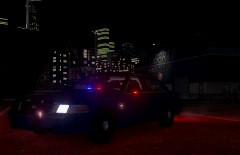
From the album: top 10 Best Cars made By The terminator| Year of 2018|
The final Nice pack of 2018© Shots - The Terminator
-
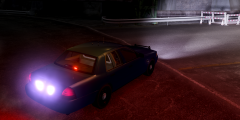
From the album: top 10 Best Cars made By The terminator| Year of 2018|
Those Rear tail lights Though© Shots- The Terminator
-
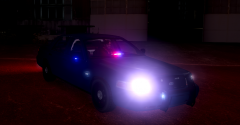
From the album: top 10 Best Cars made By The terminator| Year of 2018|
Pretty Work Done By Shots for this screen shot© Shots. - The Terminator
-
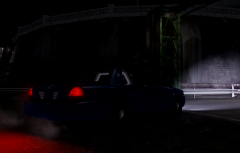
From the album: top 10 Best Cars made By The terminator| Year of 2018|
Nice work done by Shots getting these screen shots© Shots- The Terminator
-
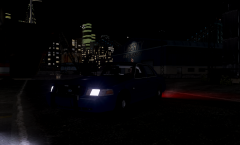
From the album: top 10 Best Cars made By The terminator| Year of 2018|
Amazing Work Done by Shots For the screen shot© Shots - The Terminator
-
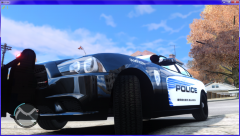
From the album: top 10 Best Cars made By The terminator| Year of 2018|
Still Sexy Eh?© Harold W. - The Terminator
-
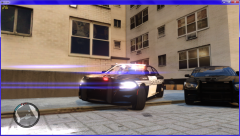
From the album: top 10 Best Cars made By The terminator| Year of 2018|
More sexy? Eh?© Harold W. - The Terminator
-
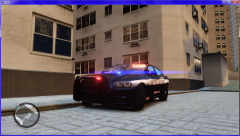
From the album: top 10 Best Cars made By The terminator| Year of 2018|
Pretty Eh?© Harold W. - The Terminator
-
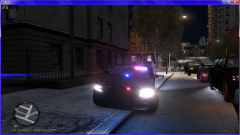
From the album: top 10 Best Cars made By The terminator| Year of 2018|
Sexy Eh?© Harold W. - The Terminator
.thumb.jpg.f49c2dee42890b4dbc33283f8744c2d2.jpg)