
srthewolf
-
Joined
-
Last visited
Everything posted by srthewolf
-
From the album: the way it was ...
-
From the album: the way it was ...
-
From the album: the way it was ...
-
From the album: the way it was ...
-
From the album: the way it was ...
-
From the album: the way it was ...
-
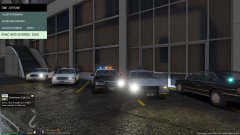
From the album: the way it was ...
-
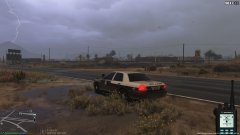
From the album: the way it was ...
-
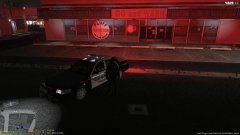
From the album: the way it was ...
-
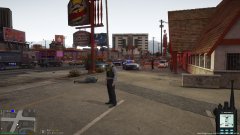
From the album: the way it was ...
-
From the album: the way it was ...
-
From the album: the way it was ...
-
From the album: the way it was ...
-
From the album: the way it was ...
-
From the album: the way it was ...
-
From the album: the way it was ...
-
From the album: the way it was ...
-
From the album: the way it was ...
-
anyone know how I can get the retro shotgun for game play not prop
-
-
-
no mater what I put there it seams the lightbar is blacked out yes I fixed diffuse tint but still not working but only for that car slot I could really use some help it s driving me nuts ,worked and had to reinstall game now it s broke and I cant remember what I used to fix it save me
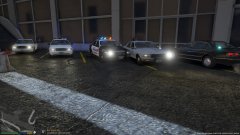 thanks much more to come