
J.Walker
Members
-
Joined
-
Last visited
Everything posted by J.Walker
-
-
- 9 comments
- 1 review
-
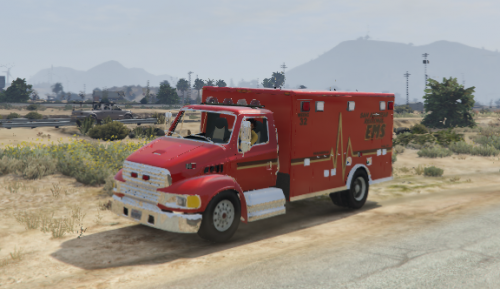 1.1.0 is the fixed version i did last night to fix a few parts that were see through.
- 12 comments
- 2 reviews
-
-
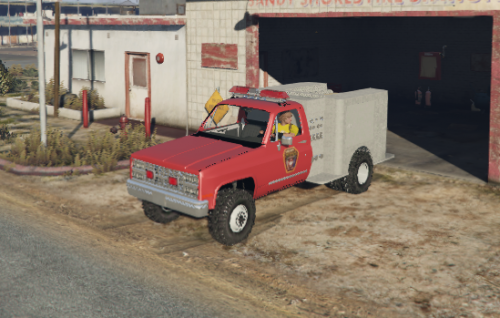
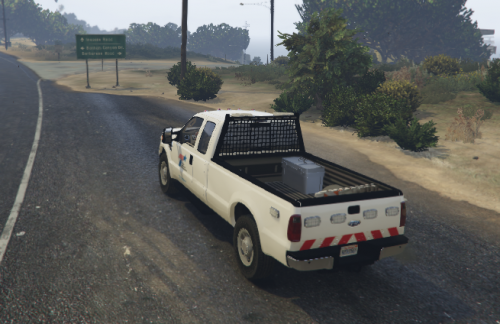 I'm glad to release something a little different that you don't see much these days in the GTA community. This truck is set up for non els and is already compiled into a fivem resource that came from my test server and is ready for ingame use. I hope everyone enjoys this model and happy gaming! I thank all of you that have supported me in hopes of making great content for everyone to use widely and i will continue to fullfill more to come. Join my discord for future releases and upcoming projects! https://discord.gg/JDSuHDZ
- 5 comments
- 3 reviews
-
-
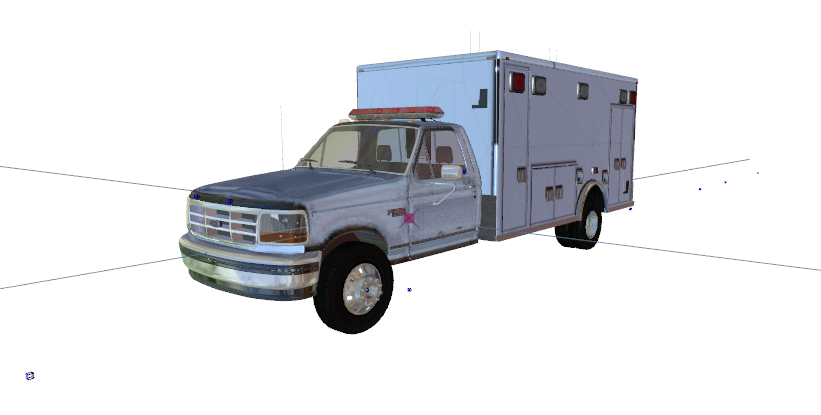
I'm pleased to release the first sterling ambulance to hit gta v. This ambulance is non els and has been set up to work in fivem that came out of my fivem server. I've been sitting on this project a while and decided that it was time for it to be released to the public for anyone to use. It also comes with a template as well. I hope that everyone can enjoy this great built, happy modding. I thank all of you that have supported me in hopes of making great content for everyone to use widely and i will continue to fullfill more to come. Users are not permited to release on any other. Join my discord for works in progress or future upcoming projects. https://discord.gg/JDSuHDZ
- 12 comments
- 2 reviews
-
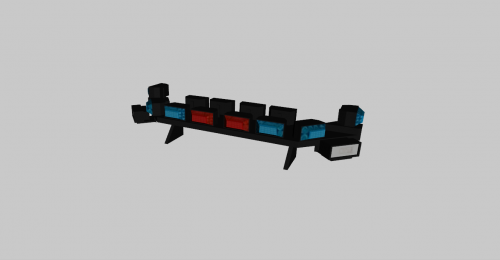
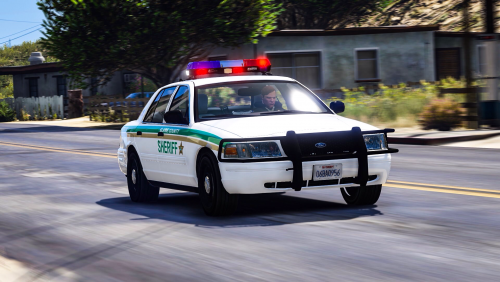 Always a sucker for rotator halogen bars, Not many out there with a streethawk and I like it.
- 20 comments
- 2 reviews
-
-

- 2
-
-
-
-
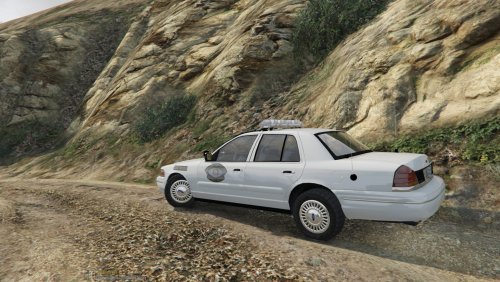
 Oh nice someone made our old city cars.
 -
 https://gyazo.com/b7f652ae7c49cbe0191291321687b8ae
 -
-
-
 I appreciate the help. A buddy of mine taught me a little bit but my zmod lags to death sometimes when I pull multiple parts on the blank template.
- 30 comments
- 4 reviews
-
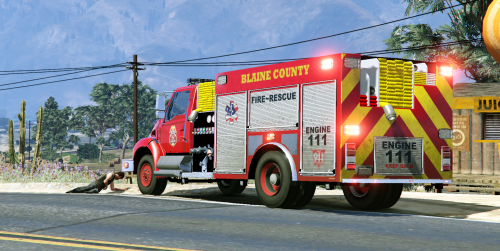
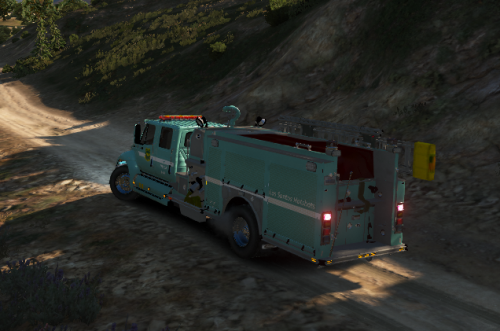
Alrighty the template has been fixed for the fire engine, sorry about the wait we've been getting hit hard at work lately.
- 30 comments
- 4 reviews
-
-
Oh wow my friend didn't have that happen when he skinned it. I'll get to fixing that when I get some free time.
- 30 comments
- 4 reviews
-
It should have the folder with all the metas and such set up, all you'd have to do is place the folder in your resources and add the vehicles name to the server.cfg.
- 30 comments
- 4 reviews
-
-
-
-
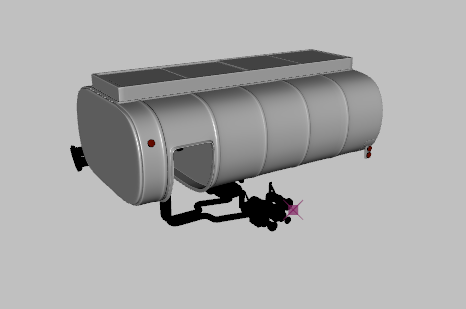 Unfortunatly it didn't come with textures when i bought the truck, i had to build my own but it does have materials i believe.
 -
After converting my 2002 sterling truck i decided that i should release the tank as a bi product for those wanting to make DOT trucks or something else from this part. Being this model is uploaded all permissions are given to those who download it to do what they please with it, yes you don't have to ask me before hand. Like i said before, i downloaded the truck for the cab and this is a spare part i don't need for it. I hope someone finds good use of this part in the near future. Credits: The building of the model was made by hum3d along with the truck which doesn't exist in this file. Converting from 3dsmax file to OBJ was done by J.Walker which was me.
-