



OfficerClarke
Members
-
Joined
-
Last visited
Reputation Activity
-
 OfficerClarke reacted to BradM for a file, [ELS] BCSO Vehicle PackTook a shot at modelling and this is the initial result. My first vehicle pack for GTAV. Includes 6 vehicles.
I want to give a big thanks to @Maurice97 for helping me get started, answering my questions and helping me with some bug fixes. Also have to thank @t0y for also answering my nooby questions. Couldn't have got this far without you guys. And thank you to BlackJesus, thegreathah and Him1250 for the great tutorials videos you have put out as well.
FILE INFO:
This vehicle pack contains 6 vehicles, which include:
2011 CVPI
2013 Tahoe
2013 FPIU
2014 Charger
2016 FPIS
2016 Impala
- All vehicles have working takedowns.
- If you find the Whelen Justice lights too dim during the day, try this edited emissive texture by Black Jesus: emergelights_justice.rar
CREDITS:
OTHER INFO:
TINT BUG? Go into the vehicle.meta and find the 'diffusetint' line for the particular model (SHERIFF2, SHERIFF, POLICE, etc). Replace that value with <diffuseTint value="0x00FFFFFF" /> ... Or simply change the tint in game with a native trainer If your Impala is flipping try a different handling line. I have had luck with POLICE3 and FUGITIVE If you are changing the liveries YOU MUST change the textures in both the normal .ytd and the +hi.ytd ... if you just change it in one or the other the liveries will be different at different distances. If you don't like something about the lighting patterns, speeds, light stages or anything related to ELS chances are you can change it! Don't complain to me about it. ELS is extremely customizable. Check out the ELS user documentation, please don't ask me. All the info you need is in there. If you notice a bug or mistake (which I most likely have made a few) please let me know, and I'll try to fix it in the next update. It could be an easy or quick fix.
-
OfficerClarke got a reaction from The Sheriff for a file, LSPD Skin Pack - Kuwait PoliceLSPD TEXTURE PACK - KUWAIT POLICE
Skin pack contains liveries for the following models:
-Ford Crown Victoria Police Interceptor
-Ford Police Interceptor Sedan
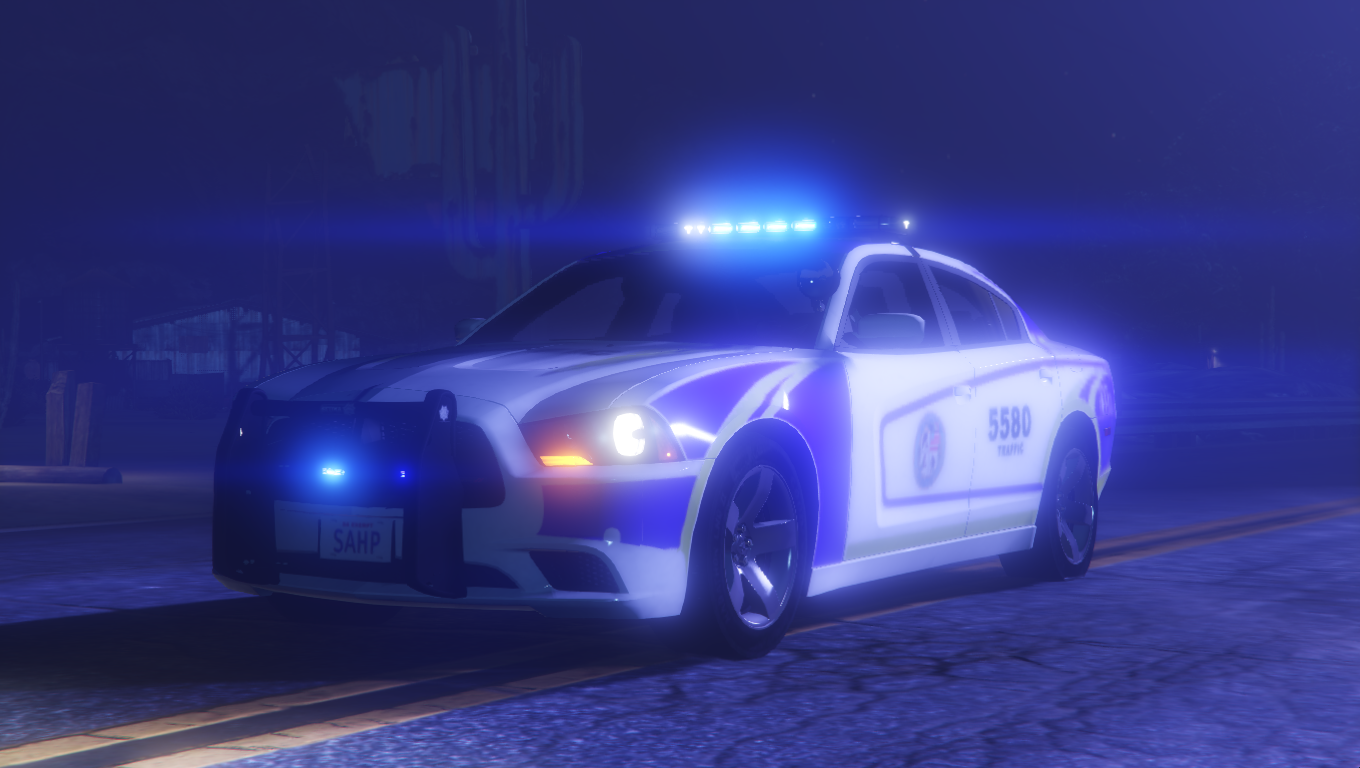
-2014 Dodge Charger
-and 2016 Dodge Charger (Fictional - doesn't exist in Kuwait for real)
Installation:
-Use OpenIV to get in to mods/update/x64/dlcpacks/(your latest patchay(?)ng)/dlc.rpf/x64/levels/gta5/vehicles.rpf
-Enable edit mode and open the .ytd file of the police/sheriff car mod that you want to edit.(backup your .ytd file before committing to this)
Best models to use:
-Ford CVPI and FPIS from J.J Dawkins and t0y (from Atlanta Mini Pack)
-Ford CVPI by TickleMyElmo (from CVPI Sarnia)
-2014 Dodge Charger Model from Real Racing 3, Converted to IV by GeorgieMoon, Converted & Modified for GTA V by Carper and Bxbugs123
-2016 Dodge Charger by POLICESCO
I know there are more vehicles in their inventory, but this is the best that I can do for now.
Hope y'all like it. Have fun!
-
OfficerClarke got a reaction from Riki.PR.15 for a file, LSPD Skin Pack - Kuwait PoliceLSPD TEXTURE PACK - KUWAIT POLICE
Skin pack contains liveries for the following models:
-Ford Crown Victoria Police Interceptor
-Ford Police Interceptor Sedan
-2014 Dodge Charger
-and 2016 Dodge Charger (Fictional - doesn't exist in Kuwait for real)
Installation:
-Use OpenIV to get in to mods/update/x64/dlcpacks/(your latest patchay(?)ng)/dlc.rpf/x64/levels/gta5/vehicles.rpf
-Enable edit mode and open the .ytd file of the police/sheriff car mod that you want to edit.(backup your .ytd file before committing to this)
Best models to use:
-Ford CVPI and FPIS from J.J Dawkins and t0y (from Atlanta Mini Pack)
-Ford CVPI by TickleMyElmo (from CVPI Sarnia)
-2014 Dodge Charger Model from Real Racing 3, Converted to IV by GeorgieMoon, Converted & Modified for GTA V by Carper and Bxbugs123
-2016 Dodge Charger by POLICESCO
I know there are more vehicles in their inventory, but this is the best that I can do for now.
Hope y'all like it. Have fun!
-
OfficerClarke got a reaction from The Sheriff for a file, Kuwait Police (MOI-GSD) LSPD Skin Pack(Disclaimer: This is my original work. Please do not re upload it here or on other platforms with your name on it.)
Hi Guys!
This is my first upload for the community! I hope you like it.
Skin Details:
- This skin is the current livery of the Ministry of Interior - General Security Division, with a bit of change in the logo, text and some details to make it as LSPD as I can.
- Pack contains skins for the CVPI and FPIS (I'll be adding the 2013 Dodge Charger soon)
Let me know your feedbacks. Thanks!


