GameandChill
Members
-
Joined
Everything posted by GameandChill
-
:D Another Pennsylvanian... I thought I was the only one here.. haha. I do like the new graphics... you have any of those new PSP cars in your area yet?
-
They locked it down, so no one could go out in the hallways, with the dogs and distract the dogs, or try to leave with drugs on them.
-
When I was in high school, we always had random drug searches. But normally the school went on "lock down" and if the k9 hit at your locker, or if the dog came into the classroom and hit on you, you were escorted out, and patted down, but I've never heard of a "Mass Pat Down"... a little weird..
-
With mods like MVGA and Radiance V, you need to make sure that the Post FX and Shader Quality are on High or Above in your Graphics settings.
-
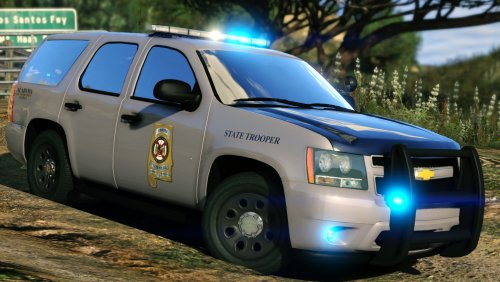 I don't know what we'd do without you Gump! Amazing Amazing Amazing work like always!
- 14 comments
- 14 reviews
-
-

- 1
-
-
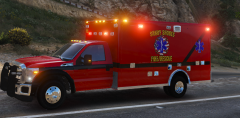
From the album: Screenshots of GTA V
Keep your eyes out, It'll be up as soon as I'm 100% satisfied with it! :) -
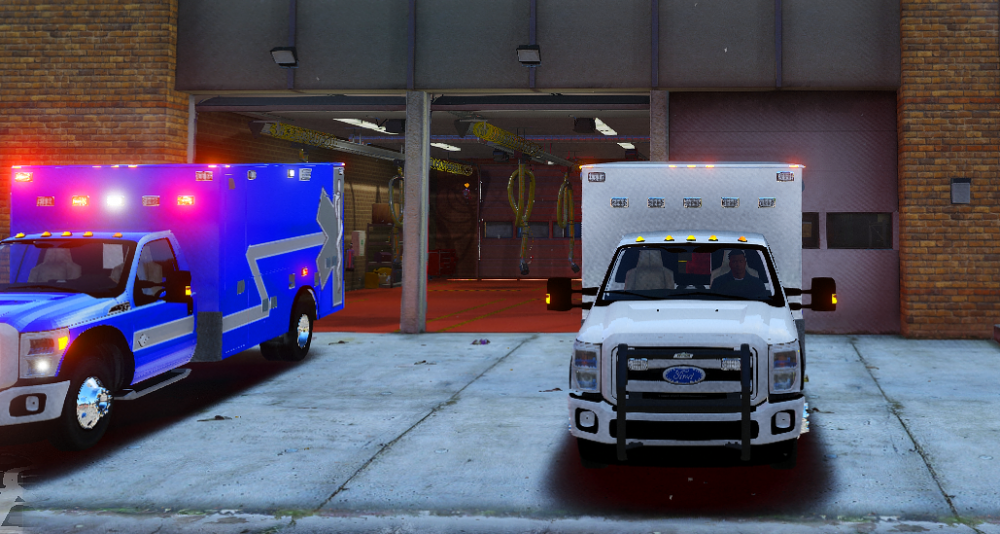
The problem doesn't happen with any other color but white.
-
It's not dirt, made sure the vehicle was clean.. Could be maybe cause the model is so hi poly? That part is all white, and it's right spot on template.
-
If you click on the photo you can see it better, but there's a bunch of grey lines.
-
So I'm making a couple of skins for this f550 ambulance, and I'm having issues when I put the skins in game, with the white skin. It looks like crap. I'm using the template that came with the ambulance that is 2048x2048, using photoshop, and paint.net for some things, and exporting it as a DDS. Just need some help clearing up the white skin. Thank you.
-
I'm maxed out with a 1060 6GB and with LSPDFR and other plugins loaded in I run 40-60fps, without those 60-90
-
I believe the keys on the numpad work for the LSPDFR menu.
-
-
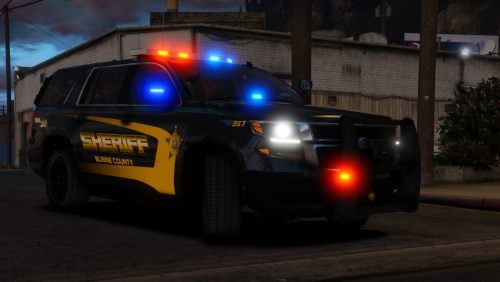 Such good looking models! Fantastic job as always! Great additions to my game!
- 38 comments
- 21 reviews
-
-
- 2
-
-
Is your vehicles.awc over the size, I wanna say if it's over 16.2MB it'll mute sounds.
-
Never even thought about that. If you install another siren, it normally comes with all of the sounds for the Vehicles.awc. good call.
-
Hm, then you'll just have to reinstall the game unfortunately.
-
Have you tried running the game, with out Ragepluginhook.exe? Since you don't use a mods folder, the GTA V Launcher will actually redownload the default files, or it should, and then you can start over that way, and use a mods folder this time!.
-
As in a mods folder, so you don't mess up your regular game files.
-
Do you use a Mods Folder?
-
This is exactly what I've been looking for! I've been setting up a Free, but very real CAD system the past two days for a community, but this is exactly what we are looking for, especially when you can get it to AutoGen everything! I'm sure it's hard work but keep it up a lot of RP communities will be using this for sure!
-
For Performance it should be the same. Now, I run the Hard Copy cause my internet isn't the greatest, and I have a data cap every month. Also from what I've seen it's a lot easier to block the Hard Copy from updating when R* decides to ruin our fun.
-
Are you able to use the RDE peds as well or no?
-
What exactly are you looking for in a dispatcher? What kinda 10 codes and what phonetic alphabet do you use? I was a Dispatcher in real life for a little while, and I'm set in my ways of 10 codes and standard phonetic alphabet.
-
Do you have the latest Scripthook as well?