


.jpg.ab9ddab785c19d9381cd5db58f9169e1.jpg)
Officer GILLETTE ABDI
-
Joined
-
Last visited
Everything posted by Officer GILLETTE ABDI
-
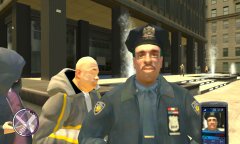
From the album: GTA IV and EFLC Adventures
Officer Olanov warns me, because he don´t friendly and don´t want be photographied -
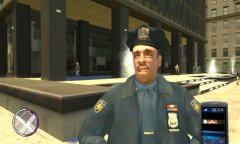
From the album: GTA IV and EFLC Adventures
Officer Olanov is been shocked -
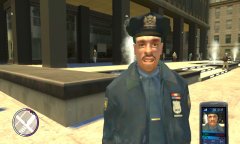
From the album: GTA IV and EFLC Adventures
Officer Olanov is been Bumped -
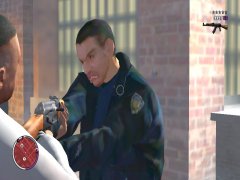
From the album: GTA IV and EFLC Adventures
Attention!!! Officer Brian O'Toole is agressive -
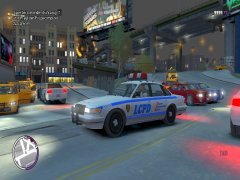
From the album: GTA IV and EFLC Adventures
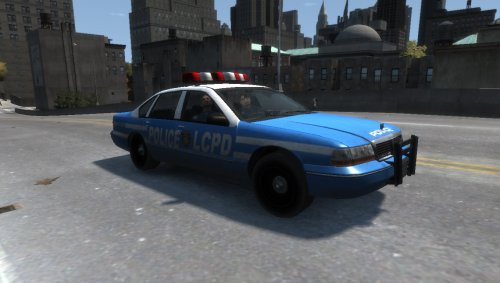
In Real Vapid Stanier 1st Gen -
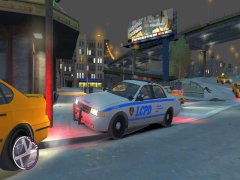
From the album: GTA IV and EFLC Adventures
In Real Vapid Stanier 2nd Gen -
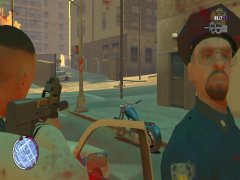
From the album: GTA IV and EFLC Adventures
-
From the album: GTA IV and EFLC Adventures
-
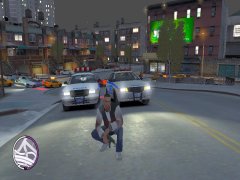
From the album: GTA IV and EFLC Adventures
-
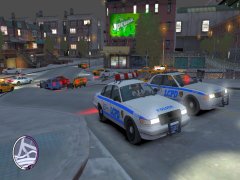
From the album: GTA IV and EFLC Adventures
-
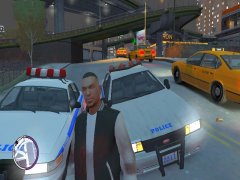
From the album: GTA IV and EFLC Adventures
-
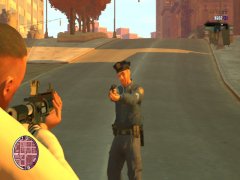
From the album: GTA IV and EFLC Adventures
Officer Sanchez(Officer 219) Wants the Heavy Ass Artillery -
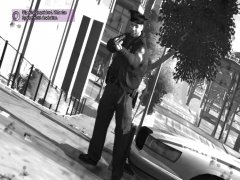
From the album: GTA IV and EFLC Adventures
Officer Sanchez(Officer 219) killed me -
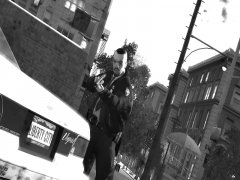
From the album: GTA IV and EFLC Adventures
Officer Custo is happy -
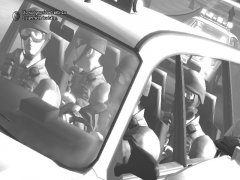
From the album: GTA IV and EFLC Adventures
-
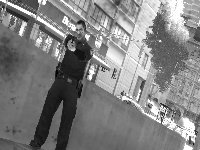
From the album: GTA IV and EFLC Adventures
-
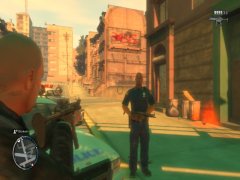
From the album: GTA IV and EFLC Adventures
-
-
-
-
I´ve try put the Police Buffalo(police3), the Police Stinger and the policew in TBOGT cargrp to Group Cops, Because it woks by Sultanrs and i replaced the sultanrs with the GTA V Civillian Cheval Fugitive, put the sultanrs by cargrp and it works. Why it´s not works for the Police Buffalo, the Police Stinger and the policew for the TBOGT cargrp? Here are the Screenshots: and two Game Screenshots(from the Civillian Cheval Fugitive Also known as the Sultanrs):
.thumb.png.a86df18a0dca37abc705d5c58da852df.png)
.thumb.png.8fa118318c957c74089d755ef00417e9.png)
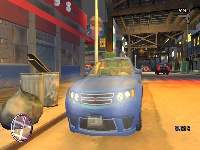
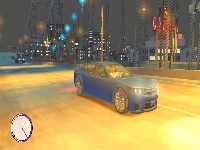
-
I Downloaded the the Mod, because it´s nice with the Orginal Heads, EFLC Heads and Beta Heads there all working together and this is a Good mod. The problem is I put all files in there(you must choice for Custo file or the Enhanced File) destination File and I´ve put the Peds. ide and PedVariations in the EFLC Data File and the EFLC Hispanic Cops and the Beta Cops have No Voice. Please Contact Yard1
-
Is it possible, i can Change the Police Guns with the Policeweapons File?, because i want Police Officer can use after Pistol and Shotgun MP5, AK 47 and M4(in TBOGT MP5, M4 and Assault SMG) instead the PSG1 Sniper Rifle and Replace the Police Snipers with SWAT Snipers. I´m Playing GTA IV EFLC. Can somebody tell me solutions?
-
-
 Nice Mod, this Mod would be nice for GTA IV and EFLC so can the Cops in GTA IV and EFLC use MP5 and Carbine(M4) instead the Sniper Rifle
.thumb.jpg.61ecb4d94197420e3af29e5250b40f31.jpg)

.png.bc803d0ebaae3f49815100af9d1a2a63.png)
.png.dcedfda965f3be7cb30bdab214850353.png)
