


.png.cc92907c93fefc687f395e494d48ebe5.png)
TrooperNikita
Members
-
Joined
-
Last visited
Files posted by TrooperNikita
-
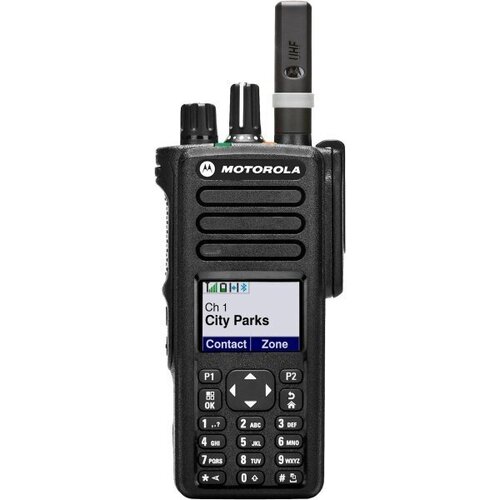
I have put together a small mod that adds the newer motorola talk permit tone as well as 3 new panic tones to GrammarPolice and UltimateBackup. These sounds are based off of the Motorola DGP8550e radio. Enjoy! This mod does require GrammarPolice and UltimateBackup to be installed.
INSTALLATION PROCESS:
1. Navigate to your GTA V Directory
2. Plugins folder goes into your GTA V directory.
3. There are 3 options for the panic tone and loudness in my mod folder not including the DP8550e sound I included last update. Pick the one you like and put that sound under the following paths:
GTA V DIRECTORY\PLUGINS\LSPDFR\GrammarPolice\audio
GTA V DIRECTORY\PLUGINS\LSPDFR\UltimateBackup\audio
4. Go to your custom.ini folder in GrammarPolice and ensure that PTTPushSound=5 and PTTReleaseSound=3
CHANGELOG:
ADDED 3 NEW PANIC OPTIONS WITH QUIETER AND LOUDER TONES
INCREASED VOLUME ON TALK PERMIT TONE A LITTLE MORE
Sound DEMO BELOW
Tone Demo.mp4- 2,830 Downloads
- 17 Comments
Updated
.thumb.png.76f13f4124e86996e88bedabac845d40.png)