



FrameBGrad.png.58e24256855b46c96be9aeac80800515.png)
Jacobmaate
-
Joined
-
Last visited
Everything posted by Jacobmaate
-
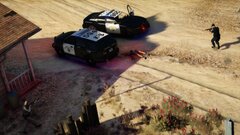
From the album: Jacobmaate's WIP Screenshots
I've been testing adding my new SAHP vehicles to LSPDFR 0.4's new response system. -
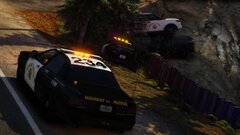
From the album: Jacobmaate's WIP Screenshots
I've been testing adding my new SAHP vehicles to LSPDFR 0.4's new response system. -
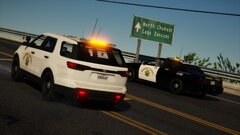
From the album: Jacobmaate's WIP Screenshots
I've been testing adding my new SAHP vehicles to LSPDFR 0.4's new response system. -
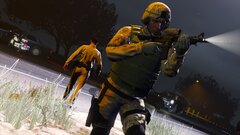
From the album: Jacobmaate's WIP Screenshots
I've been testing adding my new SAHP vehicles to LSPDFR 0.4's new response system. -
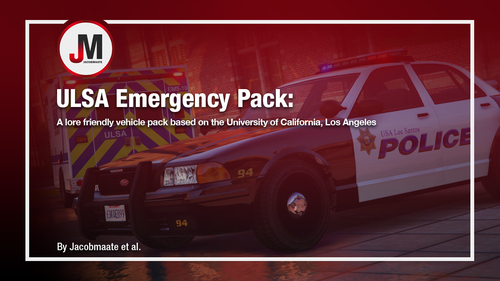 IMPORTANT: Before installing this mod, please ensure you have downloaded and installed a custom gameconfig, such as this one. Also ensure you have OpenIV installed. Inside your download will be a readme.txt file, to explain exactly how to install this mod, as well as a credits.txt file. ABOUT: The ULSA Emergency Pack: A lore friendly vehicle pack based on the University of California, Los Angeles. Ranging from the ULSA Police Department to the ULSA Emergency Medical Services and a lil Health Inspector car on the side, you're all kitted up and ready to make a rather small place feel large again. Vehicle Spawn Codes: ULSAPD - Stanier ULSAPD1A - Stanier (slicktop) ULSAPD2 - Scout ULSAPD3 - Alamo (K-9) ULSAPD4- Merit (Unmarked) ULSAPDOLD - Stanier (Legacy) ULSAEMS - EMS Scout ULSAEMS2 - Speedo (Box) Ambulance ULSAEMS3 - Speedo Ambulance ULSA - Health Inspector Dilettante A full list of credits and respective contributors can be found in the credits.txt file supplied in this mod. PERMISSIONS: Whilst I've essentially done all the vehicle assembly and much more by myself, this pack is ultimately the work of many who've contributed through assets. If you wish to modify any part of this mod, then be sure to check with the respective authors beforehand. Copying or redistributing this mod, in whole or in part, without the my permission (or approval by it's respective author) is strictly prohibited. This mod is exclusive for download at GTA5-Mods.com, lcpdfr.com and GTAPoliceMods.com only. Downloads from other sites will be regarded as stolen.
- 10 comments
- 1 review
-
-

- 8
-
-
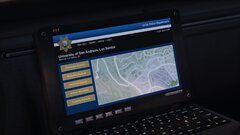
From the album: Jacobmaate's WIP Screenshots
Trialling a new laptopscreen texture -
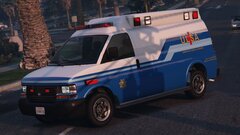
From the album: Jacobmaate's WIP Screenshots
-
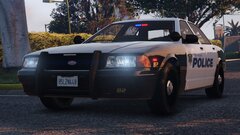
From the album: Jacobmaate's WIP Screenshots
-
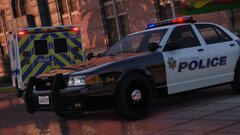
From the album: Jacobmaate's WIP Screenshots
-
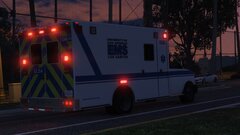
From the album: Jacobmaate's WIP Screenshots
-
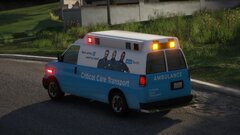
From the album: Jacobmaate's WIP Screenshots
-
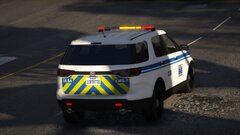
From the album: Jacobmaate's WIP Screenshots
-
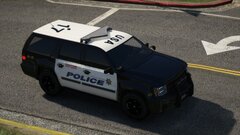
From the album: Jacobmaate's WIP Screenshots
-
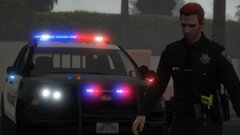
From the album: Jacobmaate's WIP Screenshots
-
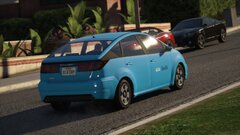
From the album: Jacobmaate's WIP Screenshots
-
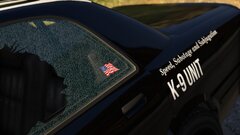
From the album: Jacobmaate's WIP Screenshots
Staniers will feature a neat little US flag in the rear side windows -
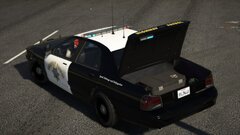
From the album: Jacobmaate's WIP Screenshots
Including dual module boot mounted lighting to my SAHP vehicles, as well as, of course, filling the vehicle up with essential equipment ;) -
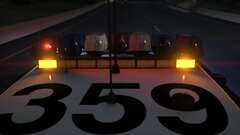
From the album: Jacobmaate's WIP Screenshots
reworked the mounted Traffic Advisor to the vector lightbar to have better textures, and will be operational when sirens are activated. -
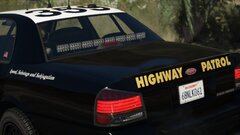
From the album: Jacobmaate's WIP Screenshots
Used as one of two extra variations for my slicktop SAHP Stanier. -
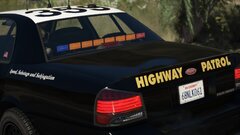
From the album: Jacobmaate's WIP Screenshots
Used as one of two extra variations for my slicktop SAHP Stanier. -
From the album: Jacobmaate's WIP Screenshots
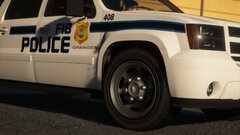
Made some new wheels using a mix between the standard police model wheels, and IlayArye's Alamo wheels -
From the album: Jacobmaate's WIP Screenshots
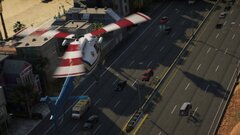
Following the rather satisfying look from the last time I retextured a helicopters rotorblades (see mine and TheF3nt0n's U.S. Coast Guard pack), I decided to do the same this time around for the S.A. Highway Patrol -
From the album: Jacobmaate's WIP Screenshots
-
From the album: Jacobmaate's WIP Screenshots
-
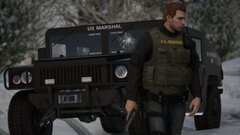
From the album: Jacobmaate's WIP Screenshots
Using a simple retextured EUP 8.1 vest for this U.S. Marshal
FrameBGrad.thumb.png.203c596c923420820bcf0c0c7717dcf4.png)
