



EditName
Members
-
Joined
-
Last visited
Everything posted by EditName
-
I must be blind 🤣. I see that now. Thank you.
-
I only see one version on there. Where on there is the non UI version?
-
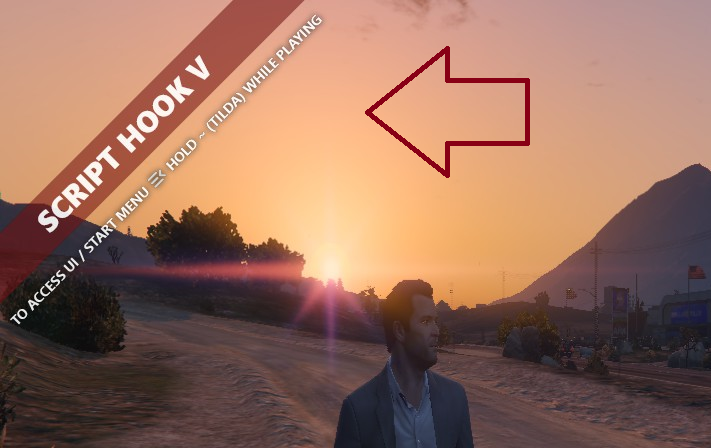
How do i keep that logo from popping up every time?
-
So I was in a foot pursuit with a suspect and had my dog. Decided to go back and get my SUV. I am catching up and bam I ran the dog over 😭😂 Anyone have this happen? 😆
-
That was the issue. Thank you so much.
-
I removed Computer+ & MegaPhoneUI (didnt want this anyway) and Updated DeryllCallouts but still same issueRagePluginHook.log
-
When I load up the plugins they do fine. When I "Force Duty" it crashes. I have edited some configs not related to LSPDFR but not renamed anything. RagePluginHook.log Any Ideas?
-
Everytime I go to their site it's either down or the DL just links back to their website that worked. thanks
-
Anyone got a copy of scripthook (the newest version)? Their website is down
-
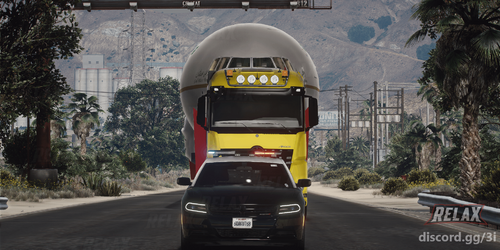 Translated (using Google) for people to read it... “Riyadh Season Flight” is a specialized mod that features lightweight drones and similar aircraft technologies, designed with the utmost care for a seamless experience. This mod is characterized by precision and attention to detail, and offers unique features that enhance the overall quality of the game. With large size and exceptional quality, it ensures smooth performance without any issues or glitches. Features: lightweight drones and flight technologies; High resolution and intricate details; Great size, great quality; There are no problems or defects in performance
 -
-
That worked. Thank you so much
-
I will give that a try when I get home from work. I figured it might be that but was unsure
-
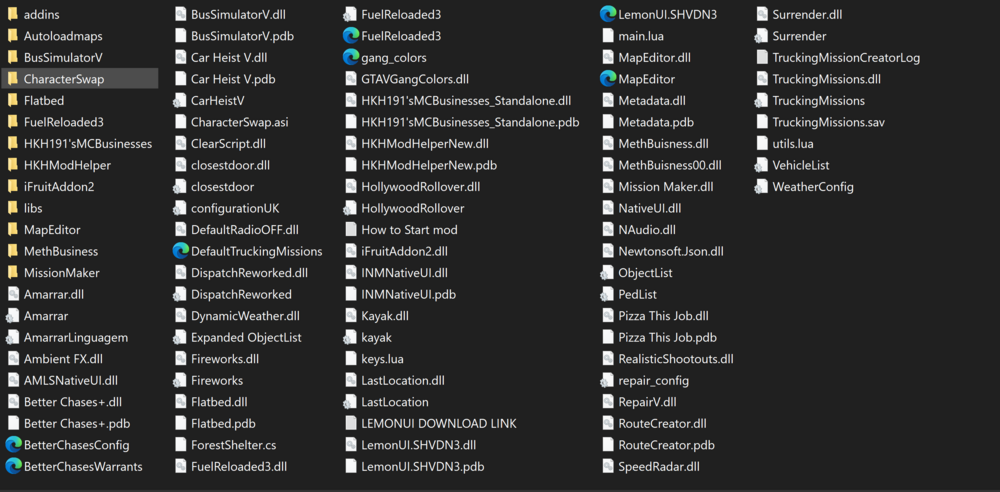
So I installed something (not sure anymore) possibly a game config. But I have way to much traffic. More than normal. I checked my scripts folder and see nothing about traffic. (image of scripts folder) Any ideas?
-
I currently use Computer+. Have been for the longest/ But curious what peoples thoughts about the LCPDFR computers in game?
-
After installing it for the 5th time it loaded it up. So weird
-
I am having issues with it. I installed it where it was to go but it keeps saying it's placed incorrectly
-
An issue I am having with SuperCallouts is I got it where every other call out goes but it says it's on the wrong area. i also have the most recent PyroCommon in the root.
-
Everytime I play for about 5-10 mins it just crashes randomly. Unsure why. Any thoughts? Log included RagePluginHook.log
-
Did you enable the plugins in the Rage Plugin Hook settings? When starting RPH hold down the Shift key and a menu should appear. There you can choose which plugins you want to enable/disable. Or while in game press F4 then type "loadplugin" space and choose one to load
-
Try using the nightly build of scripthook
-
Need to post your rage log as well please.
-
 video demo of the sound be a good idea
 -
Issue resolved. Had accidentally added tinted window without noticing 🤦♂️
-
I have it installed. It was working great till Monday




