Coast Side Kyle
Members
-
Joined
-
Last visited
Files posted by Coast Side Kyle
-
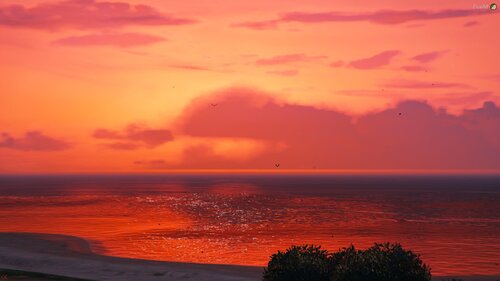
I originally made thi for myself, when I was messing with lights. Then, I went in and explored the possibilities of the file. Which I then messed with things like rain, puddles, ambient lights, traffic lights, light times, etc. And decided to upload it here for others to use. Take a look at the readme, for my contact info, and how to install. There could be better versions in the future, also.
DISCLAIMER: Your game is not guarenteed to look like my screenshots. I have other things helping my visuals, and also my graphics settings could vary from yours. But regardless, with Emergency Lighting, you must have PostFX: High+, Shader Quality: High+, Particles Quality: High+ (For Emergency Lighting)
- 715 Downloads
- 12 Comments
Updated -
This is a custom skin that I made for BxBugs123 CVPI. This skin is based off of the Alameda County CVPI
- 85 Downloads
Submitted