




Weazelsun
Members
-
Joined
-
Last visited
Everything posted by Weazelsun
-
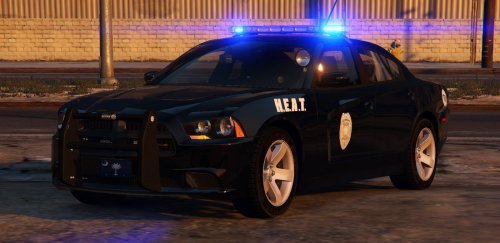 Strange, I've installed all the files correctly only difference being that I'm using for the POLICE2 slot, and when I spawn it in-game. It ends up looking like a messed up wreck. It's the yft files that seem to have a difference. If I open up the police2.yft in OpenIV it the model shows it correctly, with the HPD skin I'm using, but when I open up the police2_hi.yft the model it shows is different and in the LSPD skin. Edit: NVM, I think I figured out the problem it was because I had renamed the file of police_hi.yft to police_hi2.yft, which should have been police2_hi.yft. 2nd Edit: I solved the problem, it was indeed because of myself not renaming files correctly.
- 56 comments
- 25 reviews
-
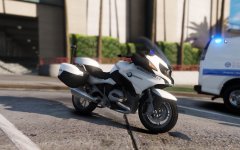 Love those shots!
 -


