Skip to content
View in the app

A better way to browse. Learn more.

LCPDFR.com

A full-screen app on your home screen with push notifications, badges and more.

To install this app on iOS and iPadOS
  1. Tap the Share icon in Safari
  2. Scroll the menu and tap Add to Home Screen.
  3. Tap Add in the top-right corner.
To install this app on Android
  1. Tap the 3-dot menu (⋮) in the top-right corner of the browser.
  2. Tap Add to Home screen or Install app.
  3. Confirm by tapping Install.

Private Steel

Members
  • Joined

  • Last visited

Files posted by Private Steel

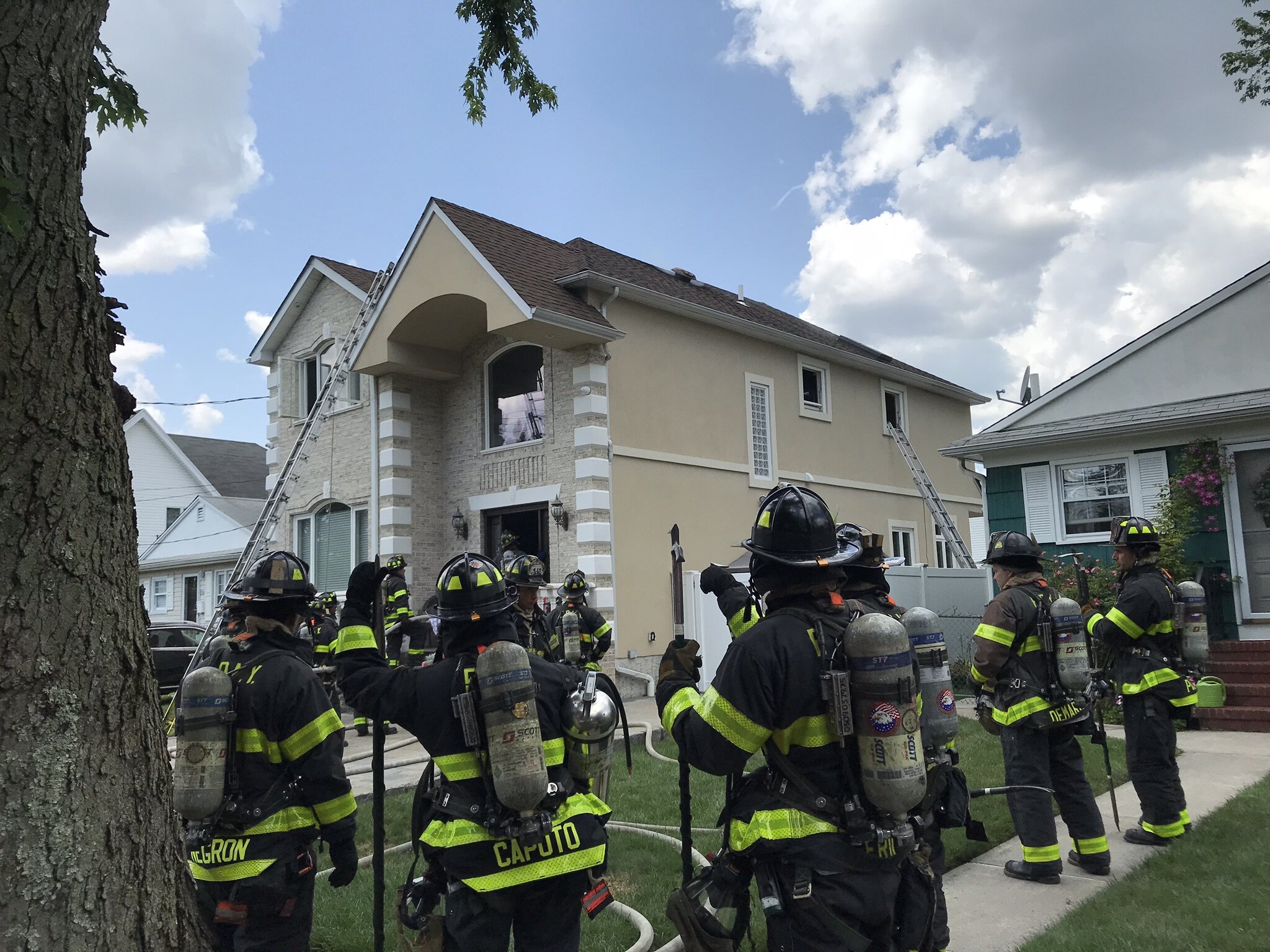
  1. This was edited to try to delete background noise but i tried my best to cut it out for the most part, hopefully it sounds good on your end as its hard to record this sound directly from an FDNY Radio especially the Handie Talki on scene of a fire due to so much background noise from rigs.
     
    Its really recommended to turn off the "Delay Releasing Push To Talk" to really get the Mic Click to sound good but will sound good with it on as 0.3 secs
     
     
    • 940 Downloads
    • 1 Comments
    Updated
  2. Read the README for installation guide. Recorded right from an NYPD Radio.
    First time doing this hope its sounds good.
     
    Preview: 
     
    • 4,682 Downloads
    • 5 Comments
    Updated

Account

Navigation

Search

Search

Configure browser push notifications

Chrome (Android)
  1. Tap the lock icon next to the address bar.
  2. Tap Permissions → Notifications.
  3. Adjust your preference.
Chrome (Desktop)
  1. Click the padlock icon in the address bar.
  2. Select Site settings.
  3. Find Notifications and adjust your preference.