TDekaanLspdfrSouthAus
Members
-
Joined
-
Last visited
Reputation Activity
-
 A tad overboard there but that does cover the basic points.
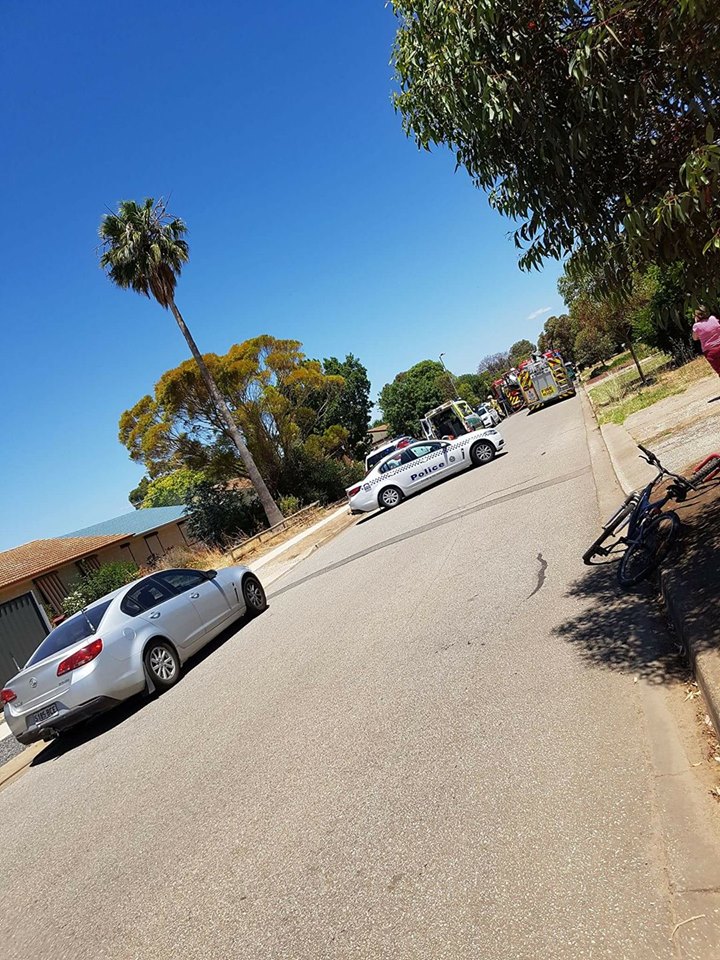
also @TDekaanLspdfrSouthAus, you don't really need to worry about posting images of cars for reference. Anyone who makes models/skins knows how to google these images
-
TDekaanLspdfrSouthAus reacted to Sgtnicko in LSPDFR Australia Discussion ThreadWell,
If you bothered to search the mods you'll find the Highway Patrol SAPOL has already been done. The second picture would need an accompanying model created, which people don't just pull out their asses. They cost time and money however, i'm sure if you pay the 75USD plus some money for the person crunching the model and texturing they would be happy to do it.
My point? They don't work for you. Unless you're a contributing member of the Australian community don't even bother requesting anything it wont happen.
I think snit's doing a patty wagon before he goes to the old folks home, so you'll have to wait.