



ECMalcolm
-
Joined
-
Last visited
Everything posted by ECMalcolm
-
-
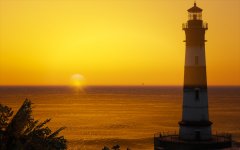
From the album: Landscape/Architecture
-
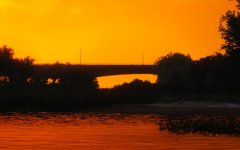
From the album: Landscape/Architecture
-
-
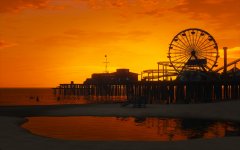
From the album: Landscape/Architecture
-
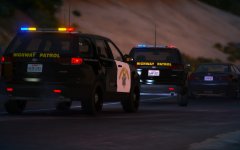
From the album: Lore-Friendly Emergency Vehicles
-
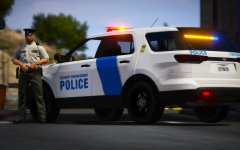
From the album: Lore-Friendly Emergency Vehicles
-
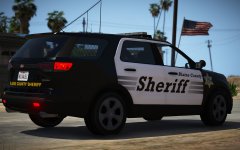
From the album: Lore-Friendly Emergency Vehicles
-
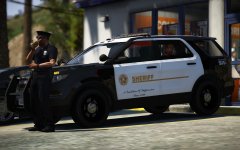
From the album: Lore-Friendly Emergency Vehicles
-
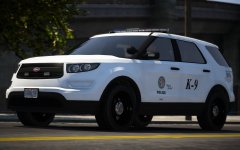
From the album: Lore-Friendly Emergency Vehicles
-
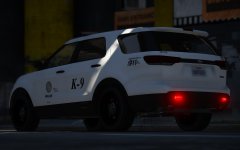
From the album: Lore-Friendly Emergency Vehicles
-
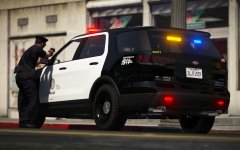
From the album: Lore-Friendly Emergency Vehicles
-
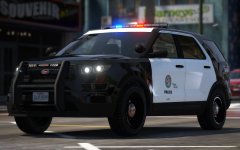
From the album: Lore-Friendly Emergency Vehicles
-
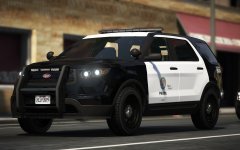
From the album: Lore-Friendly Emergency Vehicles
-
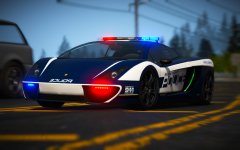
From the album: Blaine County PD Pack (Hot Pursuit)
-
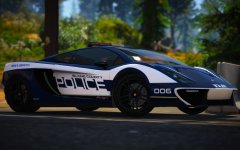
From the album: Blaine County PD Pack (Hot Pursuit)
-
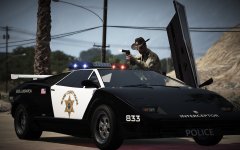
From the album: Blaine County PD Pack (Hot Pursuit)
-
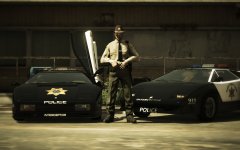
From the album: Blaine County PD Pack (Hot Pursuit)
-
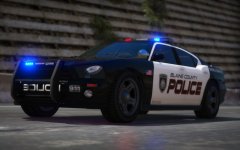
From the album: Blaine County PD Pack (Hot Pursuit)
-
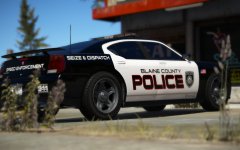
From the album: Blaine County PD Pack (Hot Pursuit)
-
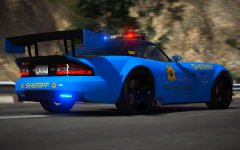
From the album: Blaine County PD Pack (Hot Pursuit)
-
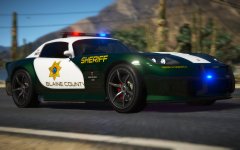
From the album: Blaine County PD Pack (Hot Pursuit)
-
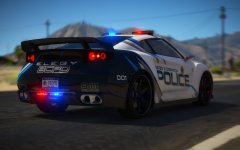
From the album: Blaine County PD Pack (Hot Pursuit)
-
.thumb.png.74b4802818a8a79de3eb5b6175a0c3bd.png) The livery looks incredible, and the models are solid, however things that I have noticed are that the 3rd stage lights don't show up. It may just be a me problem but it's something worth mentioning. Also not a huge fan of it just saying "Police" on the rear of the vehicle and it being skewed to the left. Feel like it's missing something. The Harley also looks amazing but of course it does that bug that you recognize already. Overall it' s a pretty solid pack. Definitely a 5/5.
The livery looks incredible, and the models are solid, however things that I have noticed are that the 3rd stage lights don't show up. It may just be a me problem but it's something worth mentioning. Also not a huge fan of it just saying "Police" on the rear of the vehicle and it being skewed to the left. Feel like it's missing something. The Harley also looks amazing but of course it does that bug that you recognize already. Overall it' s a pretty solid pack. Definitely a 5/5.- 11 comments
- 4 reviews
-
-

- 1
-
-
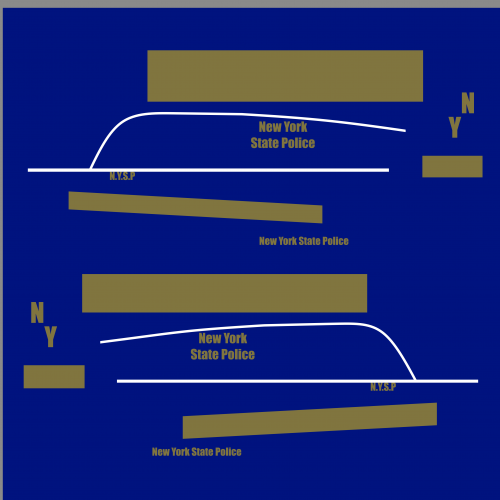 To be honest, this looks very rushed and lazily done. As ViSion mentioned above, one of the sides says SATE POLICE, plus the gold rectangles looks proportionately different.


.thumb.png.74b4802818a8a79de3eb5b6175a0c3bd.png)
