


.gif.fba18a54473705b0720204b1857c75fe.gif)
TrpCharles
Members
-
Joined
-
Last visited
Everything posted by TrpCharles
-
 Yes bro they were all re-done with better features just drag and drop and replace your wardrobe ini file boom 🙂 . also I am 95 percent of the time extremely tired when I do this stuff so yeah. Thank you I am extremely grateful for all your tutorials and I appreciate everything you do for this file and community 1 million thumps 🙂 . Also that rain coat pretty much anything you request is a green light that will be added in the next update along with PT gear at the moment motivation is like a roller coaster for me so we will see.
- 108 comments
- 19 reviews
-
Just a bunch of new stuff added and re-did so yes on both your questions, whats the confusion on the Installation doc ?
- 108 comments
- 19 reviews
-
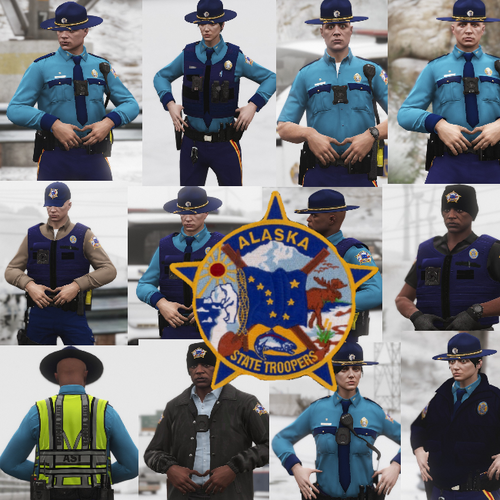 I can explain however I really can't It was a mistake that I will fix the best way to reach me is by messaging me so I can immediately respond I have a lot of files and it's hard to keep up with everything in them I apologize for not responding sooner. The good news is I will update this file along with some fixed details and new textures.
- 14 comments
- 9 reviews
-
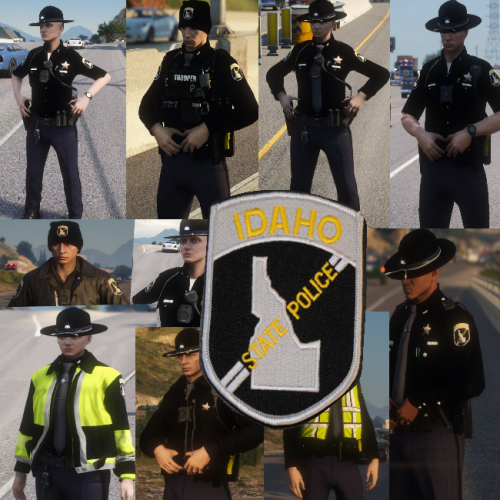 I just slapped something on a random charger hoping no one would notice.
 -
-
From the album: The Morning Sunset
-
From the album: The Morning Sunset
-
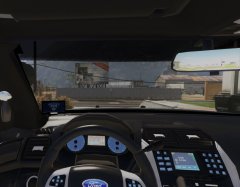
From the album: The Morning Sunset
-
From the album: The Morning Sunset
-
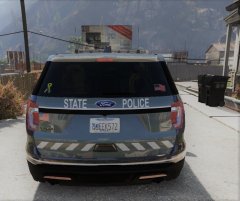
From the album: The Morning Sunset
-
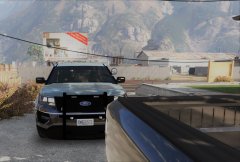
From the album: The Morning Sunset
-
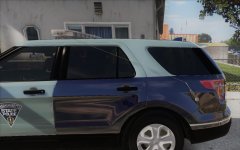
From the album: The Morning Sunset
-
From the album: The Morning Sunset
-
From the album: The Morning Sunset
-
From the album: The Morning Sunset
-
From the album: The Morning Sunset
-
From the album: The Morning Sunset
-
From the album: The Morning Sunset
-
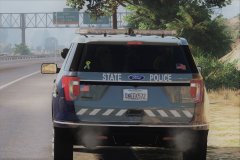
From the album: The Morning Sunset
-
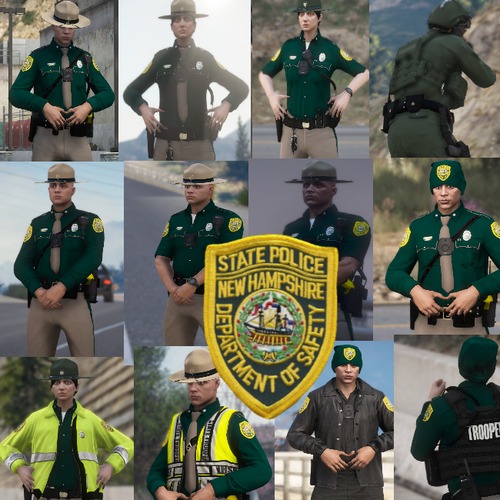 Well I made a mistake I apologize for the confusion I was half awake when I re-updated this. DISREGARD ANYTHING BELOW THIS OPEN IV MODS-UPDATE-X64-DLC PACKS-PATCHDAY3-DLC.RPF-X64-MODELS-CDIMAGES-PATCHDAY3NG.RPF that's the install destination don't use x64e for any ped drops. I am at a loss I can't believe I made such a simple mistake sorry again.
- 22 comments
- 3 reviews
-
I need a little bit more detailed information on your issue, is it E.U.P or the PED you're having issue's with?
- 108 comments
- 19 reviews
-
It's okay you won't lose anything with E.U.P the ped has absolutely no effect on it, just follow the instructions on install and you will be fine. also again E.U.P and this ped have NO correlation.
- 22 comments
- 3 reviews
-
I am a little confused here, but if you are trying to replace your sheriff ped just rename it to as such s_m_y_sheriff_01.dds and then install into where you would normally install a sheriff ped x64e. The model is not compatible with E.U.P unless you are familiar with changing textures on your own I would not recommend replacing anything until you understand how. Paint.net is what I use.
- 22 comments
- 3 reviews
-
-
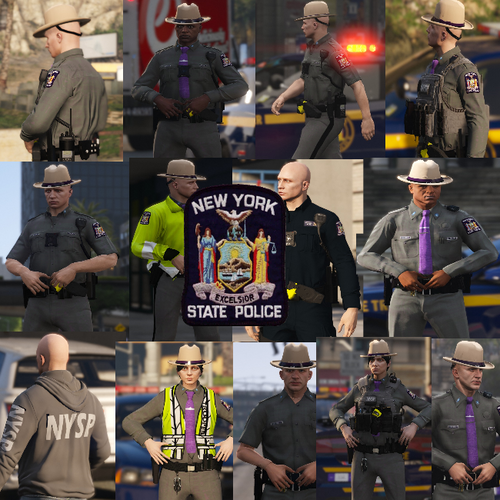 Yes you need E.U.P just follow all the instructions provided for you and you will be all set.
- 20 comments
- 4 reviews
.thumb.gif.8178193303b96ee8cf1030d73212f4f2.gif)



