
shadowdiver710
Members
-
Joined
-
Last visited
Everything posted by shadowdiver710
-
-
From the album: Shadow's WIP
The fire chief showed up at the open house and displayed car 171 for the attendees. -
From the album: Shadow's WIP
-
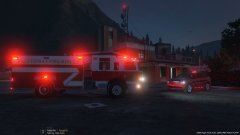
From the album: Shadow's WIP
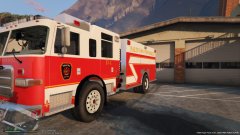
As the night was uneventful, the duty crew decided to host a little open house for the community. The popular attraction at the house was Engine 17-1, newly returned to service after being sent out for retrofitting. Engine 17-1 is a 2002 Pierce arrow that was recently purchased used by the Paleto Bay Fire department and sent back to Pierce for upgrades and repairs. -
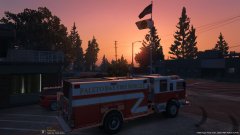
From the album: Shadow's WIP
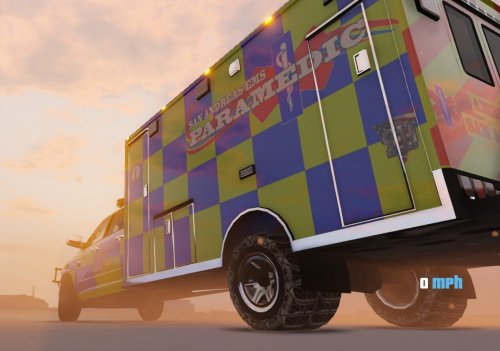
The sunset in the background created a beautiful photo opportunity this evening as the crew enjoyed what turned out to be a peaceful evening. -
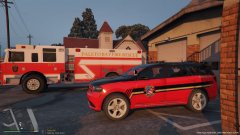
From the album: Shadow's WIP
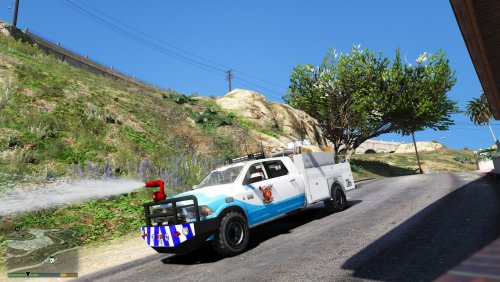
The new Durango utility truck sits on the apron of the Paleto Bay fire station -
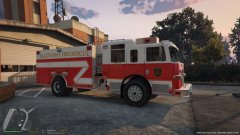
From the album: Shadow's WIP
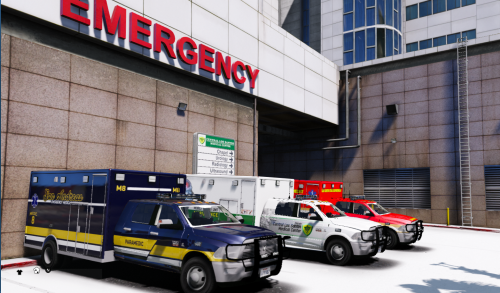
PBFD's engine freshly dry after being washed by the incoming crew. -
From the album: Shadow's WIP
-
-
 Thanks! Ill try it...I am hesitant to use auto installers because my vehicles.meta file is somewhat heavily customized and sometimes they screw up the game for me....
- 15 comments
- 4 reviews
Could you add a version without the bumper turret? I already have some extra firetrucks added and cant seem to perfect the meta without making the game crash. Having the turret without the correct file makes it spin like a top in-game. Otherwise great model!- 15 comments
- 4 reviews
 I fixed it, I hadn't updated my trainer in a while. Trainer update fixed the problem.
- 13 comments
- 1 review
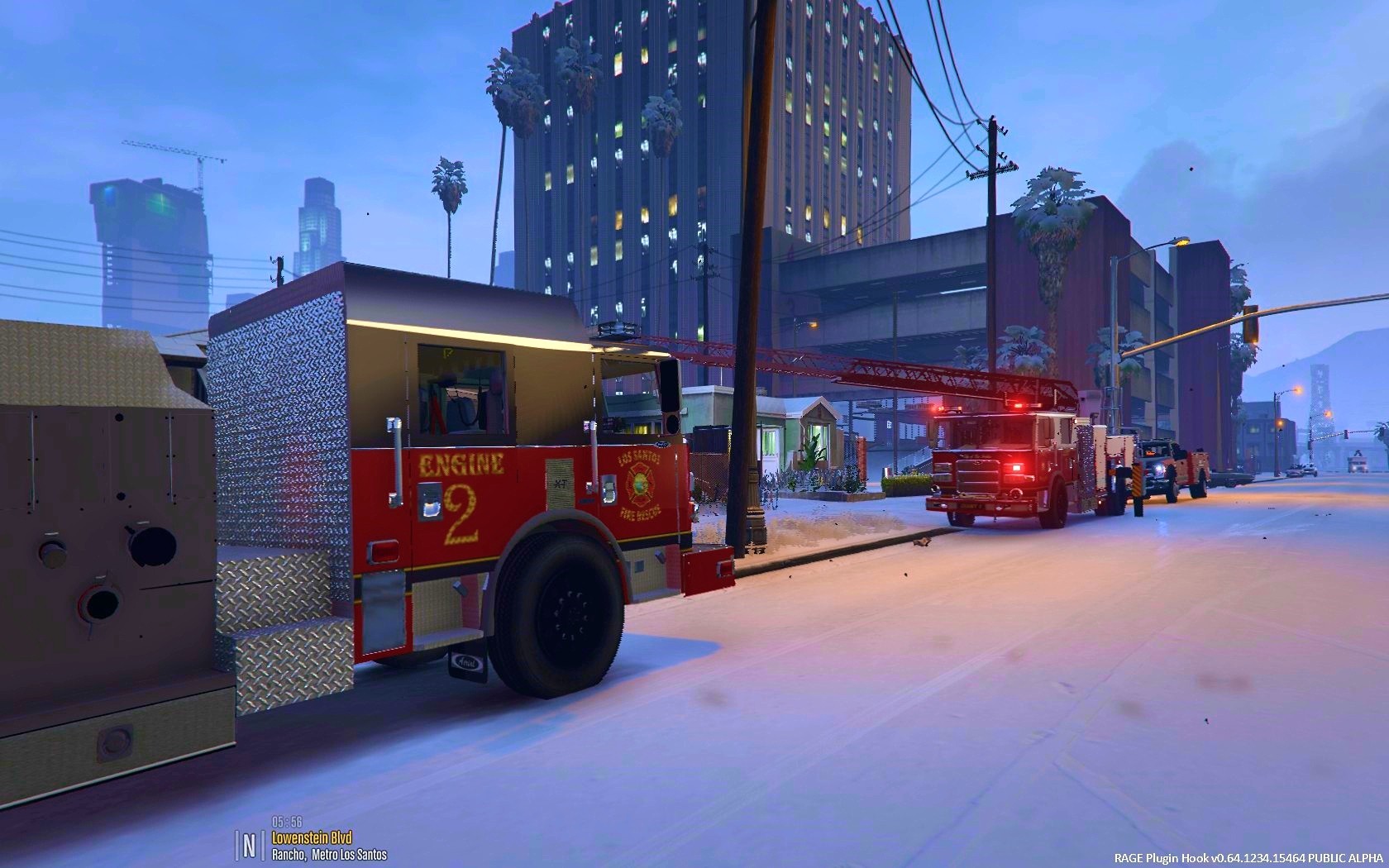
how did you get snow in your game? when I try to enable it with my trainer, it says it is not supported by this version of the game. (legit steam version, up to date)- 13 comments
- 1 review
 I think it is pulling some of the color from the quadra flares in the top left corner, but I dont know where exactly.
- 46 comments
- 7 reviews
I really appreciate all of the help you have given me. I just cannot seem to get it to work. I'll make do with what I have got. Using your texture I got what is in the pictures below. My goal was to have the texture appear on the vehicle like it does on the file. For example, at the bottom of the 2nd screenshot, you can see the red and white circles. In the third screenshot you can see how they actually appear like that in-game, in contrast to the rear textures that do not. Again, thanks for everything, I just get picky sometimes....lol- 46 comments
- 7 reviews
thats weird, as the base models are supposed to be the same......I will have to look into it.
I was trying to make the red and blue textures all red, but using a specific texture. Ill attach a sample of it below, you can use that if you like. Just copy and paste it to cover the area if it is too small, do not try to stretch or shrink it, doing so will make it look wierd. I only put the yellow texture in there to see if it did anything after I saved it. It would have stood out easier to see if it worked or not. I used the yellow just as a test.- 46 comments
- 7 reviews
It is still not working. As a test, I used this file to see if it was changing it. I replaced the squares you referred to with a yellow texture but they are still red and blue- 46 comments
- 7 reviews
What FPIU model? There are a quite a few. I would need a link. Also, the tahoe skin from the pack uses the same model as the one you tested it on, so it should be a perfect fit. Lol.
@Candice How /what file do I use to change the texture for the rear quadra flares? I cannot find the right file. I have customized all of the other lights except for those.... EDIT: I should mention that this is on the alternate lightbar version.- 46 comments
- 7 reviews
The new version looks a lot more crisp and consistent throughout the entire texture. I have been using patriot lightbar textures, they seem a more vivid red, not as much white in it. The blue is a bit darker too. I'd be interested to see what the textures themselves look like on the new ones Patriot:
 Like it a lot, but not a fan of the reflective striping on the front bumper...