


gta dude104
Members
-
Joined
-
Last visited
Everything posted by gta dude104
-
Deputy Ken on Youtube helped me out. I used ViusalV and changed the settings in that file.
-
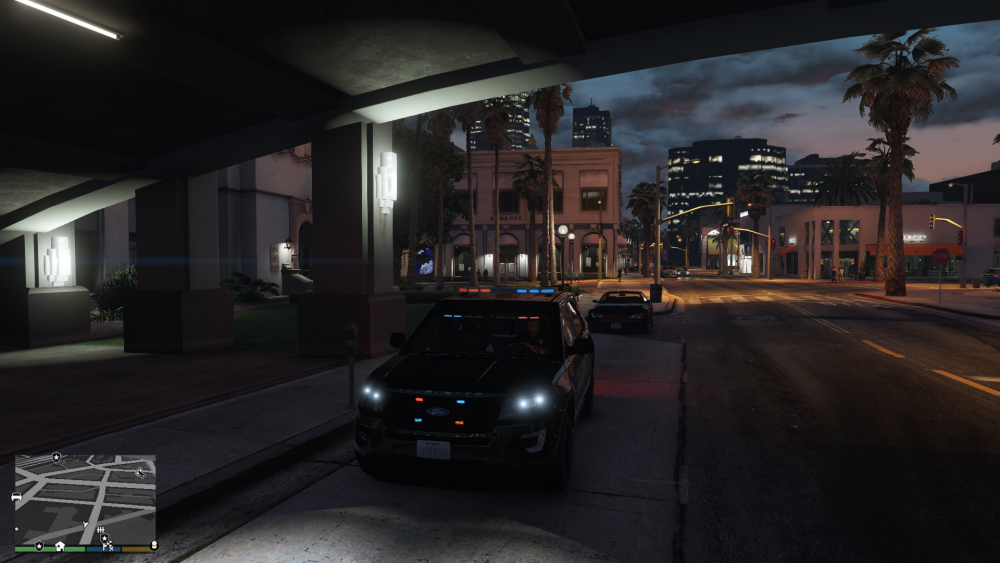
Can anyone help me figure out what to download or what settings to change to make my lights brighter. And I don't mean more light being radiated, I just want to be able to see them better and make them pop more. I attached a picture to show how dull they currently are.
-
Perfect. Worked great thanks
-
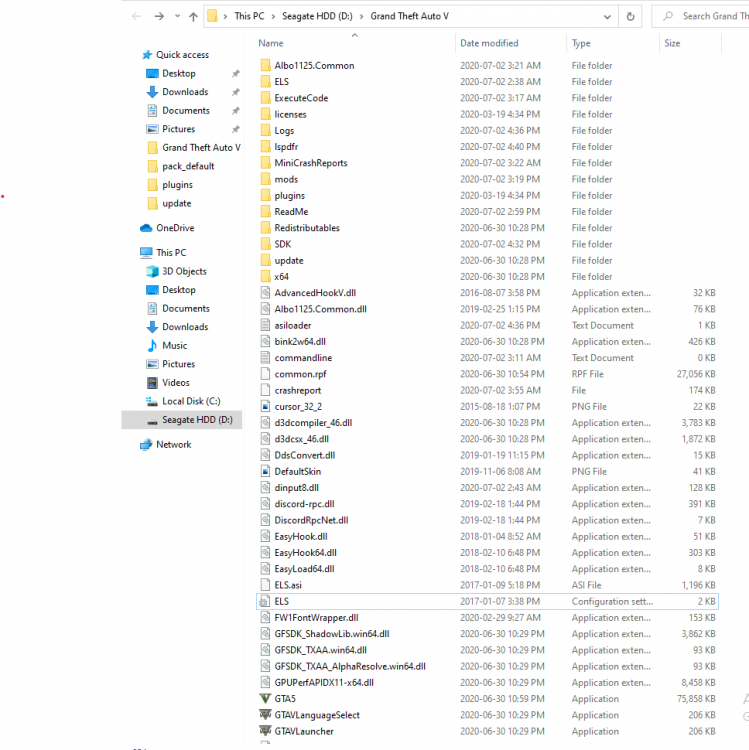
So my els seems to be in order. I could be wrong. CTRL+P menu won't pop up and all els lights are static which leads me to believe ELS is not installed? Help
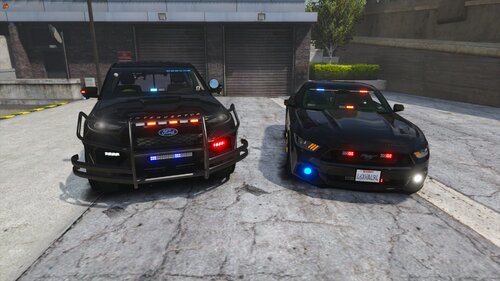 So I really like the mustang but the glow of the directional lights in the back show as red and blue instead of yellow. Also, besides the lights in the back, none of the other ones are working. I mean they flash and I can see them on the car but they produce no light. I can’t see them on the road or walls
- 46 comments
- 4 reviews
Where can I find it?thanks alot for helping me but i think il wait until you guy come up with an automaic download!!!I know and dont close the topic but, where do i get it? post me a link please.well when ever i download the 0.90e it still says unable to find source file!!!thanks alot now at least im a step closer.how do i upgrade my gta game to patch 7?I got an asi loader from a video link and every time i do a g17 scan it says that i dont have it what do i do??


