
DcK
Members
-
Joined
-
Last visited
Everything posted by DcK
-
-
 If you need some R/B just let me know which ones you want R and which ones B. Ill edit it super quick for you.
- 53 comments
- 17 reviews
-
-
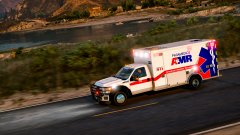
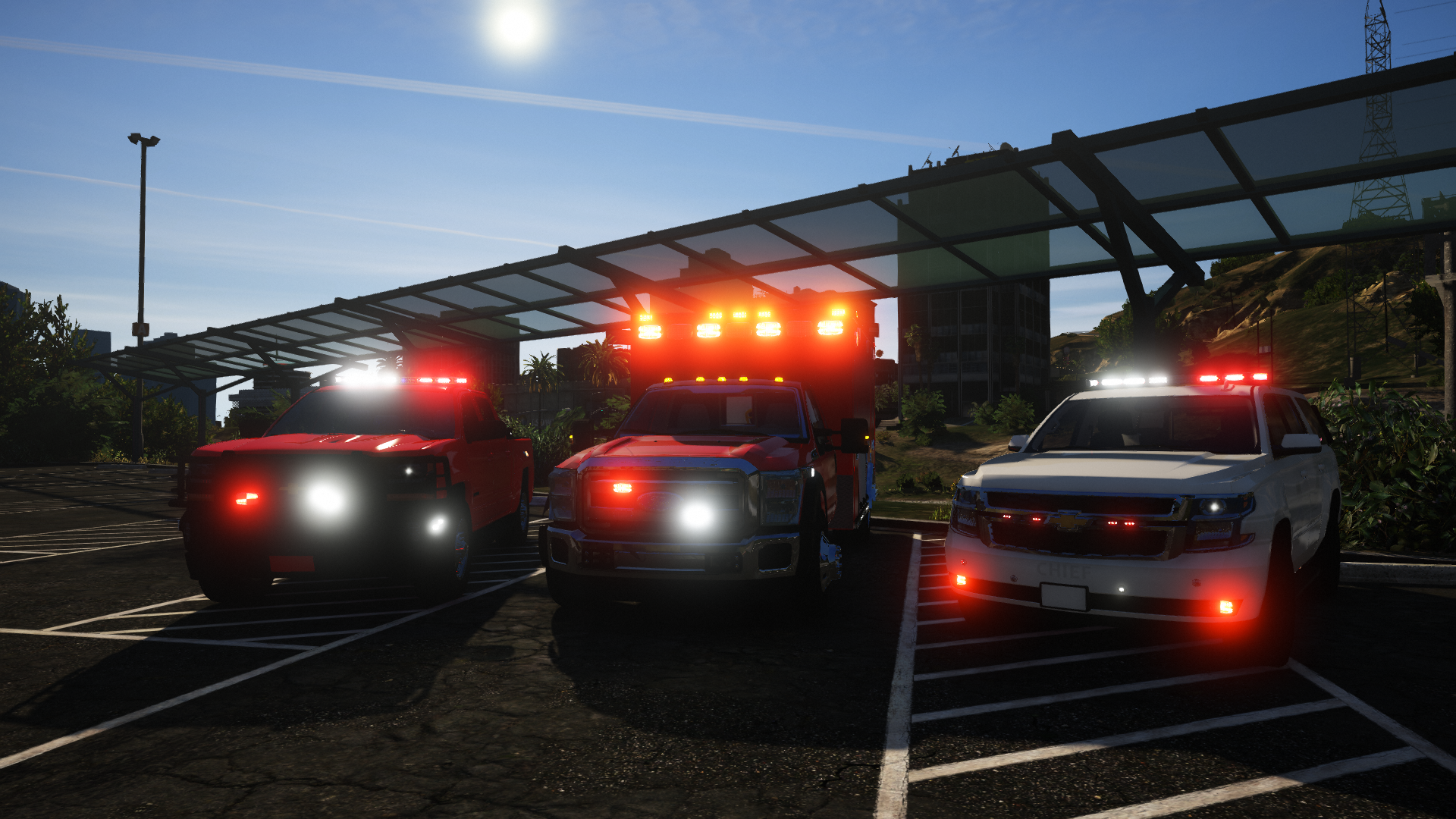
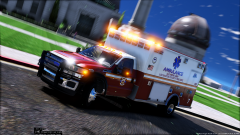
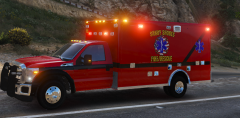
!!!IT'S HERE ONCE AGAIN.. HAPPY THANKSGIVING!!! The 2015 Ford F-550 Rescue Medic Special Thanks to: @lamping1990 for the model and working with me to convert it My Beta team @Slendis @Maurice97 @TrentMU & for the SEXY screenshots INSTALL CREDITS SEXY PREVIEW VIDEO FROM @TrentMU DO NOT RE-UPLOAD TO ANY OTHER SITE WITHOUT MY PERMISSION. TEMPLATE IS INCLUDED. YOU CAN MAKE AND RELEASE SKINS. JUST DON'T RE-UPLOAD THE MODEL. IF THERE'S ANY ISSUES PLEASE REPORT THEM BELOW! !!!THANKS FOR THE DOWNLOAD. HAPPY GAMING!!! !!MORE UPDATES ARE ALWAYS TO FOLLOW!! DISCLAIMER THIS MODEL IS BASED OFF WHAT I LIKE ALONG W/ INPUTS OF OTHERS IN THE COMMUNITY - PLS COME TO ME IF THERE ARE ANY ISSUES - DOWNLOAD BEFORE REVIEWING I DO NOT WORK WITH NON-ELS - PLS DON'T ASK ME TO CONVERT IT TO NON-ELS
- 53 comments
- 17 reviews
-
-

-

-

- 29
-
-
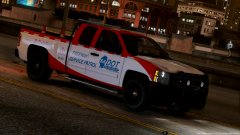 Battle of the DOT trucks....?
 -
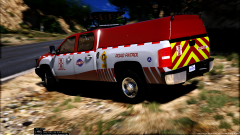 TrentMU..... The type of guy who puts window bars on a road side service vehicle
 -
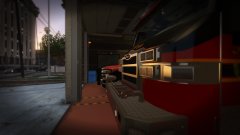 Christmas might come early (; SHUTTTTTTTT UPPPPPP I don't work with non els. Never figured out how it all works. Maybe one day I can learn. I will agree with the flash patterns and environment lighting though
 -
From the album: DcK's stuff
© D-Town Productions 2017
-
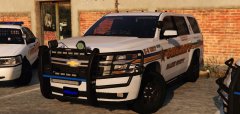 Gump back to making ugly models (;
 -
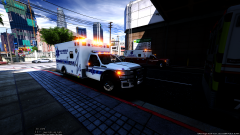 It will most likely be released early this week, assuming I don't find more bugs with it
 -
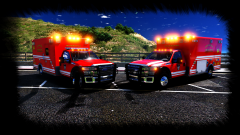
From the album: DcK's stuff
!Coming soon! -HUGE THANKS- My entire beta testing/Dev Team @lamping1990 @TrentMU & for the screenshots @Slendis @mroxplay© D-Town Productions 2017
-
-
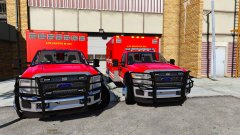 Theres no point in me putting out a template if it's different because you still wouldn't be able to test it. Wait till release
 -
I believe so! I think I made minor ajustments to it but from what my testers have been telling me it works fine
-
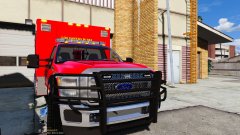
From the album: DcK's stuff
Yes you are not mistaken... There's two, and will be released together (;© D-Town Productions 2017
-
From the album: DcK's stuff
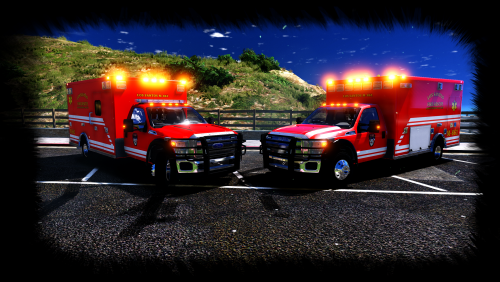
Well the time has come for me to put out the second version of my ambulance. I originally was only going to make one but I realized there was so much I wanted to add that I thought why not make two? Medic 861 Features: Ranch Hand push bar w/ 4 LINZ6 LEDs on the grill and 2 on either side Federal Signal Quadraflares on either side of the front fenders. Angled for intersection warning lighting 7 Federal Signal Quadraflares above the cab Quadraflares on both sides of the patient compartment w/ independent scene lighting Quadraflares to the rear w/ a Whelen TAL85 6 module traffic advisor Interior Equipment features: Custom Havis console w/ custom emergency & scene lighting control switches, Whelen siren & TA controller, Motorola XTL5000 radio with mic, other misc equipment Custom seat side storage boxes w/ custom FD equip Panasonic toughbook w/ ELS arrowboard feature for laptop lid Communication Headsets Medic 862 Features: All the same lighting with the exception of a few removed modules; 5 from above the cab, 2 from push bar grill, middle upper modules of patient box, center module at rear of the box Added Whelen Ultra Freedom Removed ELS arrowboard from laptop lid, boot will become side door to patient box Interior Equipment features: All the same interior equipment with the except of a new toughbook added (from buggs) Both Medics feature: Custom skins w/ template Custom ELS.xml (model has been designed around a specific lighting pattern) Front white light kill when out of vehicle© D-Town Productions 2017
-
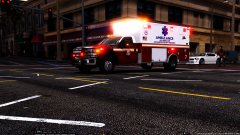 Well damn you just ruined it for everyone. Now I can't release it or you'd be a liar ):
 -
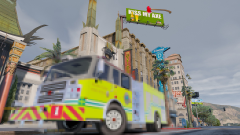
 Well of course! I do like my TA's (;
 -
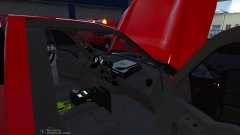
 I promise I didn't mean that that
 -
-
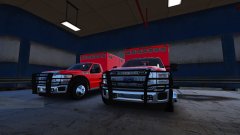
From the album: DcK's stuff
Los Santos Fire~Rescue left the comfort of sunny weather and warm beaches for snow shovels and wool hats. Taking a trip to the Pierce factory in Appleton, Wisconsin to inspect four of their new Rescue Medics before paint© D-Town Productions 2017
-
 There's more coming soon!
 -
HEY! That's mine (;
-
Damn... I'm gonna use it and go back to a time you were cool );
-
Its the DeLorean DMC-12 bro! With the new flux capacitor (;