Skip to content
View in the app

A better way to browse. Learn more.

LCPDFR.com

A full-screen app on your home screen with push notifications, badges and more.

To install this app on iOS and iPadOS
  1. Tap the Share icon in Safari
  2. Scroll the menu and tap Add to Home Screen.
  3. Tap Add in the top-right corner.
To install this app on Android
  1. Tap the 3-dot menu (⋮) in the top-right corner of the browser.
  2. Tap Add to Home screen or Install app.
  3. Confirm by tapping Install.

S3bastian H

Members
  • Joined

  • Last visited

Files posted by S3bastian H

  1. Ok so far i have done 2011 CVPI, 2014 Charger, 2016 FPIU, 2013 Tahoe 2013, 2016 FPIS these are more orange so yeah tell me what you think and post some pictures! 
    Hope you enjoy 
    Most of the cars on the pictures were from these two packs


    • 241 Downloads
    • 1 Comments
    Updated
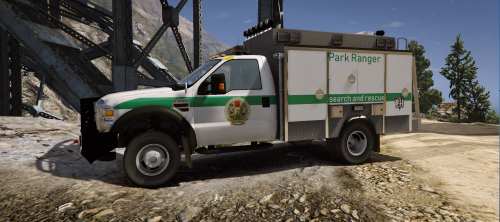
  2. This is a work in progress 
    So i know the hanging file is kinda broken im working to fix that a fix will be out ASAP
     
    the vehicle was made by Candice go and check her out 


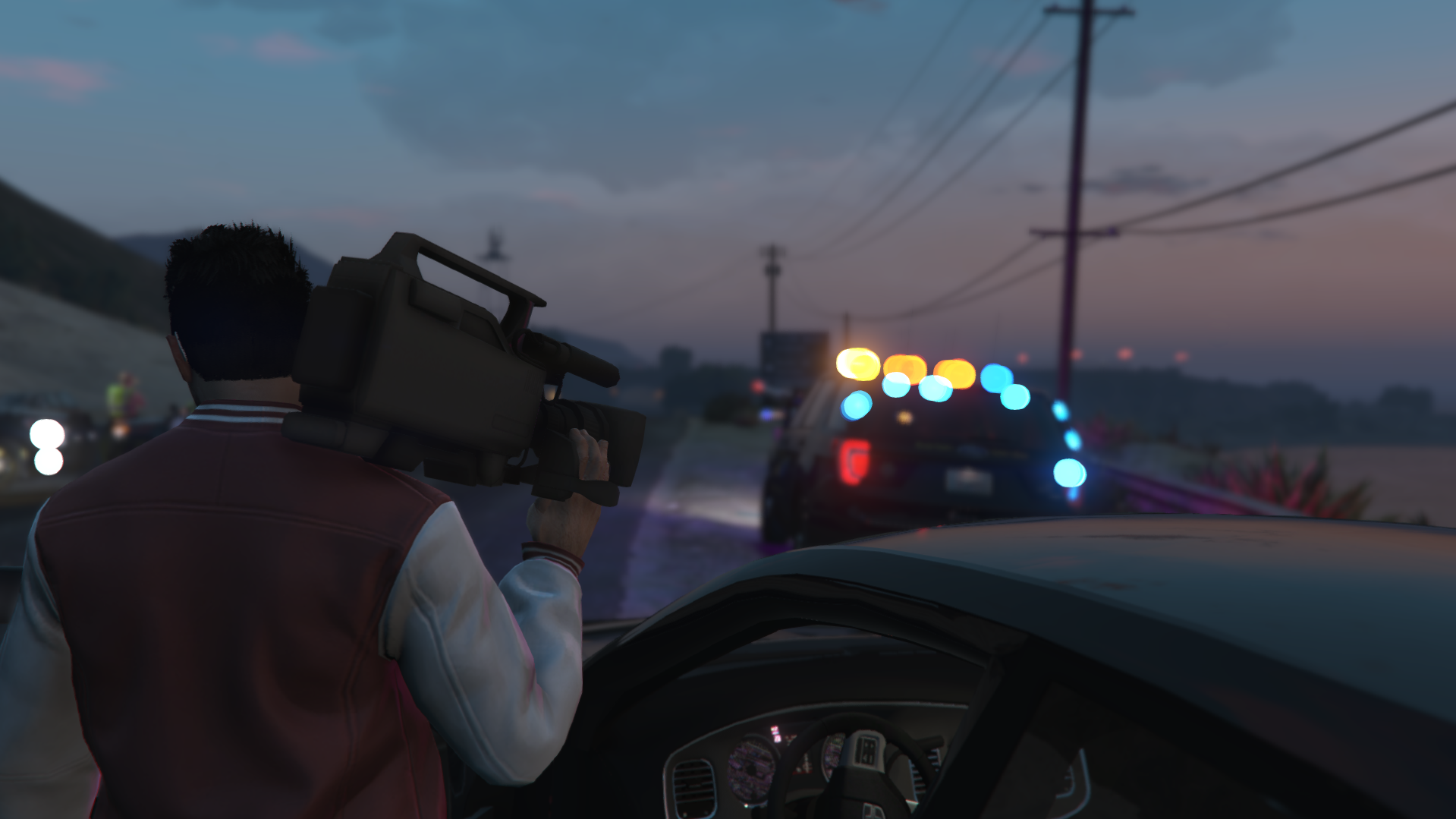
    An awesome video by Benzo Effect go and check it out 
     
     
    • 295 Downloads
    Updated

Account

Navigation

Search

Search

Configure browser push notifications

Chrome (Android)
  1. Tap the lock icon next to the address bar.
  2. Tap Permissions → Notifications.
  3. Adjust your preference.
Chrome (Desktop)
  1. Click the padlock icon in the address bar.
  2. Select Site settings.
  3. Find Notifications and adjust your preference.