sixium
Friends of LSPDFR
-
Joined
Everything posted by sixium
-
Coming very soon! Just a few more touches and a skin for the Police Boat Dinghy! Probably would be fun to play along with Coastal Callouts!
-
-
 lolol, what a coincidence
 -
-
Looks like it's from a movie
-
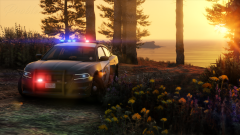 HOLY JESUS
 -
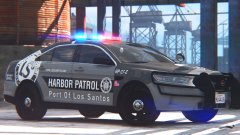 VisualV + ENB + RADIANCE V + MemeEnhancer/ReShade
 -
LSPA-Harbor Patrol Division 2016 Ford FPI Sedan 2016 Ford FPI by Gump! =D
-
From the album: Los Santos Views
LSPA-HPD 2016 Ford Police Interceptor! Awesome 2016 FPI made possible by OfficerUnderwood, this specific model by Gump! WIP 2016 FPI by Gump -
-
-
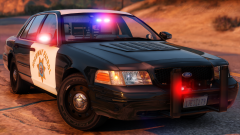
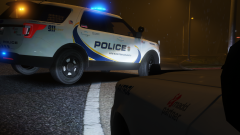 Looks Canadian. Is this based off a Canadian agency?
 -
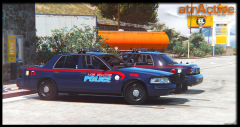 get a room guys
 -
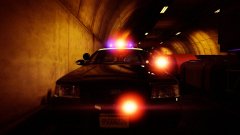 Wow
Wow -
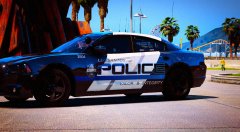
LSPA-HPD 2015 Dodge Charger Pursuit Back to the law enforcement arm of the LSPA =D 2015 Dodge Charger slicktop by Gump =)
-
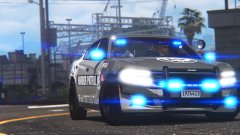
From the album: Los Santos Views
Los Santos Port Authority Harbor Patrol Division - 2015 Dodge Charger. Back to the law enforcement arm of the HPD =) WIP: 2015 Dodge Charger Pursuit slicktop by Gump! =D -
Yes, these will be released eventually.
-
Lol
-
Here's another one. LSPA-HPD Fire & Rescue Dive Team Ford F350 SuperDuty pickup. Ford F350 SuperDuty by Thehurk =D
-
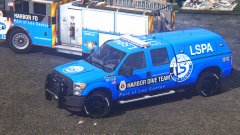
From the album: Los Santos Views
Los Santos Port Authority Harbor Patrol Division Fire & Rescue Dive Team Ford F350 SuperDuty (boy that was a mouthful). WIP: Ford F350 SuperDuty truck by Thehurk =DD -
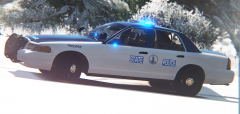 Wait... how were you taking shots before this??
 -
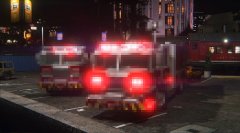 Just release it already man =P
 -
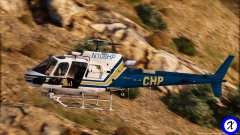 I love the way helicopter shots turn out in GTAV. They were some of the first shots I've ever taken.
 -
I don't think they're going to add any rules to releases. They've already gotten rid of all of the pre-existing release rules of yore. I think the only rule remaining that can get your modification removed is if it's stolen/uncredited.
-