
DJSharke
Members
-
Joined
-
Last visited
Everything posted by DJSharke
-
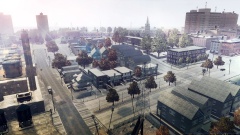
From the album: Greater Liberty City Misc Screenshots
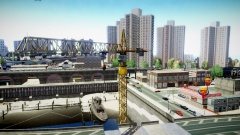
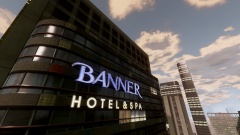
A well orchestrated Picture Submitted by Felise Bachman, a traffic reporter for WKTT in the "WKTT Eye in the Sky" Helicopter overlooking the city. -
From the album: Greater Liberty City Misc Screenshots
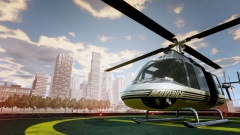
Picture Submitted by George Jacobson, a 10-year security guard of the Booth Tunnel on the Alderney Side. -
From the album: Greater Liberty City Misc Screenshots
Picture Submitted by Francine Stevenson of Alderney. Taken from the highway overlooking the area of Bercham. -
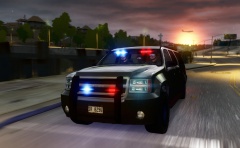 Funny, I thought they were just overly ambitious civilians.
 -
grats .happy britday bud! have a good one. sincerely, moonshine.
-
-
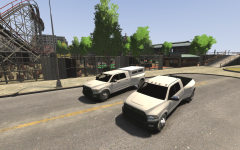 One man's trash is another man's...well in this case still trash.
 -
 Typo.
Typo. -
From the album: GTA:IV Screenshots
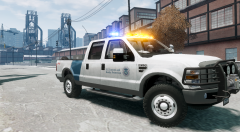
F-250 Customs and Border Protection -
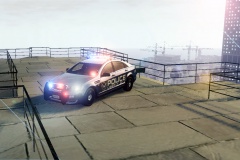
From the album: GTA:IV Screenshots
KevinDV's Caprice. -
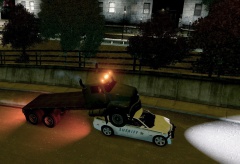
From the album: GTA:IV Screenshots
-
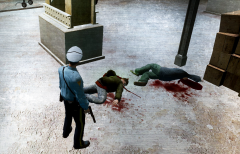 Easily one of my favourite movies of all time.
 -
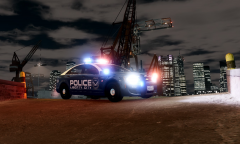
From the album: GTA:IV Screenshots
KevinDV's Caprice shining bright by the Alderny Docks. -
From the album: GTA:IV Screenshots
A crooked cop has to finish what he started, even if that means killing the final two pieces of the puzzle. -
It is up, sadly. However, you should download ELS v.7 as it is way more stable and better.
-
Definitely looking forward to rocking out this once it's installed.
-
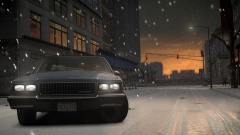 Midtown Madness was the best, I remember back then mom thought it was too violent (which is why I snuck playing it ;))
 -
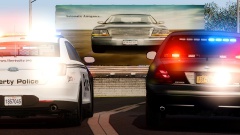 Which Crown Vic is that? I'm liking that light set-up.
 -
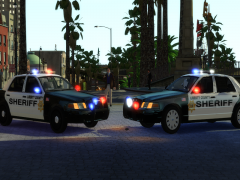 RELEASE SOON! :)
 -
lol, Sniper296, you and your additions. :D
-
What's with the Christmas hat? lol
-
The font they use I don't believe is an actual font, it's just Customized decals. However, I made some very similar decals in an LAPD Skin Pack I made a while ago, so PM me if you want me to send you some of the decals in a bigger format.
-
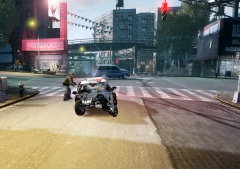 I think I ran over and broke his foot. Oops.
 -
It's what police officers do, hey.
-
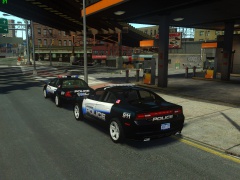 Nice setup, a rogue cop, not gonna say who, blew the fuck out of that gas station earlier.