



StarFireReaper
Members
-
Joined
-
Last visited
Everything posted by StarFireReaper
-
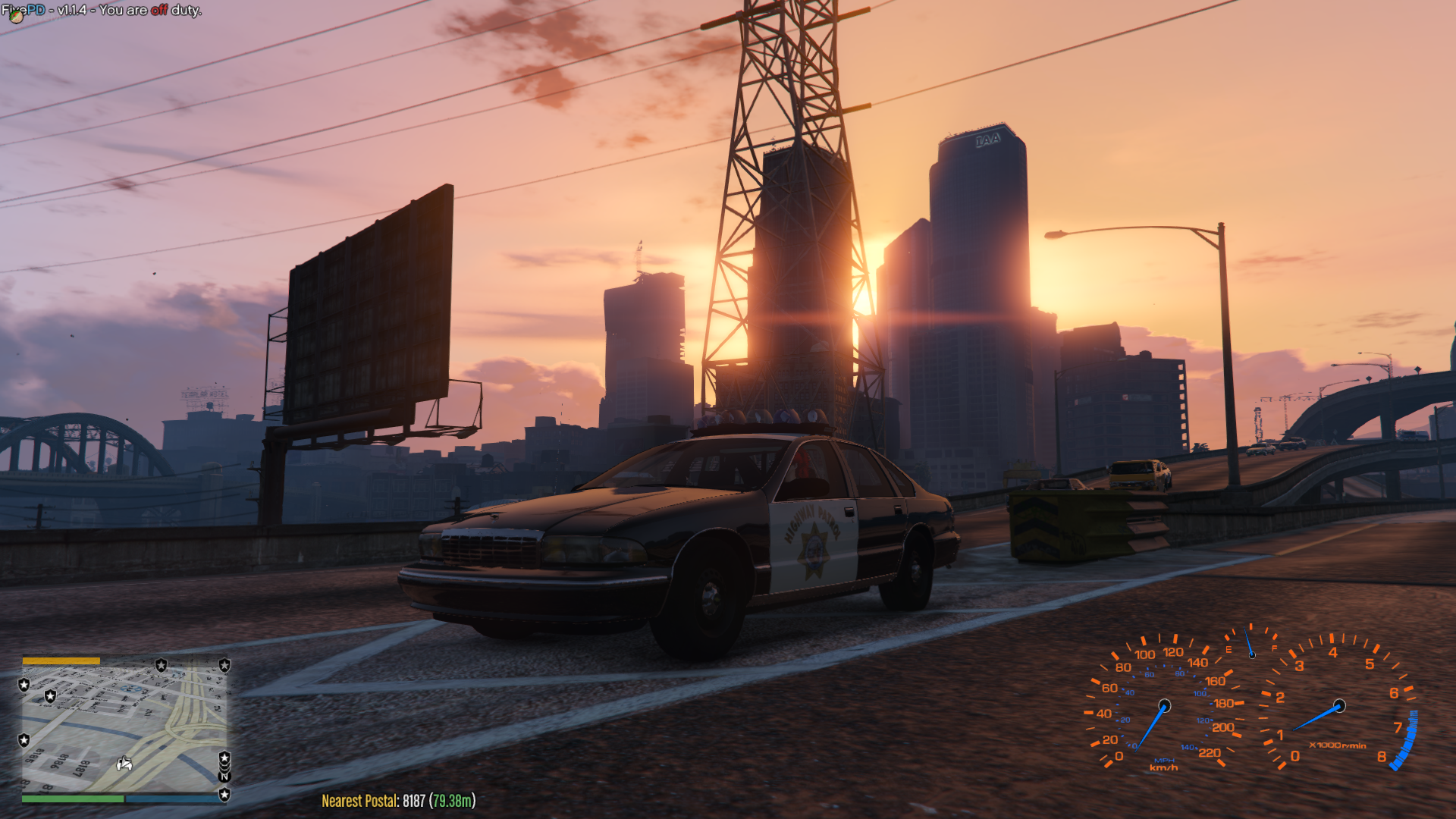
 Very nice caprice. Much better detail and works really well. I hope you add a push bar, but I like how you have done it as a new car just out of the dealer ship
- 15 comments
- 11 reviews
-
@ttobey3 I'd speak to the mod author to see if there is any known issues with the mod and show the log file to the mod author to let them know you have issues as you may have found a unknown bug in the mod, always good to report issues so they can improve the mod. I'm compiling file on my issue and what I've done to test what I think has caused the issue. You should show the steps on how you got to that point too and show screen shots of what has happened.
-
Think you may have a issue with a plugin. I made sure for my own game that only EUP and LSPDFR are plugins to prevent mod conflicts, have you got any scripts running on top of your game that could affect LSPDFR? I think you need to do a complete re-install and test each plugin in turn.
-
I have a similar problem to yours. Just wondering do you have other mods installed? My LSPDFR does crash when I load the LSPDFR when loading. For me I did a fresh install of the game to get it to work but I noticed my LSPDFR crashes when I add "DLC cars" to the game.
-
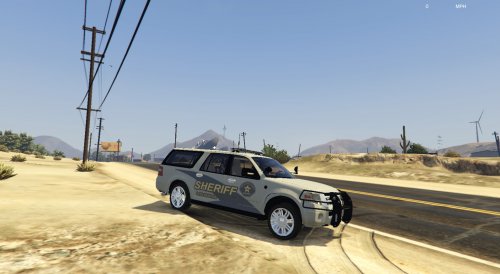 Really cool mod so far, hope you can fix the issues soon. Working on my own texture. Hopefully you can also make it multiple livery enabled and also make the files as an add on option as well. Great work so far, looking forward to the updates
- 48 comments
- 17 reviews


