
WZNGT
Members
-
Joined
-
Last visited
Everything posted by WZNGT
-
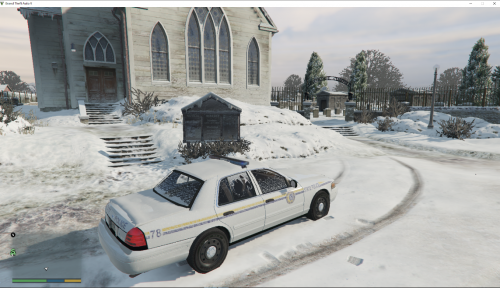 Why don't you made this pack for policeold slots? They are already snow covered and the CVPI was using North Yankton skin by OfficerJayCornish! And about the skin on that Tahoe...I think looking for another car that has NYSP skin would be a more lore friendly idea,
- 6 comments
- 1 review
-
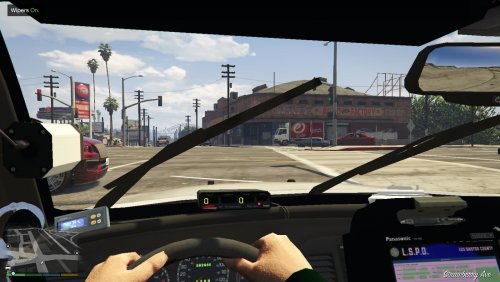 Looks nice, another slicktop CVPI that has rhino ram bar, steel rim, and it even has ALPR cameras! I would like to try it out now.
- 49 comments
- 22 reviews
-
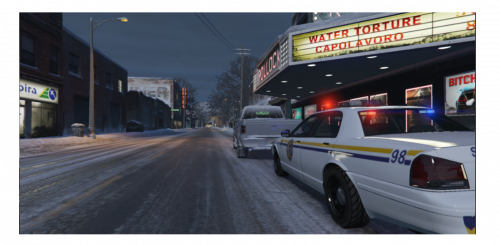 Wow! I was using the CVPI skin with a 98 CVPI, and the North Yankton skin from F350(I used in policeold slot) really comes now!
- 2 comments
- 2 reviews
-
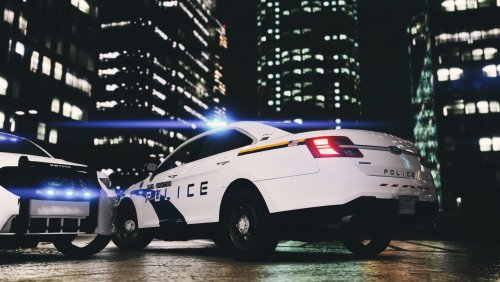 Lol I though isn't this base on my country's police car? And it really is, a special and fresh idea.
- 7 comments
- 3 reviews
-
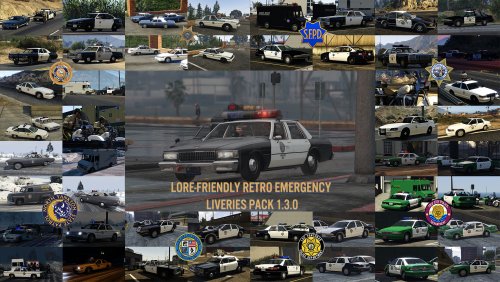 Yeah, all the secondary DEV CVPI that based on CJ24's and F5544's GTA4 DEV model, no matter by F5544 himself,Officerunderwood or Lundy(not included Bxbug, he re-template his CVPI), all used the same template, and that's a wonderful thing form my opinion.
- 64 comments
- 4 reviews
-
-

- 1
-
-
At least on my game, some cars such as F5544's CVPI and PimDSLR's Tahoe did shows the plate from skin, but NIGHTKID's CVPI and Lundy's CVPI was showed the default one, I don't know how's the way that GTA5 display it. Maybe just delete(cover with base color) the plate if you want to shows the default one, in case if someone use that skin on a car that will display the skin plate.
- 64 comments
- 4 reviews
-
Umm...I was only download for the CVPI skins so I didn't really check others, the first NYSP skin looks good and I will use it on my 98CV in policeold2 slot, some other skin looks good either. But at least the SAHP and LSPD skins really needs more work, the first SAHP skin has no unit number and plate(actually that's OK if you just use them for NPC spawn randomly and they will not have same unit number and plate), but the second SAHP skin has California licensed plates, and I don't get why did you paint the windows part white, although they will not shown; The LSPD skins also got the CA plates problem(actually all the skins in this pack for CV with a plate are CA plates), another not-really-matter problem is they all got the same stickers on the back bumper(I guess that's because they are made from a same base skin). Anyway, it's a huge work and they did looks OK on your images, so I will just use what I download for happily.
- 64 comments
- 4 reviews
-
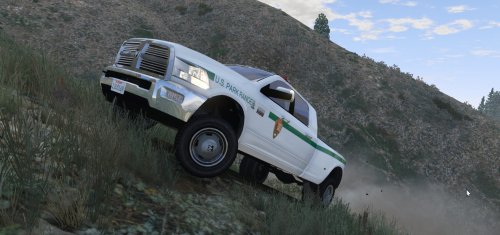 Looks really nice, would you plan to make a Park Ranger skin like this for GlichGamer/PimDSLR's 2008 Tahoe?
- 1 comment
- 1 review
-
 I got the same problem, just rename the "sheriff2" to "pranger" in carvariations text, and put in into your carvariations.meta, also remember to add <Item> before it.
- 87 comments
- 23 reviews
-
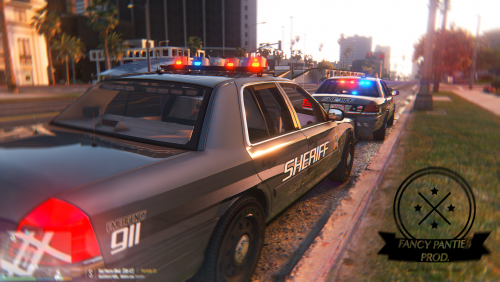 Thanks! I got some trouble with my hard drive, still trying to fix it and try your mod out ASAP.
- 108 comments
- 11 reviews
-
-
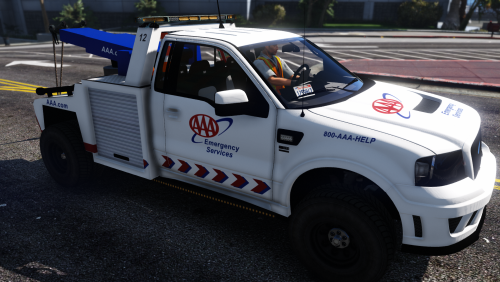 Looks nice, although I am that kind of "make LS as much as close to LA" guy (but this one didn't say anything about it's a LA livery so I can take that)
- 26 comments
- 5 reviews
-
-
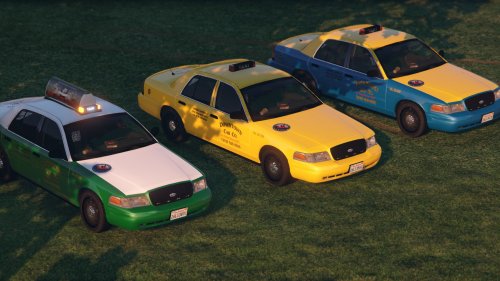 My favorite model year, nice and multiple Los Santos livery, and everything works fine.
- 12 comments
- 7 reviews
-
 Nice to see a SAHP pack with this quality, not CHP all the day. The emblem looks good, licensed plate is the San Andreas one (I saw tons of SA skin pack with California plate, and I can't stand that), and you use the same slogan (Authority, Obedience and Force) for SAHP with Krame86! So I can use these skins, along with other cars with his skin together. Also I have seen lots of people use the CHP slogan on SAHP, what's the point for them to make everything the same between CA and SA??? Hope to see more skin in this pack, maybe some other cars expect those in CHP Mega Pack, and I think 4K is enough, haven't seen any 8K before.
- 17 comments
- 4 reviews
-
-
- 1
-
-
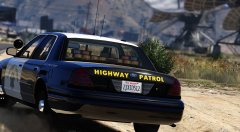 I might use it in policeold2 slot after the release...... what's the difference with Lundy's 98 Gang Unit CVPI (the one I put in that slot now) expect the light set up?
 -
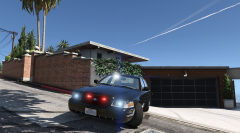 Any plan about extras?
 -
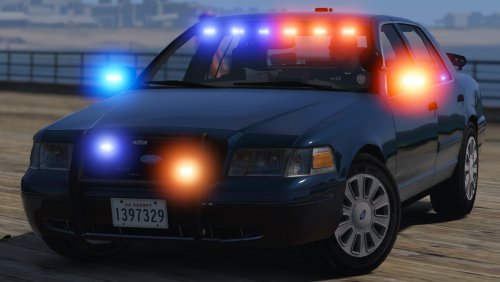 Would be awesome if it has another type of light that will move with the door and effected by crash
- 70 comments
- 26 reviews
-
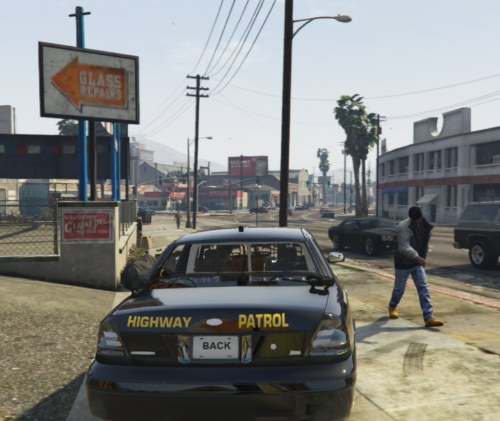 There are already has CHP skins, even more CHP skins for other CVPIs, and people still keep making it over and over again...
 -
 Very high-quality pack, but it's too LAPD for me, even the logo and slogan are LAPD's, LSPD has its logo and slogan, the only thing that says it is a LSPD pack is the "CITY OF LOS SANTOS" on the logo. I prefer to have a more LSPD skin or a truly LAPD skin, not this kind of LAPD-LSPD design.
- 111 comments
- 23 reviews
-
-
- 1
-
-
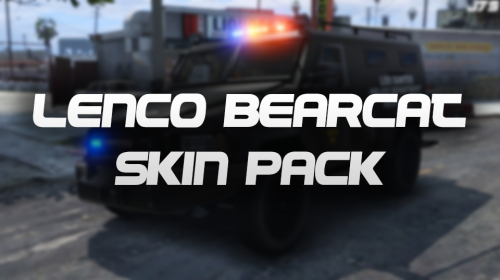 Maybe change the position of the "LS72" sign on the front bumper in the NOOSE skin? That sign looks a bit strange.
- 13 comments
- 4 reviews
-
-
- 1
-
-
Oh uh......could you make the files in different rar pack in next update? So we can choose the one we need and not download four install pack in one rar. THX
- 108 comments
- 11 reviews
-
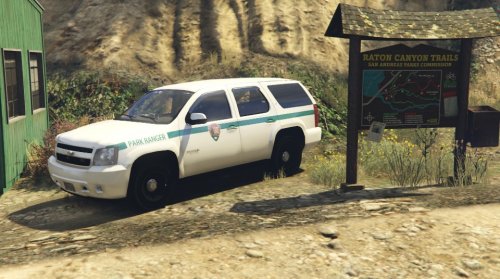 Still can't find any Park Ranger for PimDSLR/Glichgamer's Tahoe, then I just had a try on this......and its position of vinyls seems will work on P/G's tahoe, and I have a check on the credits, P/G's Tahoe and CollaboProductions' Tahoe all had the credit of Stiopa and Bxbugs123......finally solve my problem of have no Park Ranger skin for Tahoe! After test in game it is NOT WORKING on P/G's Tahoe, the position of vinyls are similar but not working correctly.
- 11 comments
- 3 reviews
-
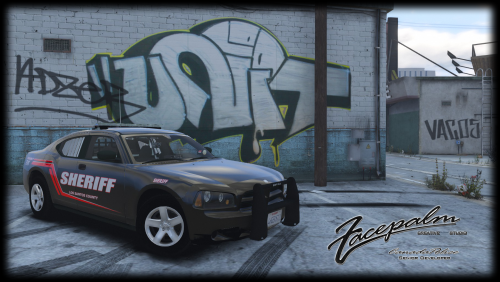 Nice, all the other marked 09 charger I can find has a warp around or has no ram bar, only this one has "ram bar only" that can be choose(Black Jesus' has some small lights on the position of fog lights that looks a bit weird), and everything works perfectly in police2 slot, don't even need to edit the meta file!
- 3 comments
- 8 reviews
-
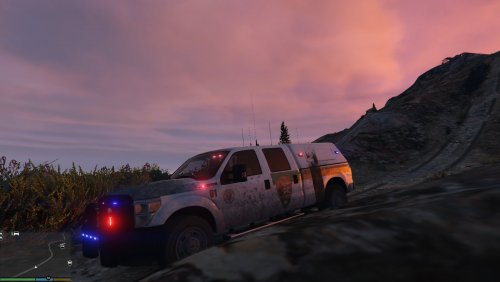 Uhh......I don't think a Park Ranger skin should looks like that, would be happy to use it if it's a realistic PR skin before the 2016 type