



DeputyNifty
Members
-
Joined
-
Last visited
Reputation Activity
-
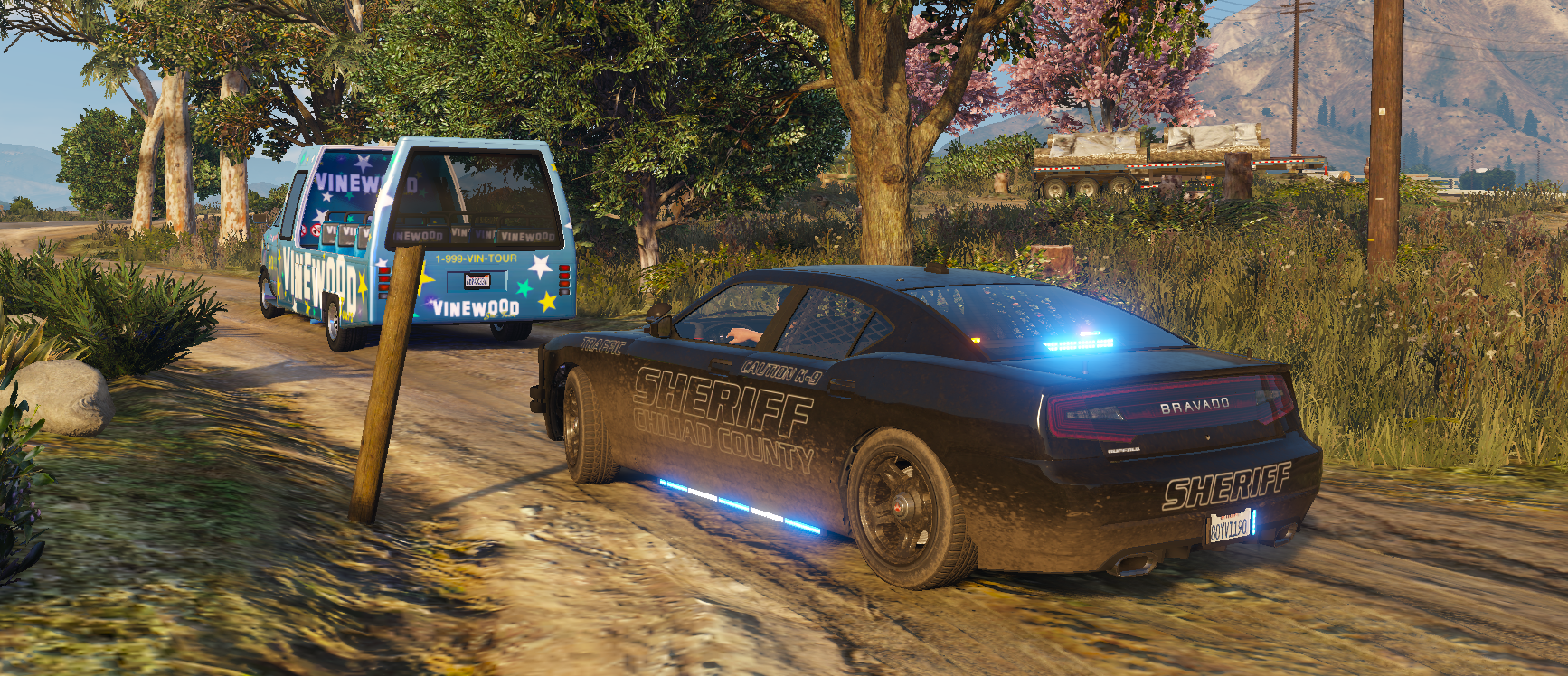
 DeputyNifty reacted to Crizby for a file, [NON-ELS/DLS/DLC-Add On] Blaine County (GA) Sheriff's PackEscape the hustle and bustle of city life with a trip to beautiful rural Blaine County. Only a few miles away from Los Santos in terms of distance but a million miles away in terms of general outlook on the world, for a modest pay and unlimited authority, you are sure to enjoy a simpler life from a forgotten time in the Morning Glory County as a Deputy Sheriff.
A lore-friendly Blaine County sheriff's pack, inspired by the Richmond Co. Sheriff's Office (GA)'s vehicles. The pack includes marked and slicktop patrol cars based on the Vapid Stanier, Bravado Buffalo S and Bravado Buffalo SX vehicles.
The pack includes the following vehicles:
gasheriffbuffk = Blaine County Sheriff Buffalo S Slicktop K9
gasheriffbuffs = Blaine County Sheriff Buffalo S
gasheriffbufsu = Blaine County Sheriff Buffalo SX Slicktop
gasheriffbufsx = Blaine County Sheriff Buffalo SX
gasheriffstan = Blaine County Sheriff Stanier
As always, a huge thank you and shoutout to Jacobmaate for his awesome assets and Jerry for epic screenshots.
Installation instructions for DLC add-on:
The Siren Setting Limit Adjuster is required to stop sirenSetting conflicts with other packs!
The Gameconfig is required to support multiple addon vehicles, otherwise your game may crash!
The Dynamic Lighting System is recommended to be able to use non-ELS stage lights.
Please let me know if there are any issues with the vehicles or if there are credits missing.
