
EszlariE
Members
-
Joined
-
Last visited
Files posted by EszlariE
-
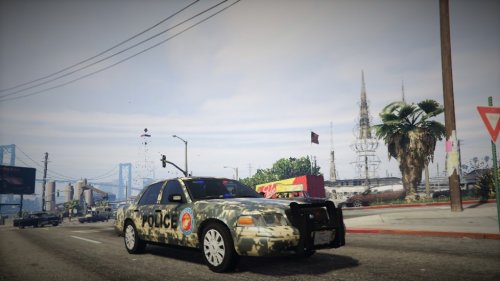
PLEASE NOT THAT THIS IS STRONGLY UNFINISHED!!! This is a camouflage makeover of the Unmarked CVPI Pack 3.0 which can be found here - http://www.lcpdfr.com/files/file/9073-unmarked-cvpi-pack/ (Note that my installation is based around this model but these textures can also be applied to other LSPDFR police cars). Again, this is highly unfinished I am planning on adding markings such as police logos and identification as well as flowing the texture more and making more aesthetically pleasing looks (like darkening the colors). This was created by me so please do not use this texture as your own. Installation files can be found in the rar file. Thanks and enjoy!
- 21 Downloads
- 5 Comments
Updated -
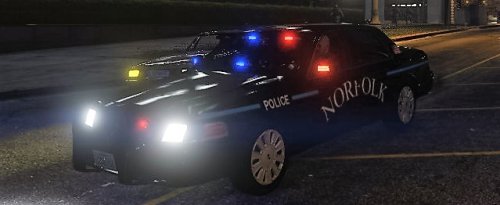
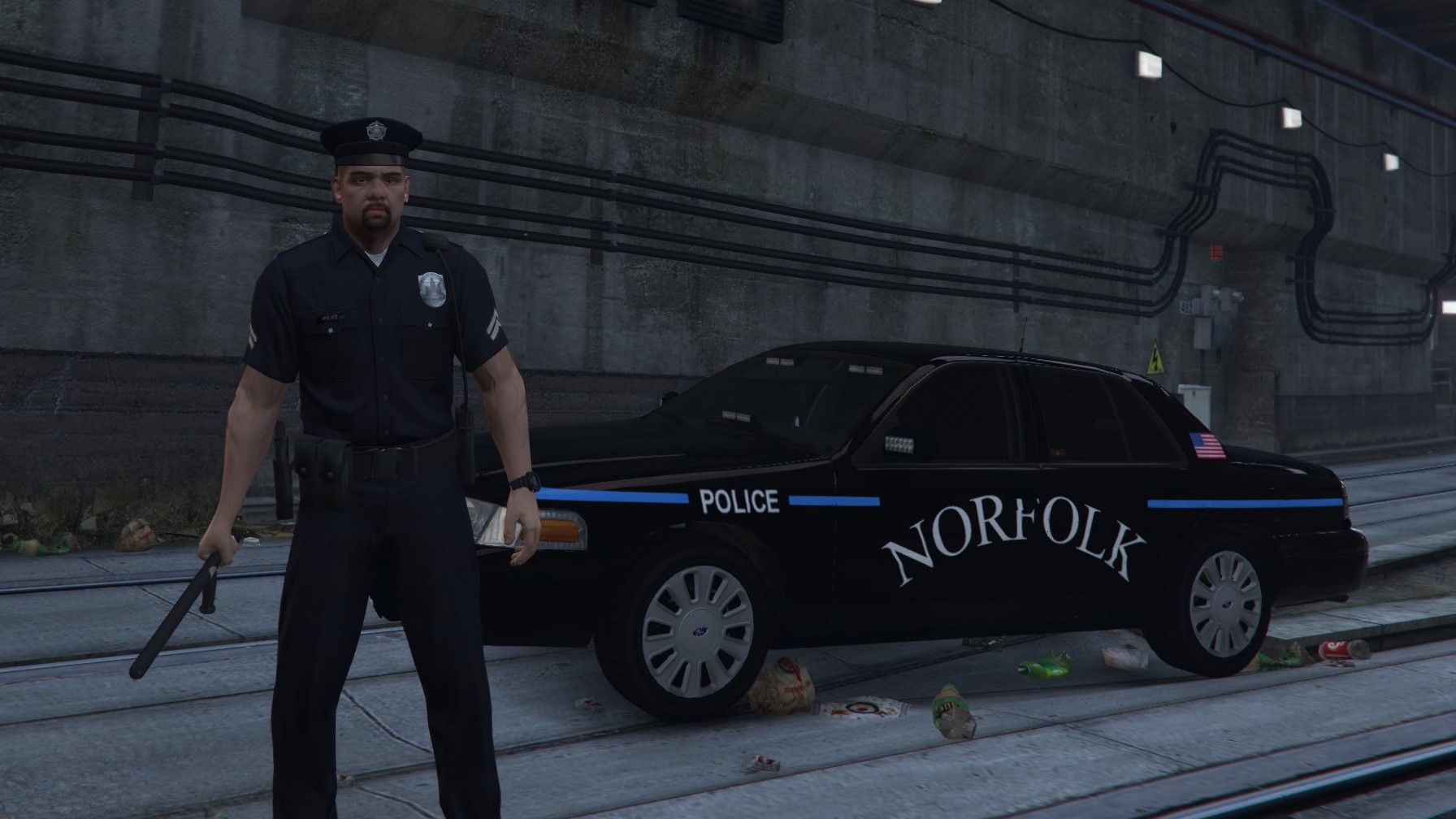
This is a re-texture of the Unmarked CVPI Pack 3.0 based on the Norfolk, Massachusetts police car - http://www.lcpdfr.com/files/file/9073-unmarked-cvpi-pack/ (It does work with other vehicles although the CVPI Unmarked is preferred). Please note that this is somewhat of a work in progress, this post is being made to see whether development will continue depending on how popular it is. Please leave feedback on what you want to see changed and possibly feedback on what you would like to see. Credits on steam - http://steamcommunity.com/id/ProfessorCookie, http://steamcommunity.com/id/syndrometurtles. *INSTALLATION* - Use OpenIV and go into your GTA V Windows then navigate to Update\x64\dlcpacks\patchday3ng\dlc.rpf\x64\levels\gta5\vehicles.rpf\ then search police4 (assuming you added the car pack) click police4.ytd. Then click cvpi_sign_1 and make sure you're in edit mode. Then click replace and replace cvpi_sign_1 with the file. DONE, have fun! We are planning on more vehicle textures and vehicle models in the future!
- 68 Downloads
- 7 Comments
Updated