



Maxmov
Members
-
Joined
-
Last visited
Everything posted by Maxmov
-
-
From the album: LSPDFR Pictures
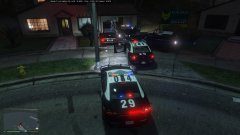
Ended a pursuit with the AI pitting the vehicle after it had ran over a stinger. Subject's vehicle lost control and slid into an open garage. -
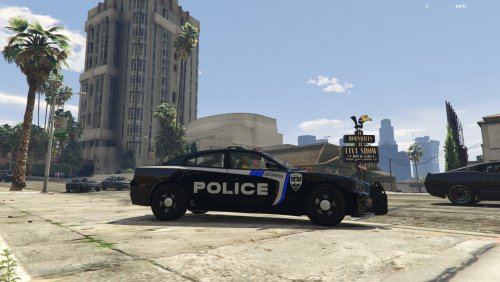 I was looking through all the different liveries when I thought, "hmm wouldn't it be nice to have some BPD skins?" And there it is! Love them! It would be nice to have some other vehicles also even though they only run the chargers and FPIU's.
- 5 comments
- 3 reviews



