
Maxmov
Members
-
Joined
-
Last visited
Everything posted by Maxmov
-
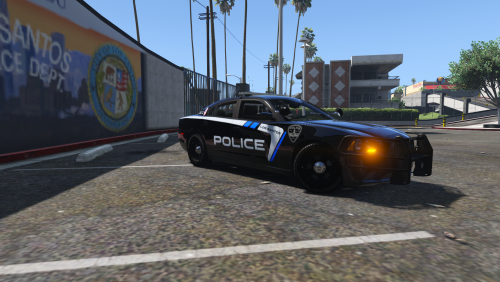 Thanks! I've also been thinking about that. Trying to find a good Idaho plate template, to add the unit number to for each car. It might be in the next update!
- 10 comments
- 4 reviews
-
-

- 1
-
-
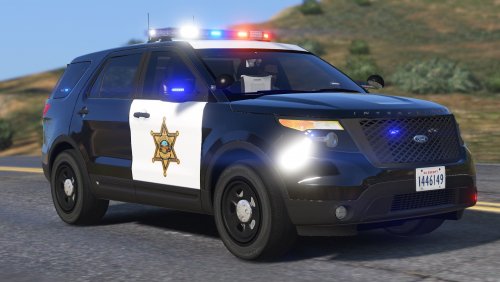
These textures are for the Los Santos Police Department, modeled after my local police department in Boise Idaho. *All skins are original and created by me, Maxmov* *DO NOT RE UPLOAD THESE FILES ANYWHERE WITHOUT MY PERMISSION* *I am not responsible for any game issues caused while my textures are installed* The current pack contains all the vehicles the BPD Currently use, however, in future updates I will be adding other cars that the BPD does not use, so feel free to suggest your favorites! Vehicles used (keep in mind other models use the same templates, so you can use these textures on them as well) 2014 Dodge Charger by BxBugs123 2016 BCSO Ford Police Interceptor Utility by BlackJesus 2011 Ford Crown Victoria Police Interceptor by BxBugs123 2011 Ford Crown Victoria Police Interceptor (from the CHP MegaPack) by TheHurk 2014 BMW CHP Police Bike by TheHurk Please read the read me included with this file! If you enjoy these textures, please feel free to leave a positive review on the site you downloaded it from! Additionally, check out my YouTube Channel, where I upload content that I think you will really enjoy!
- 10 comments
- 4 reviews
-
I am pretty sure that it is mpchristmas or something along those lines
-
Hmm I dont know... I did hear about some other issues with the newest update to RPH. That could be it
-
Depending on how strong your pc is, the added plugins and mods will take a lot of computing power to run, thereby reducing gameplay quality. I have had the same issues, just not to that extent.
-
In traffic police by albo, i belive there is an option to add barriers and cones and whatnot to the streets
-
I just looked through all my files and I don't think there is a way to do this. If you use computer+ you can change what key opens that, however there is nothing for the default LSPDFR computer. You could change what key toggles the siren though, GTA has a keybindings tab under settings; control, where you can configure and edit the regular GTA controls. That's probably your best option! Good luck mate, Max
-
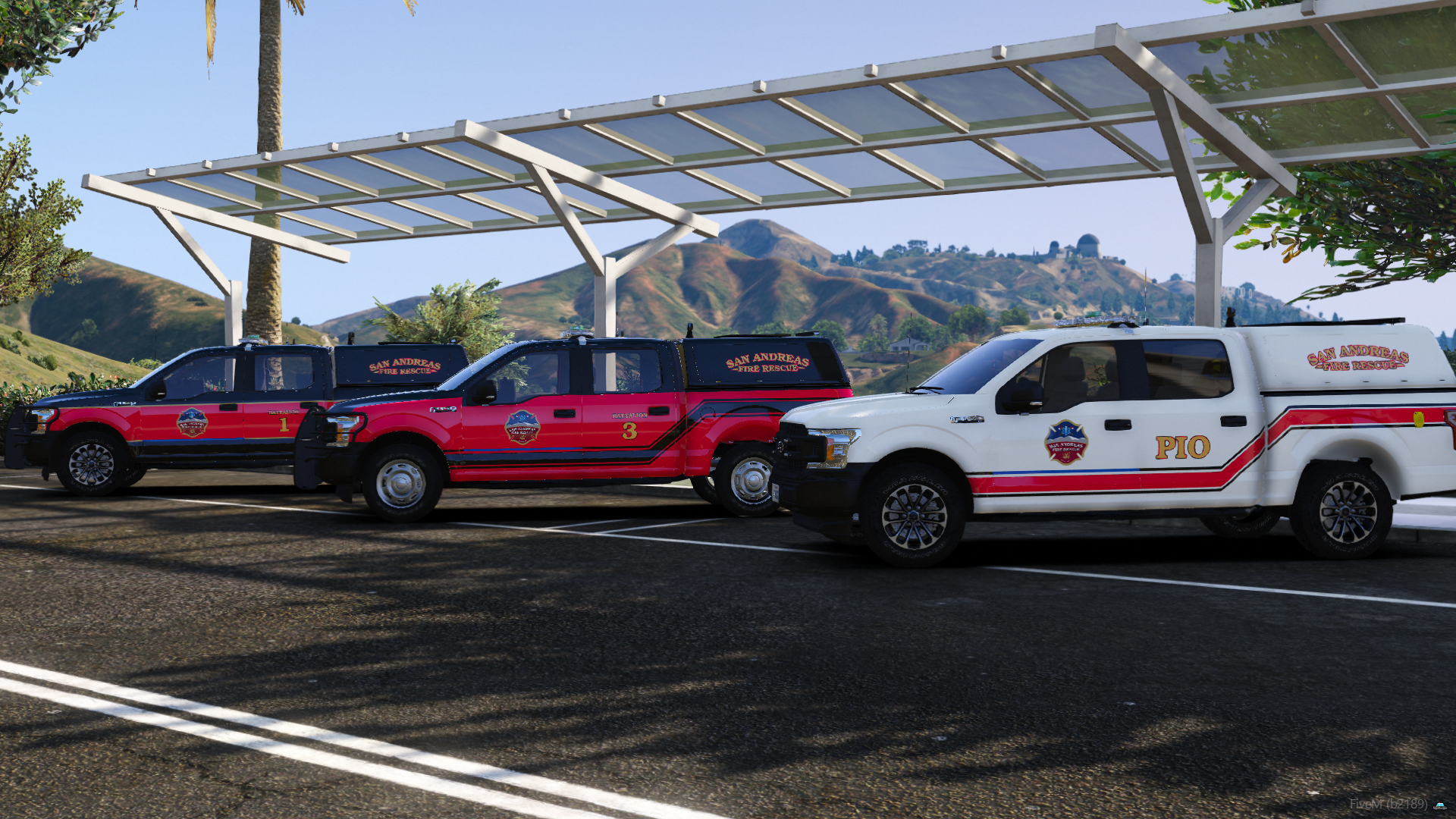
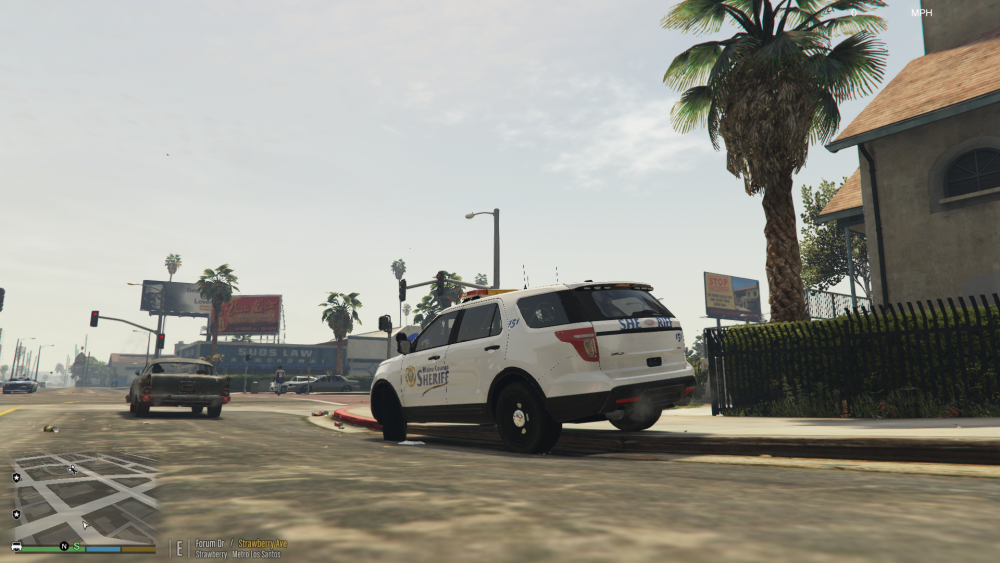
UPDATE More skins being made, expanding to local county sheriffs. I made some up for Canyon County, but I will soon start to be working on Ada County (the actual county that Boise is located in). Canyon County is neighboring Ada, however, Canyon County's landscape is a better fit to that of Blaine County, hence my decision to include it in my pack. Also, if anyone would like to suggest models for me to add into the pack, I can start adding other models into the pack as I have finished all the models that the real life departments use. With that being said, I hope you enjoy the new skins and hopefully you will enjoy them in your game! (release coming soon)
-
Sure thing! I bet you'll make something great
-
I am not super picky with what car and what lightbar, but I do have a few suggestions, which will automatically make your pack 100000% better! First off, include multiple lightbars in one model! I love being able to have one car in one slot, and then have the option to change lightbars, or even go slicktop using the same skins and features of the same model. That would for sure make me love the models!! On a similar note, I'm a huge fan of extras. Spotlights, pushbars, the whole lot! Lastly, include slots for multiple skins. It does bug me when models only have one skin.... Anyway, this sounds really fun and I can't wait to see what you come up with! On the topic of skins though, I have started to make textures and am currently working on a pack, but if you need some made up for your models, let me know! I am totally up for teaming up and working on this together! I can also make release videos and screenshots for you when you are ready to release the pack. Just let me know! Can't wait to see what you come up with, Max
-
Thanks! More is definitely on the way!
-
UPDATE- Made toooooons of vehicle skins, and beginning to test them in game.
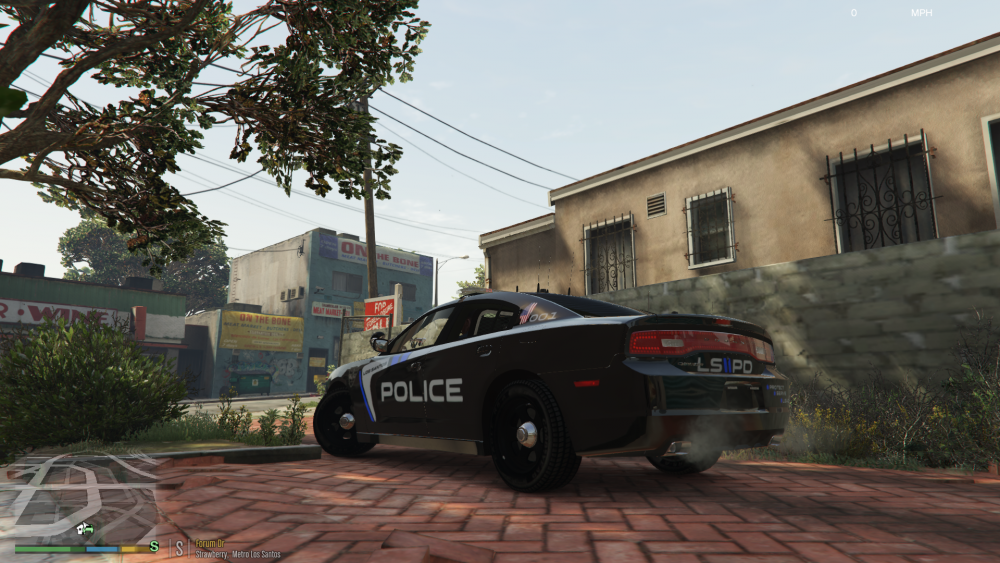
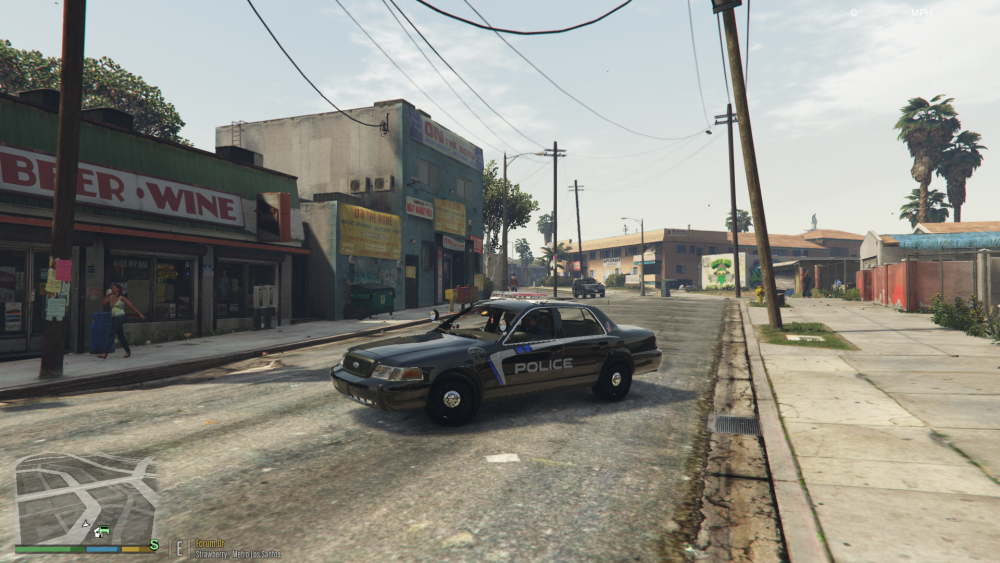
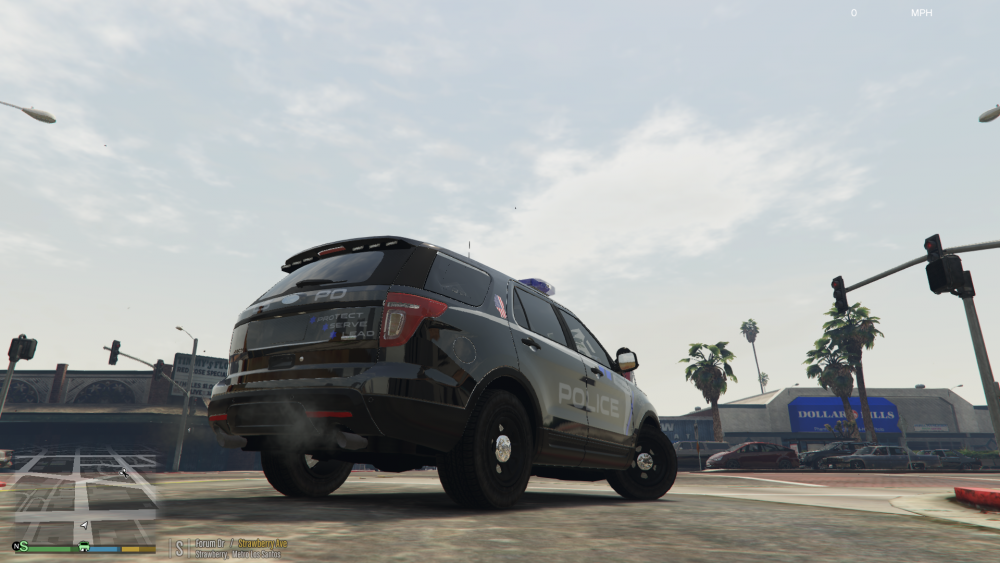
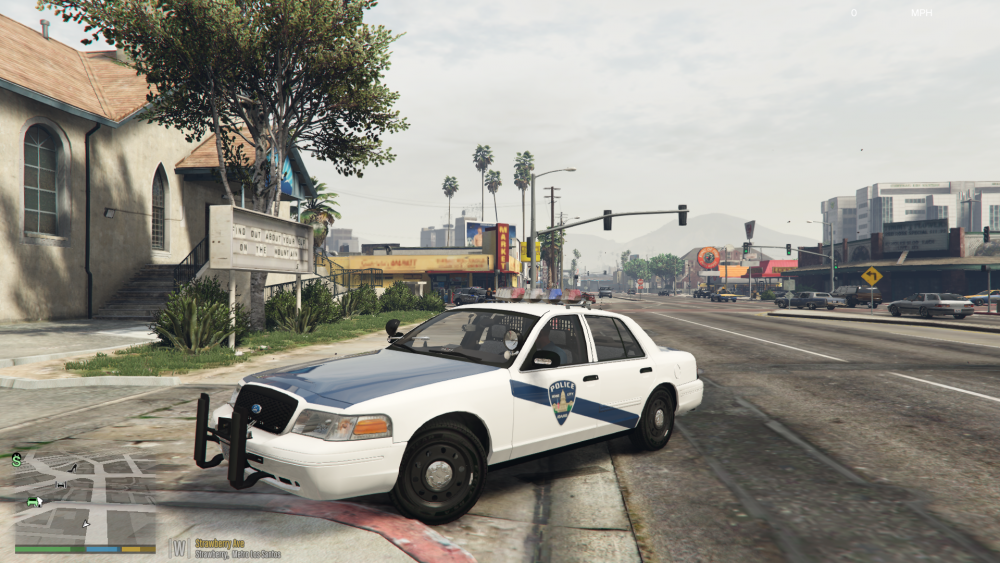
.thumb.png.45e590e5efe410e2da23baff1e1f969f.png)
-
Yep. Just drag and drop them in. You will need to go and update the vehicles.meta and carvariations.meta as well, but it seemed like you knew what to do with that.
.thumb.png.6bda8abcb804b1bb3eb09861051e601b.png)
-
Drop the models in the latest patchday folder. It'll overwrite anything with the same name
-
Tried to recreate the real life with it, but I might have gotten the angle wrong Another question, how do you change the texture properties?
-
In the png it is somewhat pixelated, but in openIV it is worse. Thanks for the help!
-
Just a place to share and update about my work in progress and completed projects. As of now, I'm only doing skins/ textures. Feel free to comment/suggest/critique. I am new to this, so anything helps. Here is what I have been working on- A skin pack for the LSPD based off of my local PD. If any of you fine folks out there could help me with one thing, it would be greatly appreciated. As you can see in some sections, the lines are somewhat jagged. If there is a way to make them smoother, I would love to hear. I am making the skin in 2k, so maybe 4k is the solution? Anyway, I hope you enjoy! PS- here are some department pics to see what I am working from.
.thumb.png.cf0db72f28a0a7eb12f8ae32735f6cd8.png)
.thumb.png.b9f652dd39af6fd8eb699ac1122dbd0f.png)
-
I'll remember that. Halfway done with a model right now so I will check it out when I start a new one!
-
I am attempting it in GIMP (since I'm cheap and don't feel like buying photoshop just yet). It seems to be working so far for me
-
-
Hello all, I have decided that I am going to try and make a skin pack loosely based around my local department. [ This department has been modeled before, but I plan on making this more realistic, and with a wider and newer range of cars] For an idea of what I am going to be doing, here are some pics of the cars I am basing it off of. I have a decent idea of what I want to do and how, but I still am very very new to this and would love to hear any advice someone with experience would have for me. I will be showing off my progress over in the WIP section, so stay tuned. Thanks, Max
-
Very true My recommendations on vehicles themselves, would be Gumps new 2013 Tahoe, or Black Jesus's new FPIU (or the tahoe and explorer in his other new pack, just slightly different setups) Good Luck!
-
I can't wait to see this! One of my biggest gripes about models is the terrible wheels on some, which can cause me to not use a model just because of that, but this will be just amazing! Finally we are getting some realllll goood looking explorers!
-
I'll try to explain this the best I can, so here goes. Go to your latest patchday folder under the update dlc paths (you should know where to find it). Drop in the model and textures of the car, but have them renamed to police. Then, go your original carvariations and vehicles.meta files, and find the lines for police. Take the sheriff section from bxbugs version, and replace the police lines in your game with the one supplied with his model, and then rename sheriff to police so it works. If you are still trying to use the openIV auto installer, you need to get inside it to find the files. I use 7zip so all I had to do was rightclick on the installer pack and extract the files, which will open it up to let me see all the files and let me do whatever I want with them Hope this helps, I totally remember the pain of going through the install for this. Let me know if you have any other issues. Cheers, Maxmov
-


.png.7d83ccbff20044729ae44c663ea281aa.png)
.png.16792f3ea066f8feaaeab3338b379f71.png)
.png.d2fdc0a2c669a4f1cdaa7ee3cf7138cf.png)
.png.8155b4cb5e7a08ba07b1ae5779c07a13.png)