


Andy McNally
Members
-
Joined
-
Last visited
Everything posted by Andy McNally
-
People are racist because some of the grew up that way, but there are other reasons to. You cant blame it all on one country or part of the world.
-
-
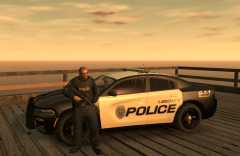 This is a very sexy car
 -
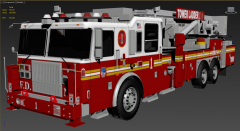 Is this still coming out ????
 -
The show is pretty interesting
-
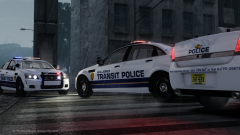 I Also wanna use this skin if possible and i think you should make a pack
 -
These http://gyazo.com/bcf42728fe1c76d2b51b5a45a53e3a0c http://gyazo.com/a913a648da5af3711c9220a8afeac087 http://gyazo.com/d21edaaf7887e83f9aa7a8235e49df09 http://gyazo.com/0c623519b3ae408742b7143445558510
-
looks pretty good i made some of theses but yours looks better than mine. '?do=embed' frameborder='0' data-embedContent>> I never released the Caprice i did
-
-
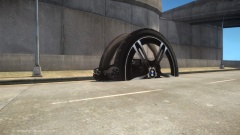 wheel L1 or Lo
 -
![[WIP] 2014 GMC 3500 Ambulance V2.2](//s3-gallery.int-cdn.lcpdfrusercontent.com/gallery/album_722/sml_gallery_3386_722_165949.jpg) looks pretty nice, looks like one that bugs did but never released
looks pretty nice, looks like one that bugs did but never released -
let me know if these dont show
-
Yea its a alt K feature of ELS 8, I play with bugs and use this vehicle but he has no plans to release this vehicle.
-
But he can kick ass and he is a cop so yea..........about that
-
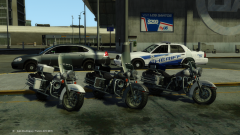 where can i get the bike
 -
-
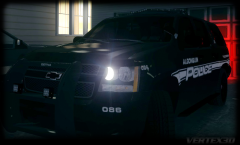 damn boy
 -
you talking about this ( if so thats not a freedom, its a liberty) http://gyazo.com/3404429dd1fadaeac3c280d08df7584e
-
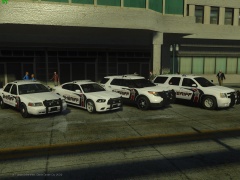 RIGHT NOW
 -
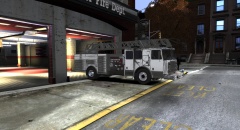 I hope its for release when its done. Try and make something from here lol http://www.fdnytrucks.com/files/html/otherstates/Union%20County/Elizabeth.htm
 -
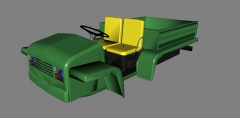 OMG A gator YES
 -
-
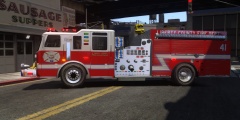 you should do more fire truck skins
 -
Dosent look that good to me. The wheel is to big and there is too much rim and not enough tire. You should try and do the rims over if you can. Look at these rims...
- 28 comments
- 4 reviews
-
Not this month sorry (last Month, i think)


![[WIP] 2014 GMC 3500 Ambulance V2.2](http://s3-gallery.int-cdn.lcpdfrusercontent.com/gallery/album_722/sml_gallery_3386_722_165949.jpg)
