Skip to content
View in the app

A better way to browse. Learn more.

LCPDFR.com

A full-screen app on your home screen with push notifications, badges and more.

To install this app on iOS and iPadOS
  1. Tap the Share icon in Safari
  2. Scroll the menu and tap Add to Home Screen.
  3. Tap Add in the top-right corner.
To install this app on Android
  1. Tap the 3-dot menu (⋮) in the top-right corner of the browser.
  2. Tap Add to Home screen or Install app.
  3. Confirm by tapping Install.

AmericasSkins

Members
  • Joined

  • Last visited

Files posted by AmericasSkins

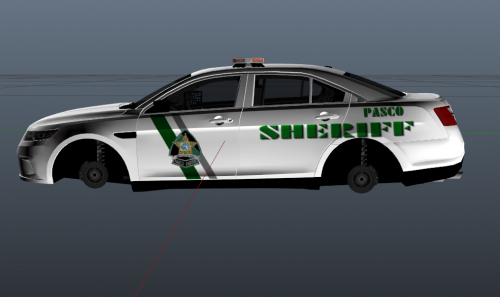
  1. This skin is for a 2016 FPIS 
     
    If you upload and or change the skin please credit me for the skin being made!
    • 57 Downloads
    Updated
    • 24 Downloads
    Updated
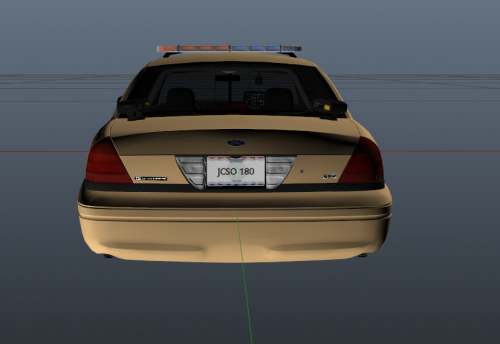
  2. For 2014 Impala the skin does not have the county badge on it
    • 3 Downloads
    • 2 Comments
    Updated
    • 18 Downloads
    Updated
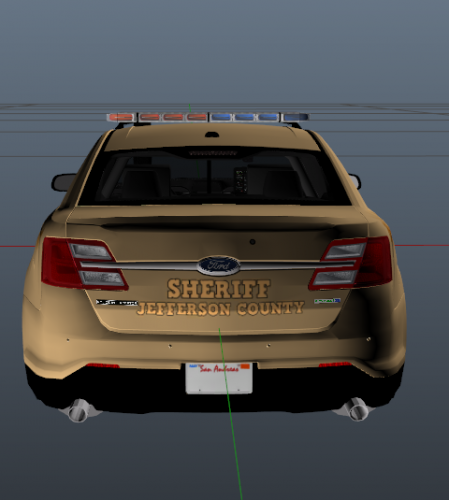
  3. This is a Supervisor skin for the 2016 FPIS 
     
     
    *I DONT OWN THIS MODEL, I MADE THE SKIN ONLY*
    • 19 Downloads
    • 2 Comments
    Updated
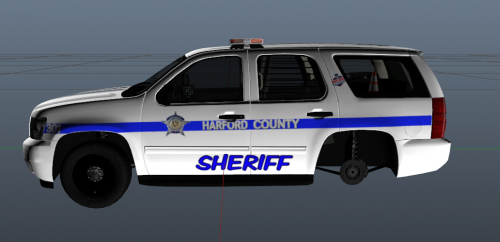
  4. This skin is for a 2014 Tahoe 
     
    *THIS IS NOT MY VEHICLE MODEL JUST MADE THE SKIN*
    • 13 Downloads
    Updated
  5. This skin is for a 2016 FPIS 
    • 66 Downloads
    • 9 Comments
    Updated
  6. This is my first skin ever being made.  I hope you guys enjoy it. Let me know if anything needs to be changed
     
    I have to give a big thank you to Matt for the template of this vehicle
    * I DID NOT MAKE THE VEHICLE JUST MADE THE SKIN FOR IT.*
     
    • 104 Downloads
    • 9 Comments
    Updated

Account

Navigation

Search

Search

Configure browser push notifications

Chrome (Android)
  1. Tap the lock icon next to the address bar.
  2. Tap Permissions → Notifications.
  3. Adjust your preference.
Chrome (Desktop)
  1. Click the padlock icon in the address bar.
  2. Select Site settings.
  3. Find Notifications and adjust your preference.