



Officer K Slimm
-
Joined
-
Last visited
Everything posted by Officer K Slimm
-

From the album: 90s retro week
-
From the album: 90s retro week
-

From the album: 90s retro week
-
From the album: 90s retro week
-
From the album: 90s retro week
-
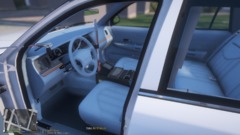
From the album: 90s retro week
-
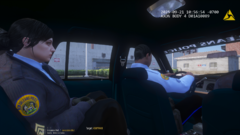
From the album: 90s retro week
-
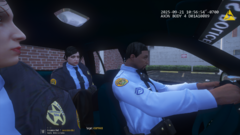
From the album: 90s retro week
-
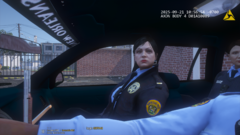
From the album: 90s retro week
-
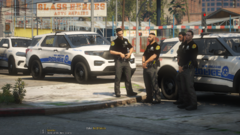
From the album: NEW ORLEANS POLICE EUP
-

From the album: NEW ORLEANS POLICE EUP
-

From the album: NEW ORLEANS POLICE EUP
-
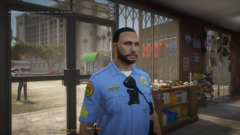
From the album: NEW ORLEANS POLICE EUP
-

From the album: NEW ORLEANS POLICE EUP
-

From the album: NEW ORLEANS POLICE EUP
-
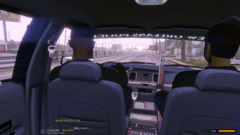
From the album: NEW ORLEANS POLICE EUP
-
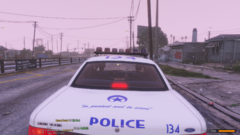
From the album: NEW ORLEANS POLICE EUP
-
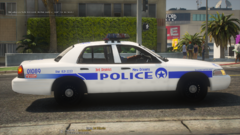
From the album: NEW ORLEANS POLICE EUP
-
 Great Mod I love it 🙂 @MarcelWRLD keep up the great work!!! 👍 I'm still learning how to work it. The only issues I have is trying to figure out how to get a police buddy/partner, How to navigate to letting police partner to search vehicle and I notice when I call for code 3 backup it says error etc and whenever I'm in a pursuit/chase to use the spike strip it keeps crashing the game. Another thing I would suggest it would be cool to see you and your partner/buddy grab the suspect's arm and walking them to the car or anywhere else while arrested.
- 689 comments
- 49 reviews
-
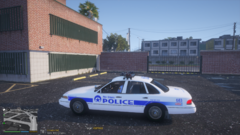
From the album: 90s retro week
-
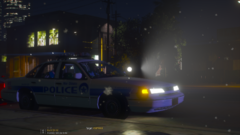
From the album: 90s retro week
-
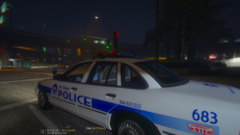
From the album: 90s retro week
-
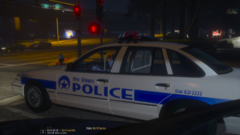
From the album: 90s retro week
-
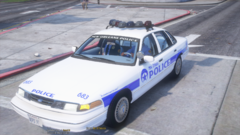
From the album: 90s retro week
-
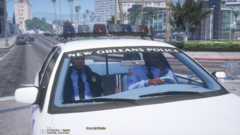
From the album: 90s retro week



