
Griswald
Members
-
Joined
-
Last visited
Everything posted by Griswald
-
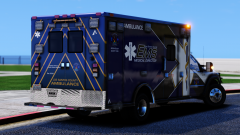 Damn that looks awesome! Those colors are sweet.
 -
-
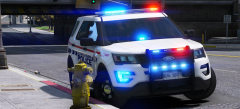 My god! Great work man this is awesome.
 -
-
-
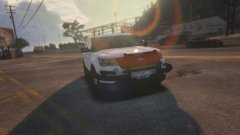
From the album: SA police
Finally got my game working again. WIP Washington State Patrol pack: -
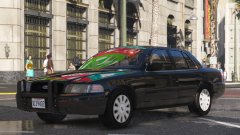 Damn... Looks great!
 -
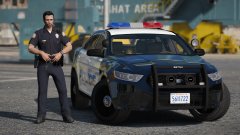 Why do rotators look so good on new cars?
 -
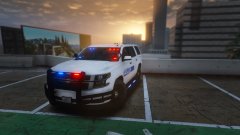
From the album: SA police
WIP for my next pack. -
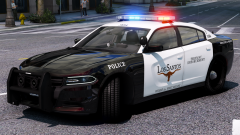 My God this pack gets better every time I see it.
 -
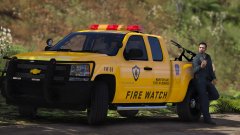 I like!
 -
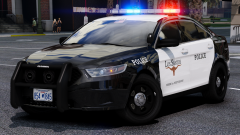 Not enough pictures! My Wal-Mart wifi isn't lagging enough.
 -
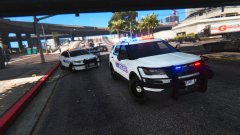 Right now my plan is 5, however that may change over time.
 -
-
-
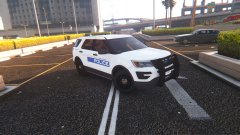
From the album: SA police
Made some Whelen Tracers in Blender. -
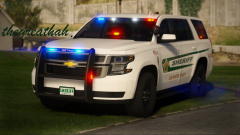 Fuuuuuu............... (drools)
 -
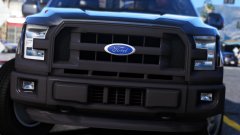 That grill tho!
 -
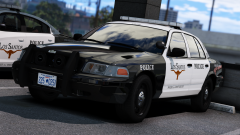 My jaw dropped when I saw that slicktop vic. Great work!
 -
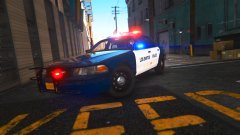 I know theres still minor stuff like that which will be fixed.
 -
From the album: SA police
Check out all the pictures here: https://imgur.com/a/kgKAJ -
-
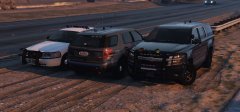 GAWDAMN!!!
 -
-
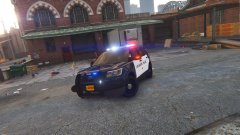 It's JasonCT's car but @ISPfan12 fixed it up.