


Izhevsk
Members
-
Joined
-
Last visited
Everything posted by Izhevsk
-
Yeah every time I start GTA V it makes me wait 5-10 mins to "check download integrity" and then it downloads some crap. Also, I went back and checked my mods and they are all gone. Seems to me Social Club is re-writing everything I mod when I try to start the game. So this is fucking retarded. Good job rockstar you've ruined modding. How the hell is everyone else getting theirs to work?
-
Ok great that only has about 20 vehicles in it. Police3 (the ford tarus one) is the only police vehicle in that folder. So where is the master folder with ALL vehicles that will actually let me mod the ones in game. In GTA 4 is was something like models/cdimages/vehicles so where is it for GTA V? in "x64e.rpf/levels/gta5/vehicles.rpf" there is a list of all the vehicles, but when I mod those nothing changes. Its always the same vanilla cars that appear in game. So how the hell do I make vehicle mods work? I see hundreds of videos of people using vehicle mods how the hell do they do it? Also what do you mean "mods folder" there is nothing like that in GTA V directory.
-
I found one and all it has is a single .xml file. WTF are you talking about. That makes no sense to just throw random vehicle models in an empty folder with one .xml file.
-
None of the vehicle mods I install are working. I go into Open IV to the correct location, and install according to the readme, and its still the same vanilla car in game. For example, I'm using Lt. Caines Interceptor model with Yorpies LSPD skin. But when I play the game, it's still the original vanilla car. The ONLY mod I've gotten to work so far is the "Crime and Police Rebalance & Enhancement" mod. I think the problem is that there are 50,000 different .rpf files with vehicle files in them, and no-one knows where to put stuff. Every vehilce mod I've seen tells me to go to a different directory in Open IV. I really don't understand how everyone is running all these different mods and I cant get anything to work, even something as simple as a skin mod for a car, I also can't get LSPDFR to work but that seems to be related to Rage Hook. I might just go back to GTA 4 modding it was so much easier and the mods actually worked.
-
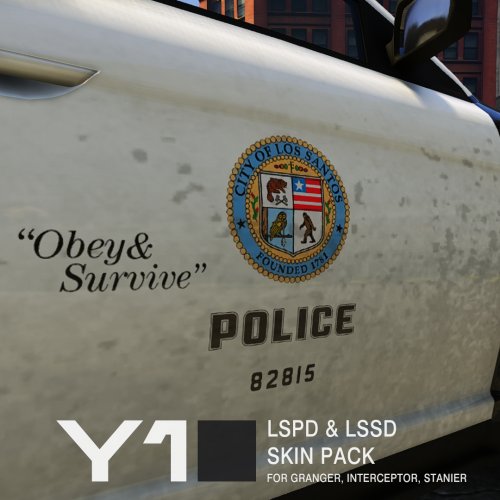 I give this one star because you just assume we all know how to install these. You offer absolutely no instructions whatsoever, even though Open IV brings up 26 different possible .rpf files that the vehicle files could be located in. So I download this and don't know wtf to do with it. Next time, include instructions like every other mod on this site.
- 9 comments
- 4 reviews
-
Which one of the .rpf files do I find the vehicles in? You just said install with Open IV, you didn't tell us how...
- 9 comments
- 4 reviews

