



BeastyBill88
-
Joined
-
Last visited
Everything posted by BeastyBill88
-
This is great news! Glad that you're still developing LSPDFR. Please tell me you'll be fixing several of the annoying bugs in 0.3 such as the U-turning traffic on freeways, the AI arrest bug (where if the AI arrests someone and you walk away you get units turning up on scene for the suspect and then they just abandon their cars) and the stopping/arresting civ bug (where it glitches out and you can no longer stop or arrest someone without aiming a gun at them). Also the use of character customization built into LSPDFR is great! Especially as some people have problems getting EUP working for them. So hats off you guys! Can't wait to see what else you have planned for this update.
-
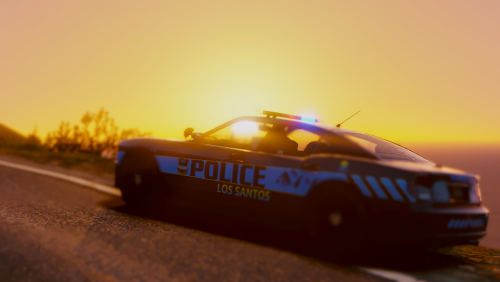 Never thought I'd use ELS in a GTA game after the instability of GTA IV using ELS, but these vehicles are brilliant if you want to keep your game lore and vallina friendly, but with the added realism of your light setups and choice of custom liveries. There are one or two problems with certain vehicles, for example the Contender and the insurgent seem to have problems using the handling/vehicle lines provided in the pack which cause the game to crash when spawning or entering them, but once you get around the issues they work great. Highly recommend, I just wish that more vehicles could be added in the future *hint hint* @NefariousBonne & @DukSezQuak A little bonus aswell...
- 82 comments
- 30 reviews
-
-

- 1
-
-
From the album: BeastyBill88's Gallery
© All Images by BeastyBill88
-
Screenshots from GTA V/LSPD:FR
-
At home amongst the Vinewood hills
-
 San Andreas State Park Rangers
-
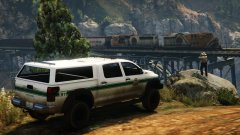 A bit of train spotting to pass the time
-
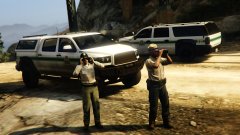 Old vs. New over looking Raton Canyon
-
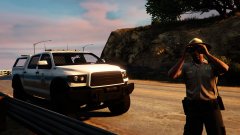 Keeping a watchful eye out
-
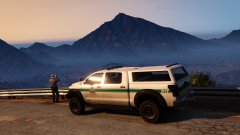 Over looking the great state of San Andreas
-
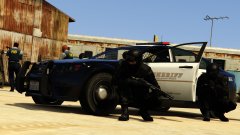 Take cover!
-
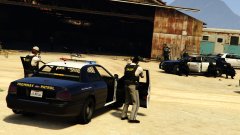 Units use extreme caution, shots fired, officers down. Requesting Noose!
-
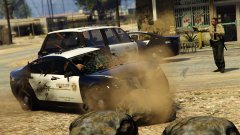 We got a unit down! Dispatch, send a wrecker.
-
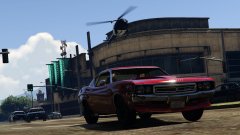 Suspect vehicle is a red Bravado Gauntlet Classic
-
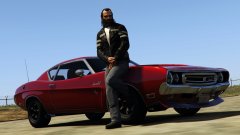 Born to run
-
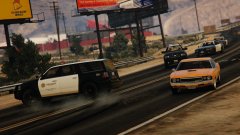 Memories of the Driver games are coming back...
-
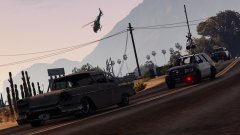 Air unit joining pursuit
-
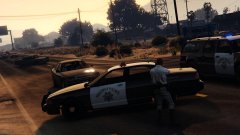 Use caution, roadblocked up ahead
-
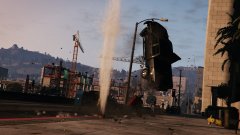 Well there goes my no claim bonus...
-
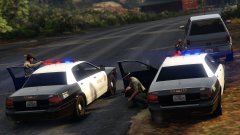 Felony stop gone bad
-
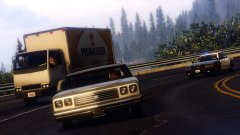 No chance of out running me in a station wagon
-
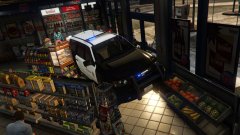 Wait... This isn't a drivethru
-
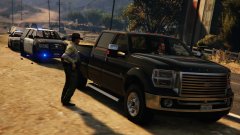 Any reason for your driving back there sir?
-
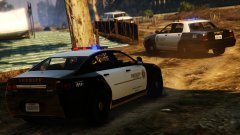 Route blocked, fugitive inbound
-
-
From the album: BeastyBill88's Gallery
© All Images by BeastyBill88
-
From the album: BeastyBill88's Gallery
© All Images by BeastyBill88
-
From the album: BeastyBill88's Gallery
© All Images by BeastyBill88
-
From the album: BeastyBill88's Gallery
© All Images by BeastyBill88
-
From the album: BeastyBill88's Gallery
© All Images by BeastyBill88
-
From the album: BeastyBill88's Gallery
© All Images by BeastyBill88
-
From the album: BeastyBill88's Gallery
© All Images by BeastyBill88
-
From the album: BeastyBill88's Gallery
© All Images by BeastyBill88
-
From the album: BeastyBill88's Gallery
© All Images by BeastyBill88
-
From the album: BeastyBill88's Gallery
© All Images by BeastyBill88
-
From the album: BeastyBill88's Gallery
© All Images by BeastyBill88
-
From the album: BeastyBill88's Gallery
© All Images by BeastyBill88
-
From the album: BeastyBill88's Gallery
© All Images by BeastyBill88
-
From the album: BeastyBill88's Gallery
© All Images by BeastyBill88
-
From the album: BeastyBill88's Gallery
© All Images by BeastyBill88
-
From the album: BeastyBill88's Gallery
© All Images by BeastyBill88
-
From the album: BeastyBill88's Gallery
© All Images by BeastyBill88
-
From the album: BeastyBill88's Gallery
© All Images by BeastyBill88
-
From the album: BeastyBill88's Gallery
© All Images by BeastyBill88
-
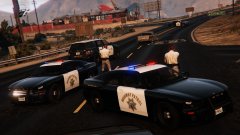
From the album: BeastyBill88's Gallery
© All Images by BeastyBill88
-
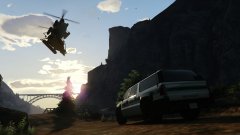
From the album: BeastyBill88's Gallery
© All Images by BeastyBill88

