


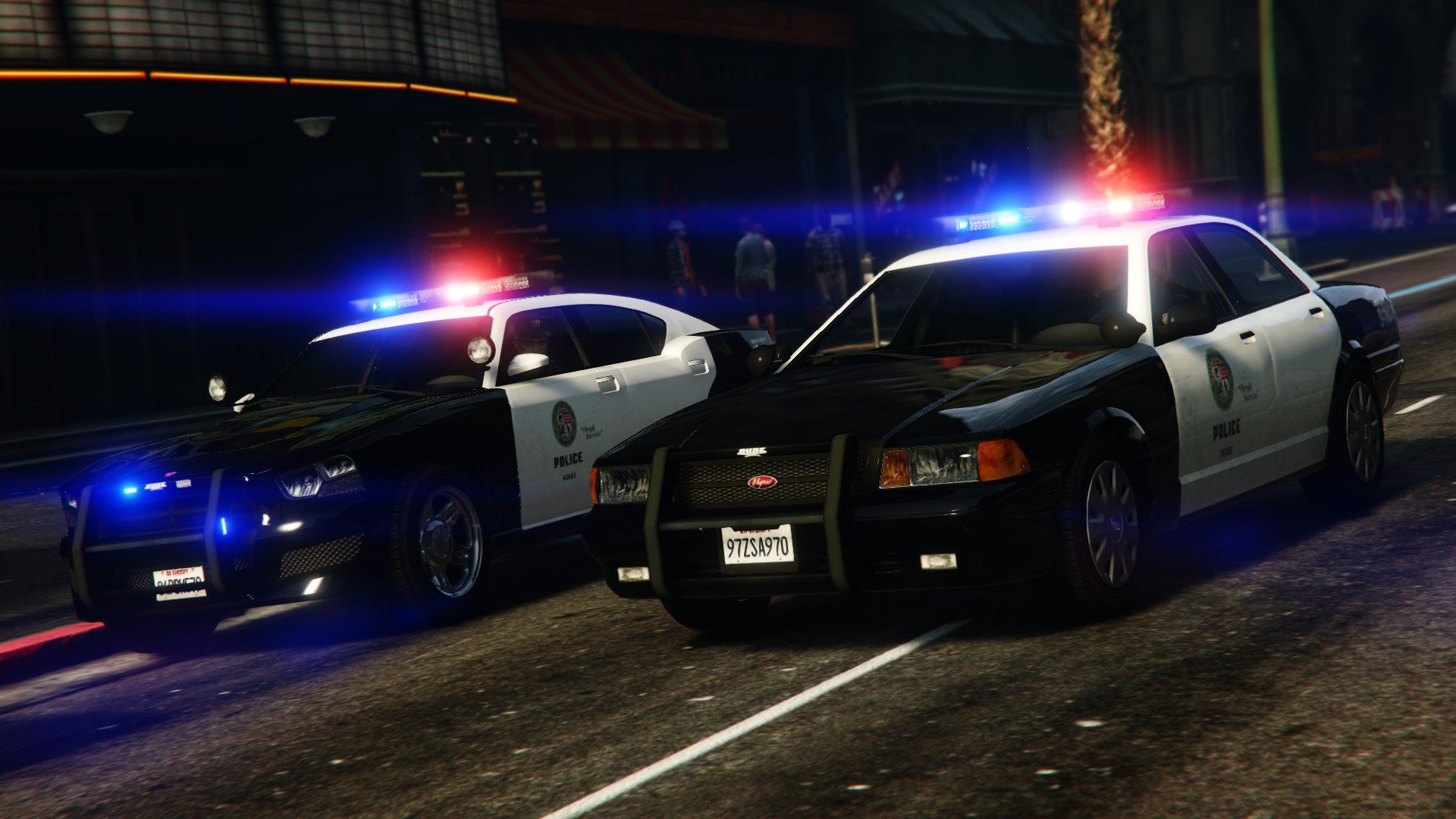

BeastyBill88
-
Joined
-
Last visited
Everything posted by BeastyBill88
-
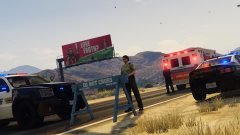
From the album: BeastyBill88's Gallery
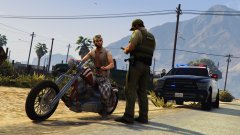
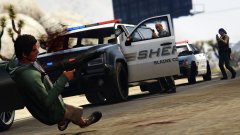
Unfortunately the guy jumped when I tried talking to him...© Images by BeastyBill88
-
From the album: BeastyBill88's Gallery
© Images by BeastyBill88
-
From the album: BeastyBill88's Gallery
© Images by BeastyBill88
-
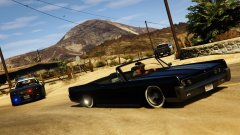
From the album: BeastyBill88's Gallery
© Images by BeastyBill88
-
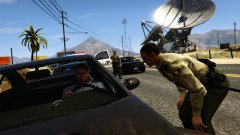
From the album: BeastyBill88's Gallery
© Images by BeastyBill88
-
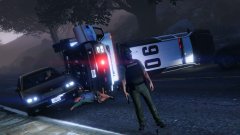
-
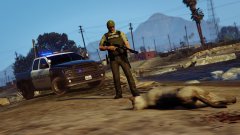
From the album: BeastyBill88's Gallery
© Images by BeastyBill88
-
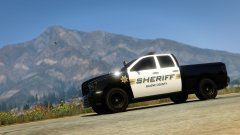
From the album: BeastyBill88's Gallery
© Images by BeastyBill88
-
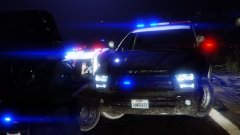
From the album: BeastyBill88's Gallery
© Images by BeastyBill88
-
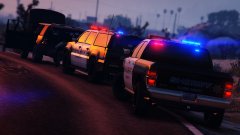
From the album: BeastyBill88's Gallery
© Images by BeastyBill88
-
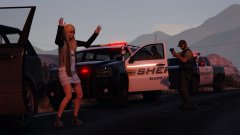
From the album: BeastyBill88's Gallery
© Images by BeastyBill88
-
From the album: BeastyBill88's Gallery
© Images by BeastyBill88
-
 I just edited the text file that came with the unbinding controller download and then replace the standard controls file using OpenIV.
- 851 comments
- 108 reviews
-
I just edited the controller binding file to suit my needs, I'm using up to change siren tone, RB + down to mute/unmute siren, the horn turns the sirens/lights off anyway and then I have the tap horn on the X button and remapped next vehicle weapon to B works great for me plus I get the use of the menus back with the controller.
- 851 comments
- 108 reviews
-
Yeah I'm getting that problem aswell FHOG. Its more annoying that helpful if I'm honest.
- 851 comments
- 108 reviews
-
I caught mostly EMS/FDNY while I was visiting NYC last month. I have got pictures aswell... Not sure you guys want me to post like 70 odd images of NYC emergency vehicles xD
-
From the album: BeastyBill88's Gallery
© Images by BeastyBill88
-
From the album: BeastyBill88's Gallery
© Images by BeastyBill88
-
From the album: BeastyBill88's Gallery
© Images by BeastyBill88
-
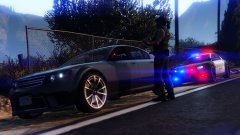
From the album: BeastyBill88's Gallery
© Images by BeastyBill88
-
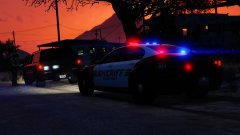
From the album: BeastyBill88's Gallery
© Images by BeastyBill88
-
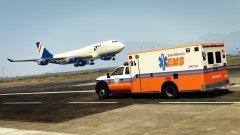 Thanks, its one I edited from orrwhat4's Nelson County EMS skin which I was using on the default ambulance but remade it for this one.
 -
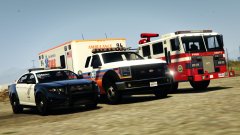
From the album: BeastyBill88's Gallery
© Images by BeastyBill88
-
From the album: BeastyBill88's Gallery
© Images by BeastyBill88
-
From the album: BeastyBill88's Gallery
© Images by BeastyBill88



