


Gta5Expert
Members
-
Joined
-
Last visited
Everything posted by Gta5Expert
-
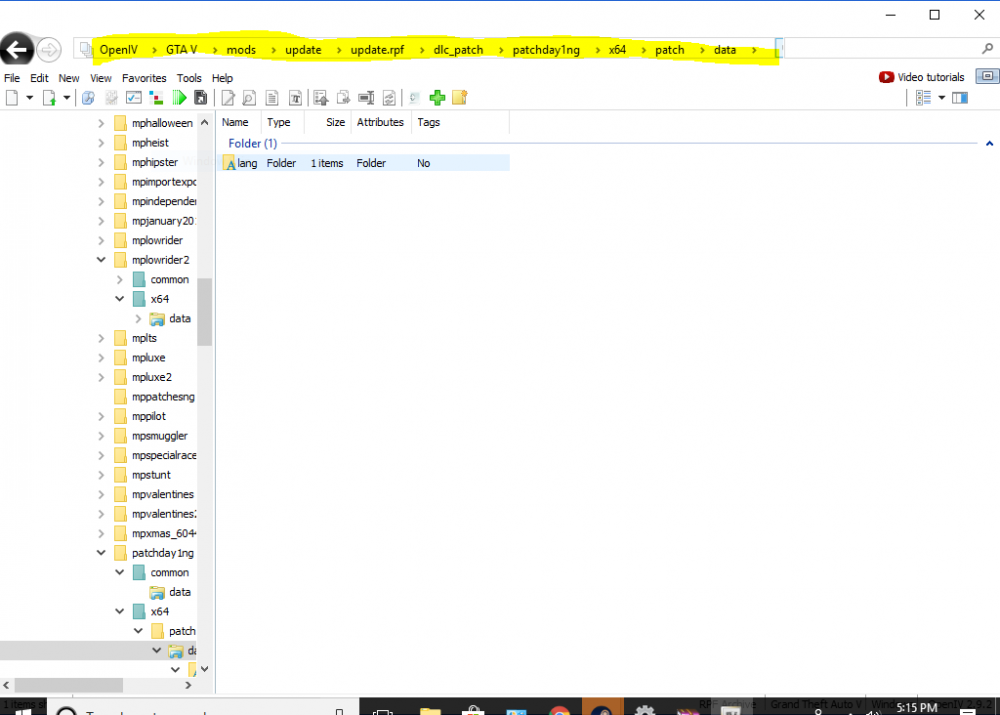
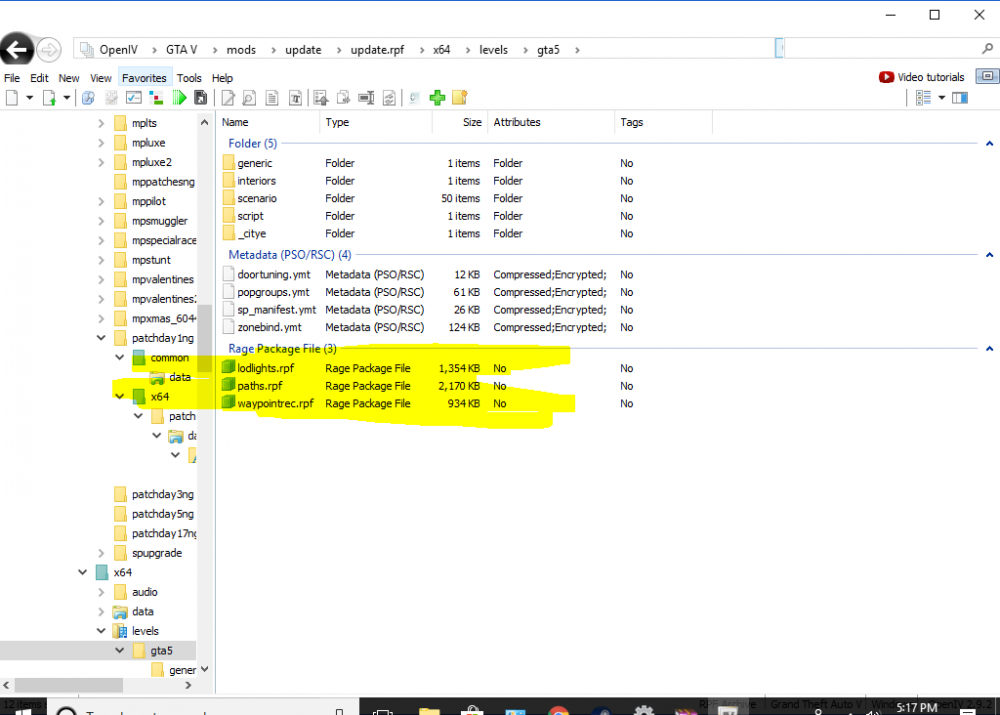
I reinstalled gta 5 in steam because of problems but now i want to download vehicles i go to openiv and i cant find my vehicle.rpf file if you look in he picture that what i find
-
 how can i make the computer screen to fit my screen like the picture mine fills up my whole screen i want it to be smaller
- 1,742 comments
- 172 reviews
-
should i use the purple mod folder
-
it didnt show up but thats ok thanks
-
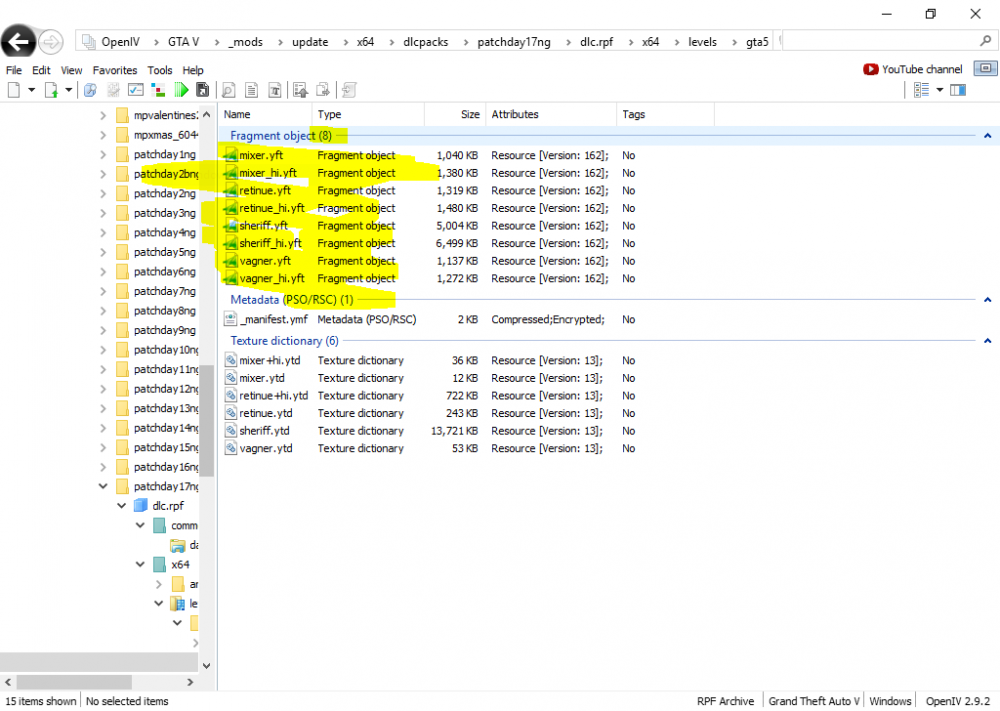
i wanted to use it but it only has 8 thing in it like in the picture it that ok to use
-
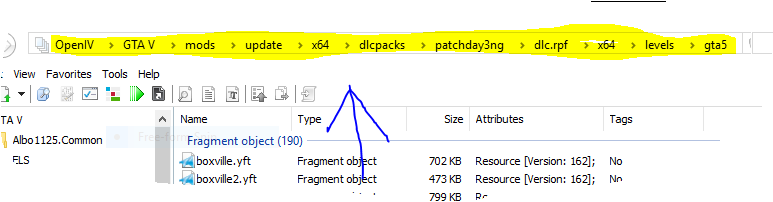
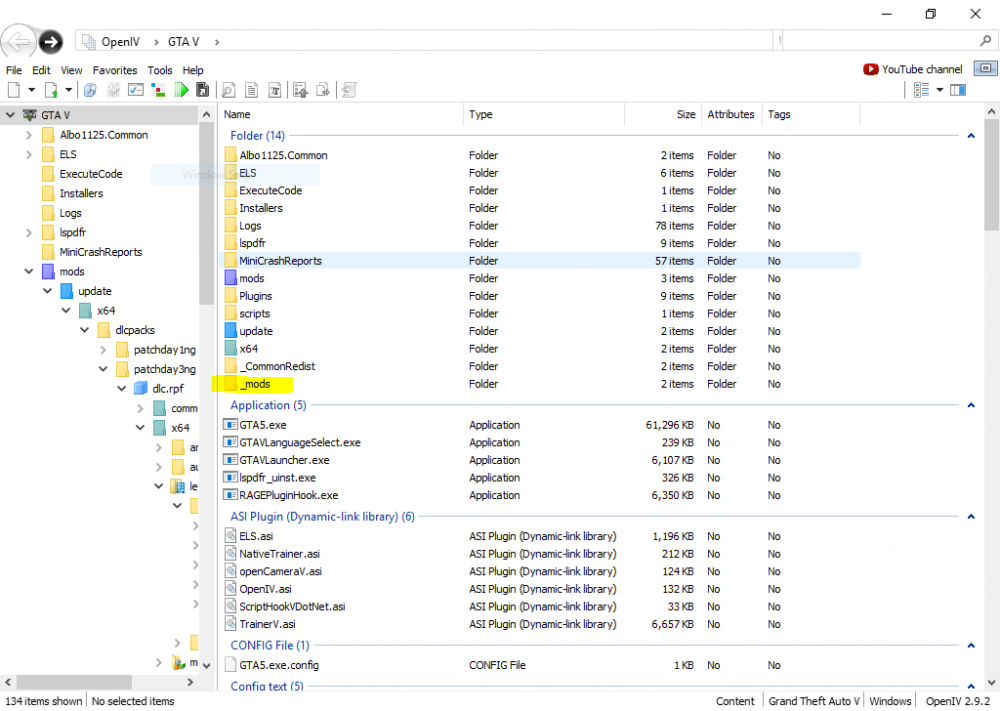
sorry for not reponding i use the _mod file not the purple mod file and the highlighted picture is the exact path i go to the vehicle.rpf thanks for the help
-
it still spawned the gta 5 version of police 3
-
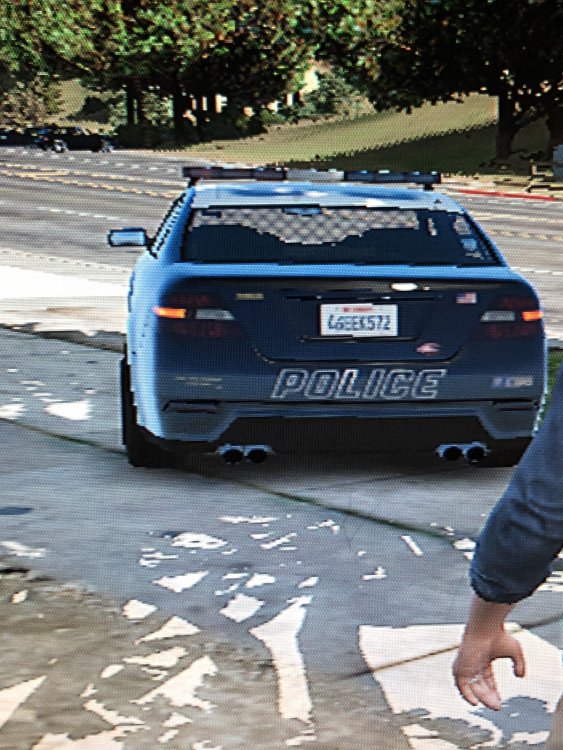
Even if i still spawn it from the trainer it will spawn the gta version i dont know why it doesnt work i spawned police 3 and i put a ford utilty for police 3 and spawns the one in the picture how
-
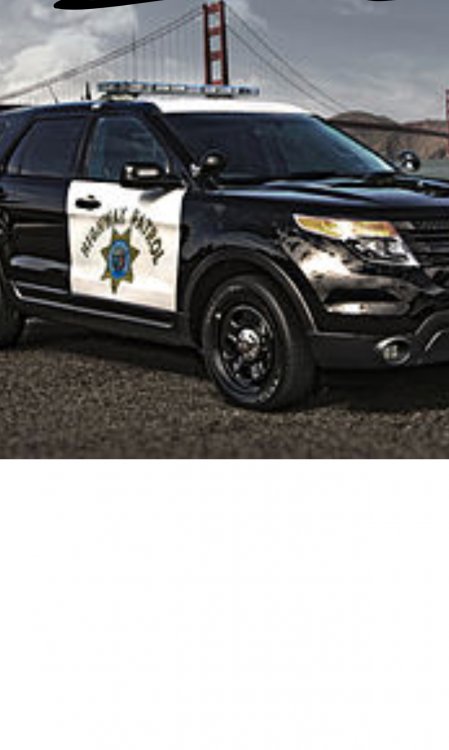
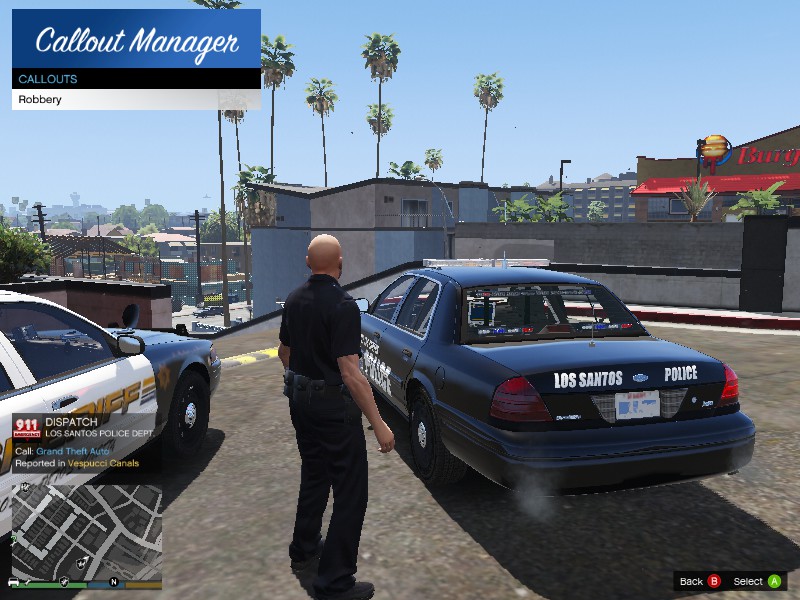
This is off-topic but should i start a new topic but when i put any ford utilty vehicles i cant find it in the police station only crown victoria cars work I dont know why like the one in the picture
-
-
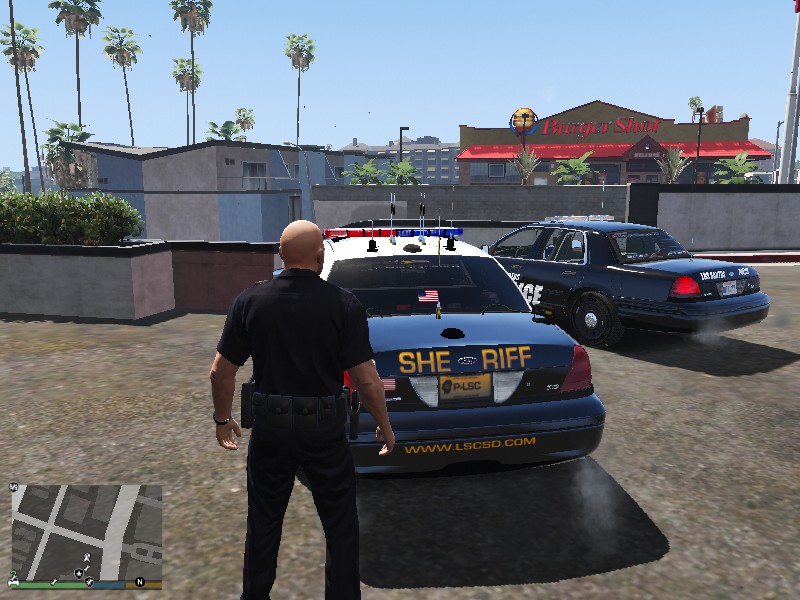
I have radiance v very bright and the light are still very bad as you can tell from the screenshots i tried many things and it still not very great and i want it to be like the 3rd screenshot Thanks

-
I have a question, siren mastery loads but i don't know how to make the screen pop up on the screen
-
-
On the left bottom corner it say warning els key lock active how do i fix it?


