


Killbane
Members
-
Joined
-
Last visited
Everything posted by Killbane
-
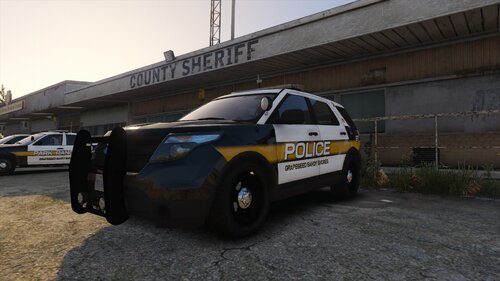 Neat
Neat -
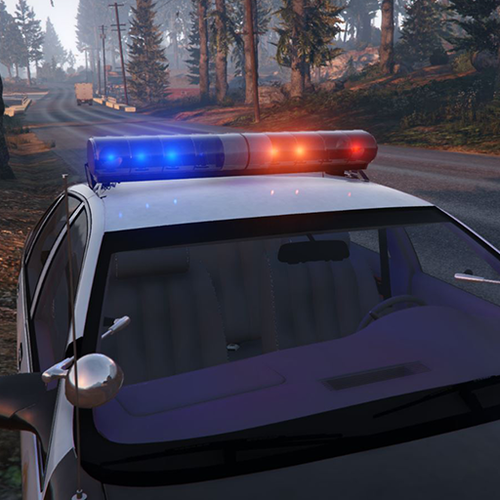 well one can be intimidated by the long lines of code xD But its also the colour values for each rotor. Took me awhile to nail that
 -
I don't know how many people use retro Non-Els Vehicles anymore but, This file contains updated Carcols.meta with install instructions for this pack: https://www.gta5-mods.com/vehicles/lore-friendly-retro-emergency-vehicles-pack : so far this modification is only for 90's vehicles in the pack, i will update it with the 80's and 70's vehicles soon enough. This is more of something that i did for myself because the faded blue lights always bothered me and i thought id share it in case anyone else wanted it. Please leave a comment if you run into any issues and don't forget to "MAKE A BACKUP OF YOUR ORIGINAL FILE" *Leave a review if you want me to hurry with the 80's and 70's Vehicles and maybe also work on the east coast addon
-
You walk up to a park-bench or a chair ( i haven't tested the chair) And press E to sit. The prompt will pop up on the top left of the screen
-
-
-
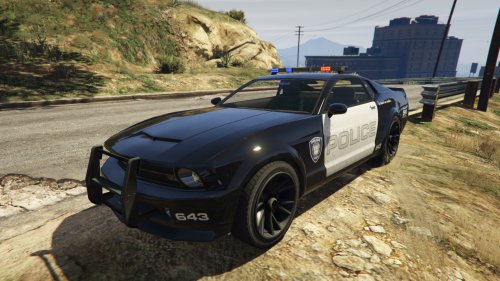 would love an lspd livery.....but on a serious note , its the best cruiser to patrol with and also to get chased with. adds a "cool" vibe to gta v.
- 35 comments
- 9 reviews


.thumb.PNG.af07c1ba4e56e747e420ef5393b352d0.PNG)

