
DoUgHMaN
-
Joined
-
Last visited
Everything posted by DoUgHMaN
-
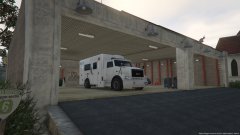
From the album: Heavy Rescue WIP
-
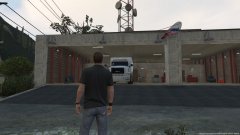
From the album: Heavy Rescue WIP
-
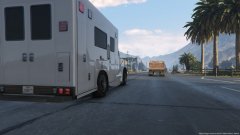
From the album: Heavy Rescue WIP
-
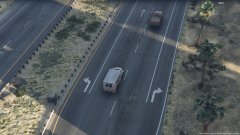
From the album: Heavy Rescue WIP
-
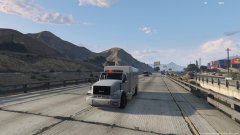
From the album: Heavy Rescue WIP
-
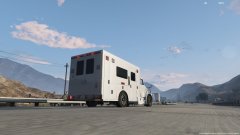
From the album: Heavy Rescue WIP
-
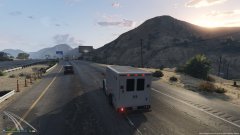
From the album: Heavy Rescue WIP
-
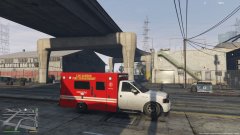
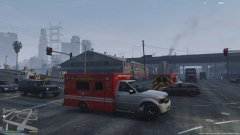
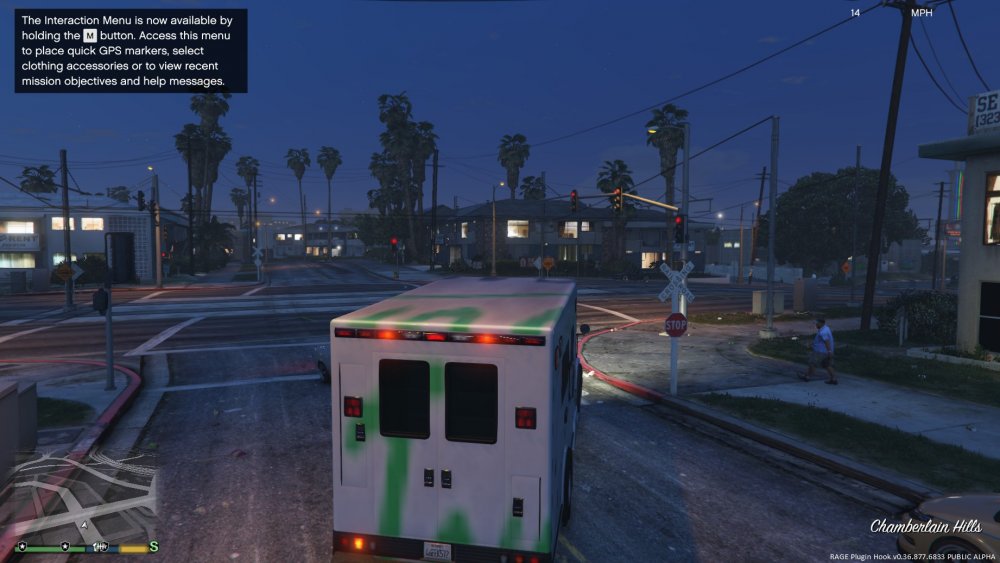
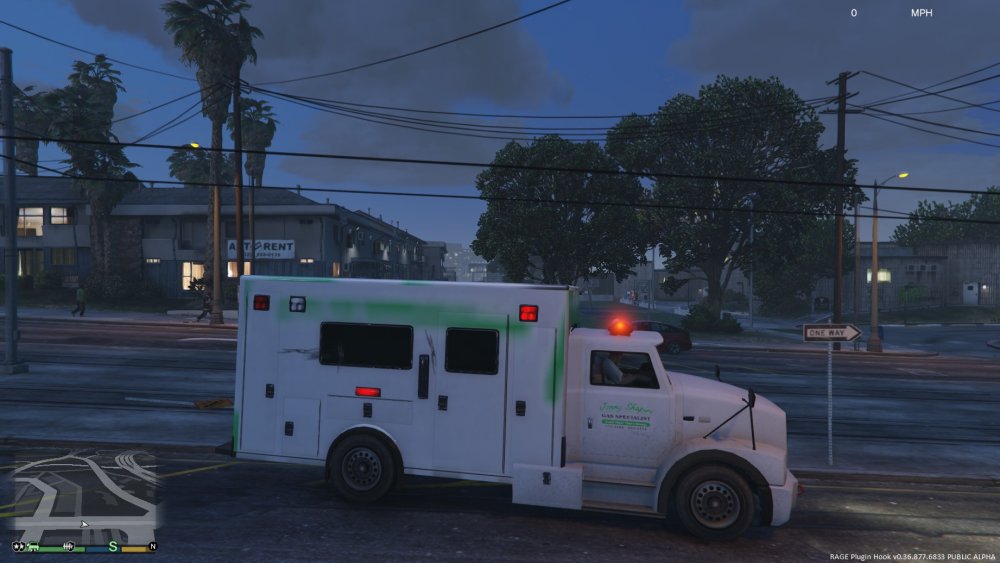
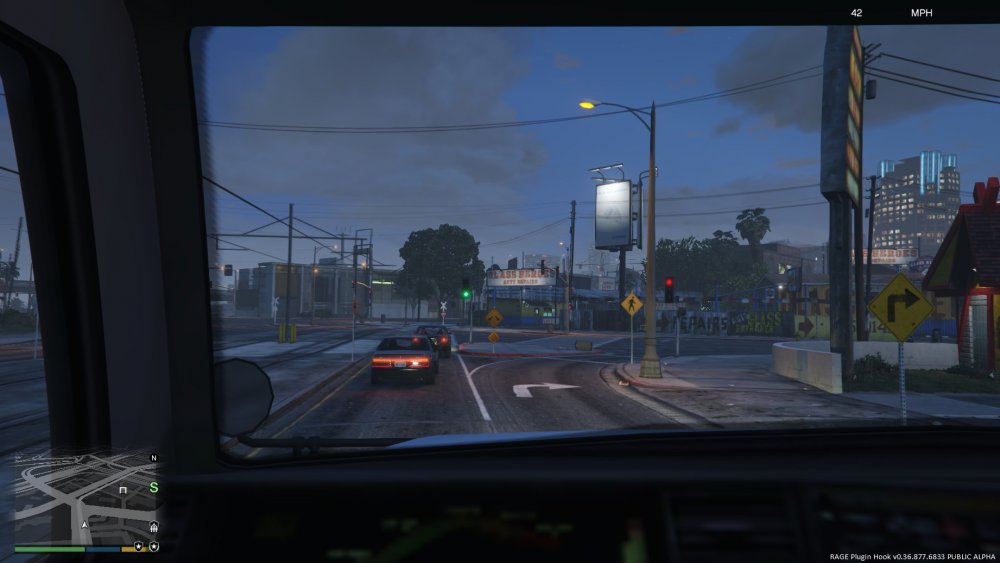
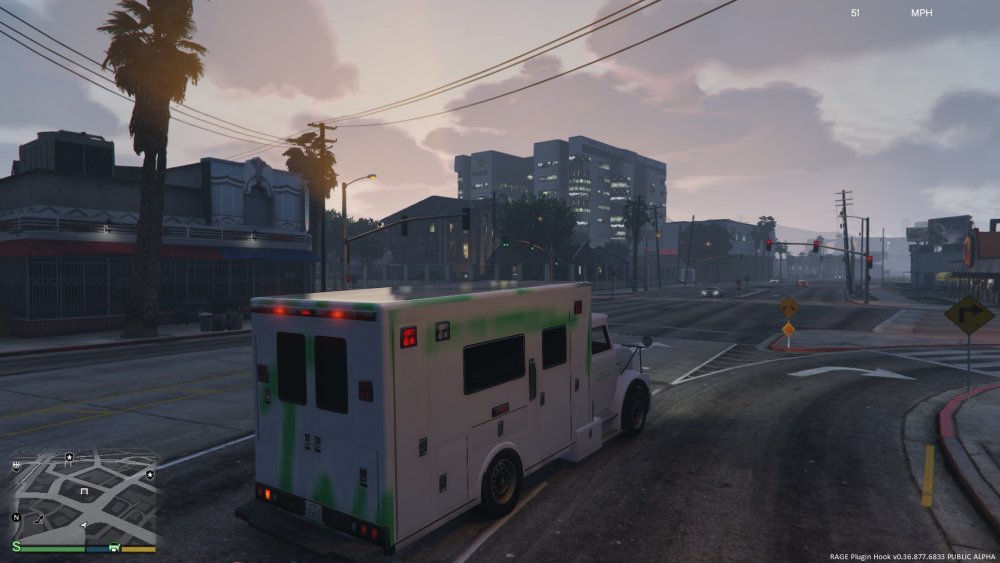
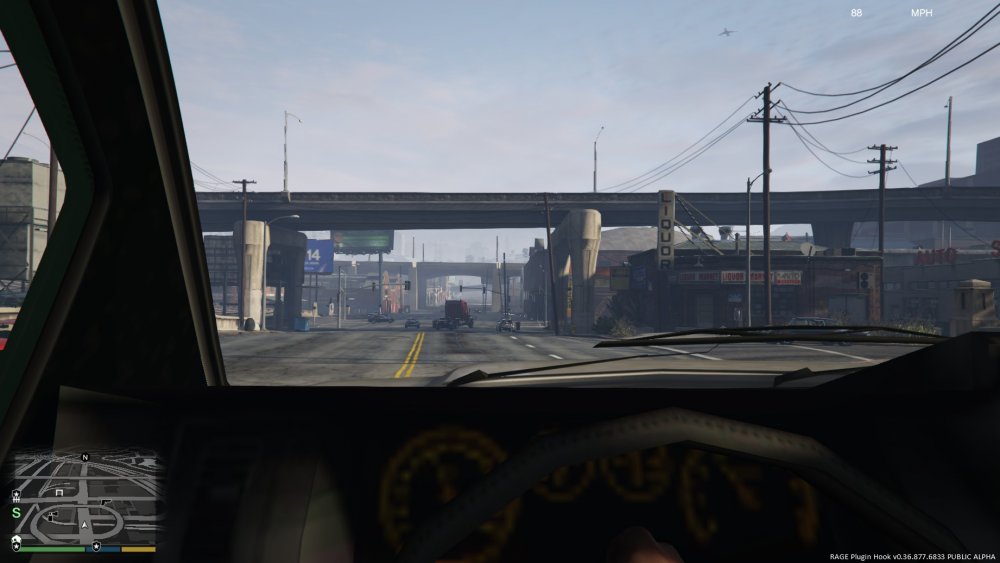
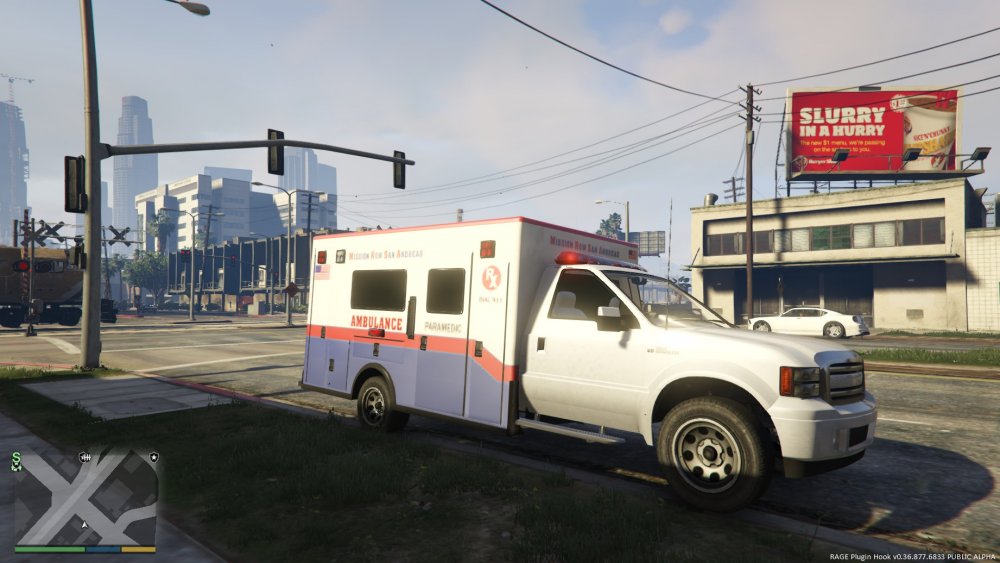
I am currently working on a Brute 8000 Heavy Ambulance, tell me what you guys think. Keep in mind UV mapping and other features are still being worked on.
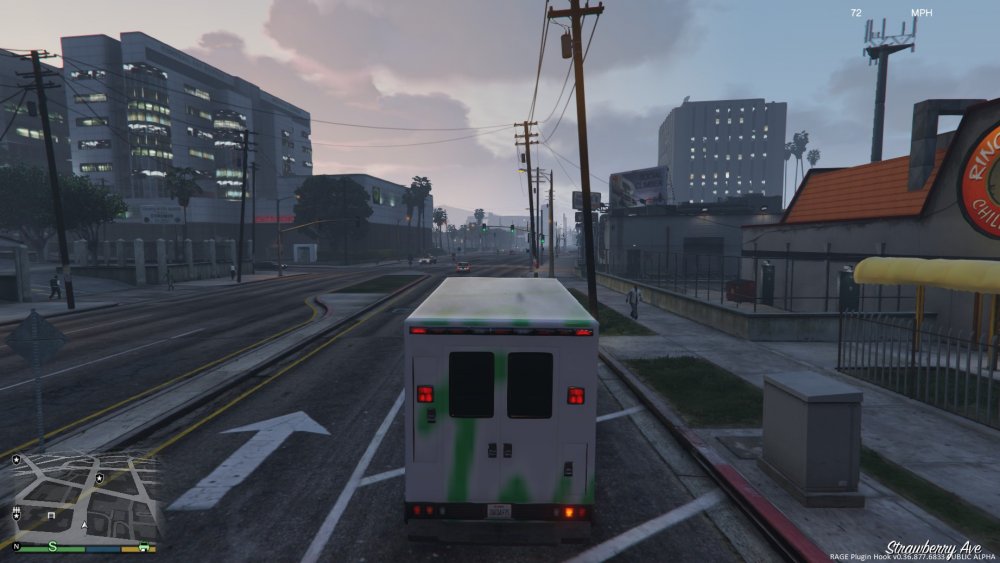
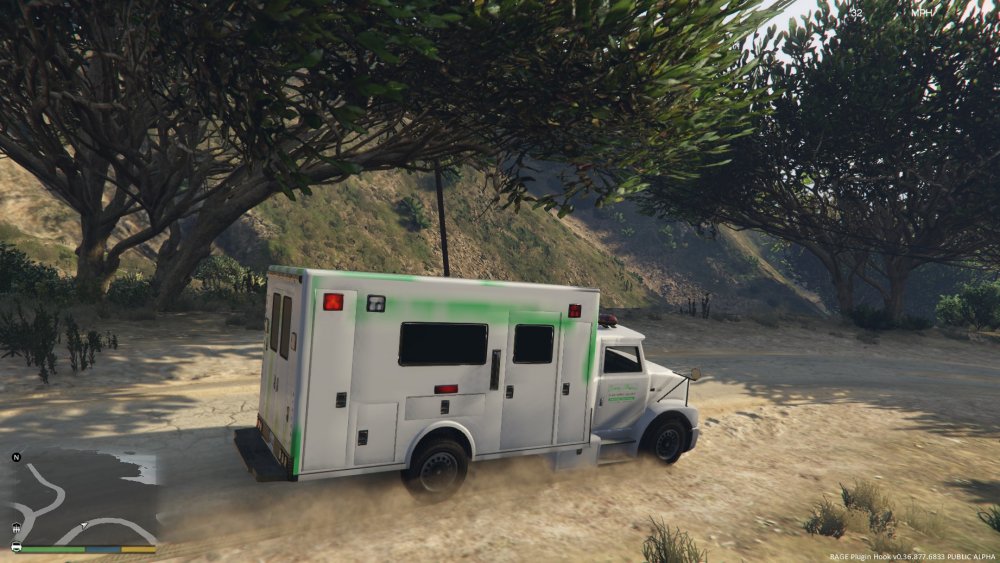
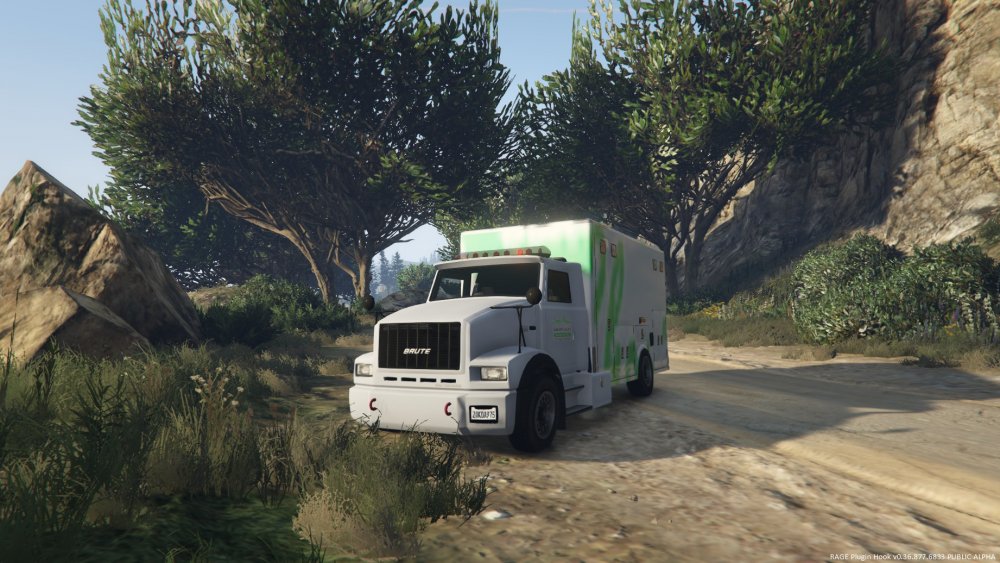
-
From the album: Heavy Rescue WIP
There is still A LOT to do, like the mapping, however I am getting there. Please leave some feedback! -
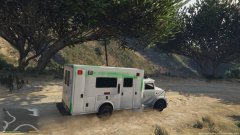
From the album: Heavy Rescue WIP
There is still A LOT to do, like the mapping, however I am getting there. Please leave some feedback! -
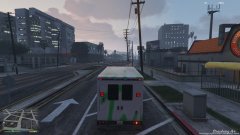
From the album: Heavy Rescue WIP
There is still A LOT to do, like the mapping, however I am getting there. Please leave some feedback! -
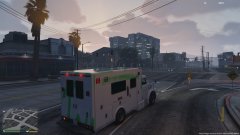
From the album: Heavy Rescue WIP
-
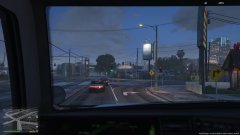
From the album: Heavy Rescue WIP
There is still A LOT to do, like the mapping, however I am getting there. Please leave some feedback! -
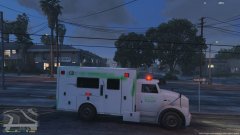
From the album: Heavy Rescue WIP
There is still A LOT to do, like the mapping, however I am getting there. Please leave some feedback! -
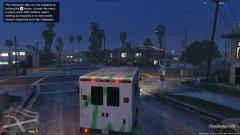
From the album: Heavy Rescue WIP
There is still A LOT to do, like the mapping, however I am getting there. Please leave some feedback! -
I am trying to make it a Blaine County Rescue Squad. I have not gotten to the point of making skins, so I am just using the default; however, when I do I will keep this in mind, thanks!
-
I am working to have it in FBI slot, so it has more off road power, and so it can use a LED light bar.
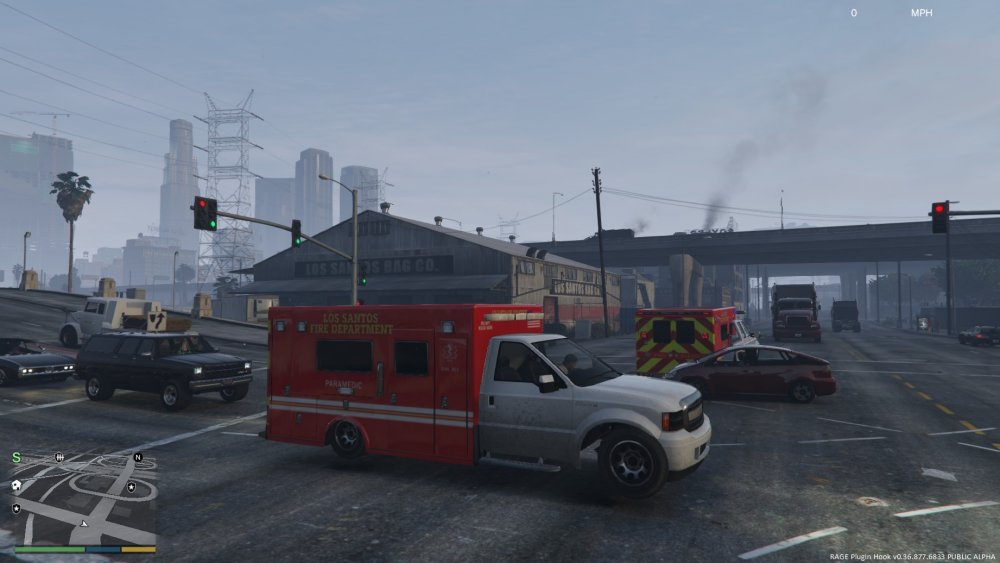
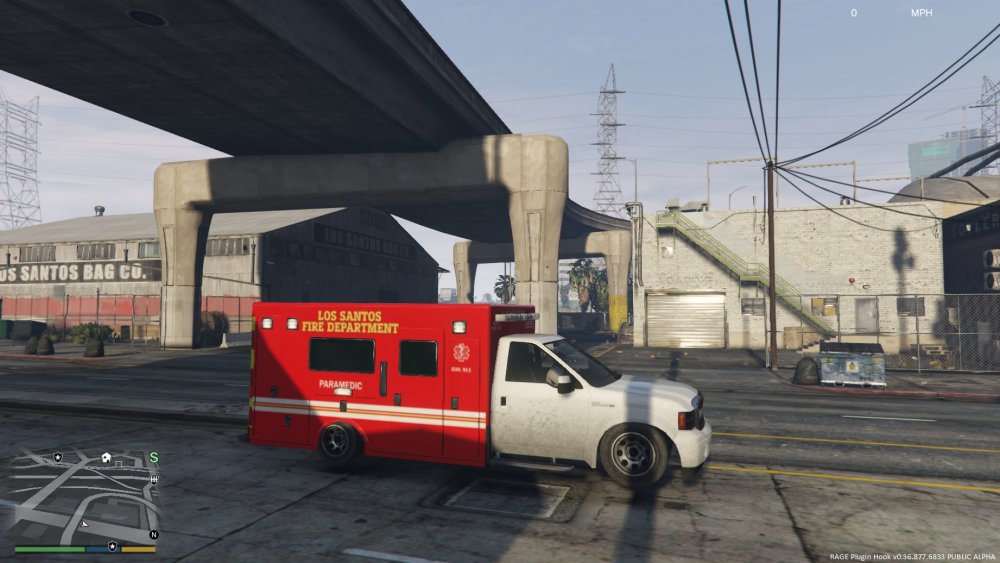
-
-
-
-
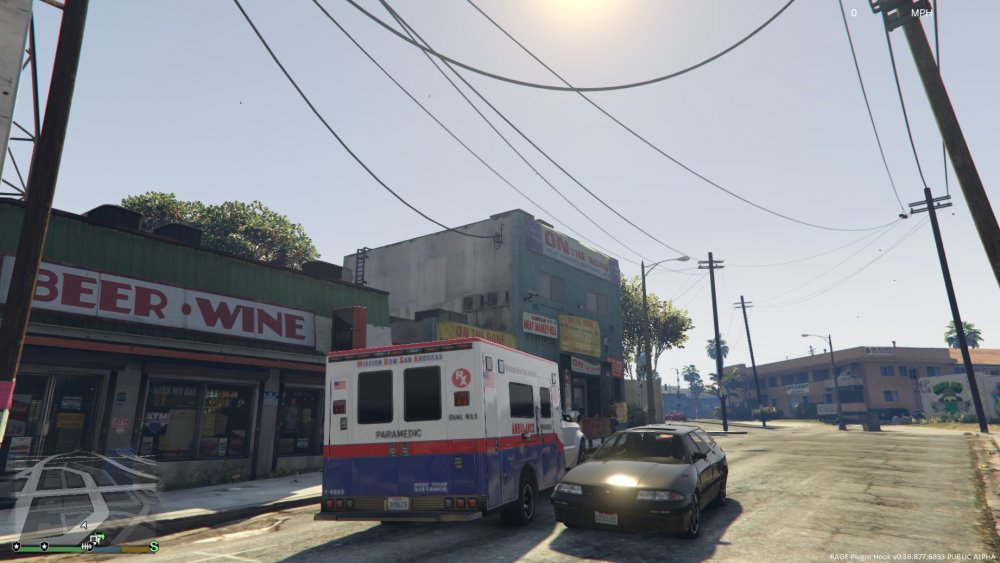
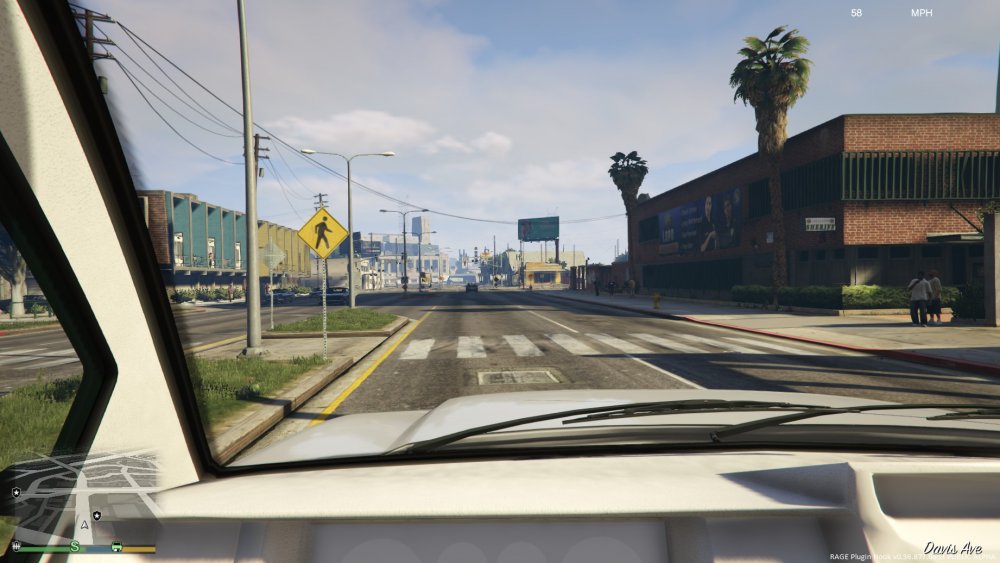
Please give me some feedback, I am still working
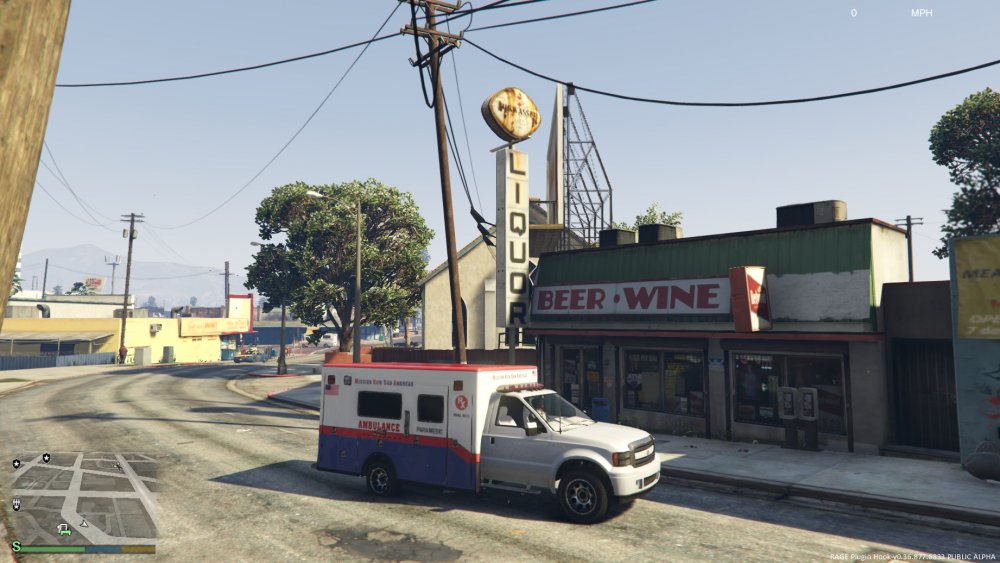
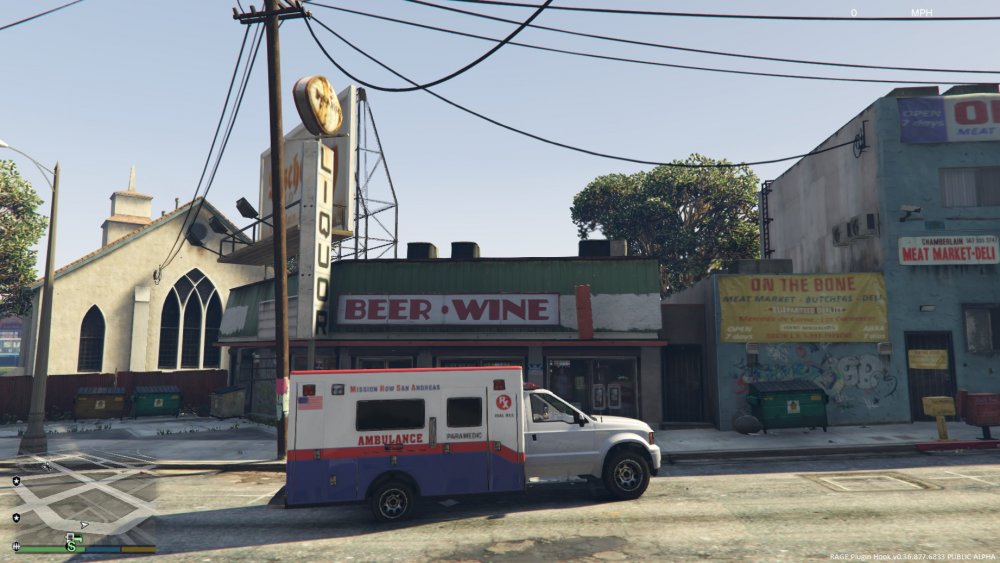
-
From the album: Heavy Rescue WIP
-
From the album: Heavy Rescue WIP
-
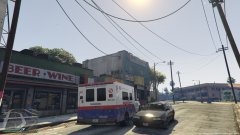
From the album: Heavy Rescue WIP
VAPID SADDLER AMBULANCE WIP -
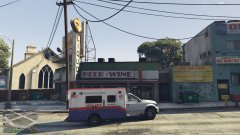
From the album: Heavy Rescue WIP
VAPID SADDLER AMBULANCE WIP