Skin Works
-
Joined
-
Last visited
Everything posted by Skin Works
-
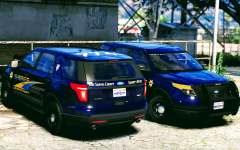
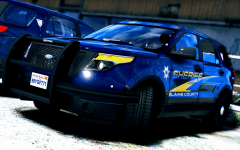
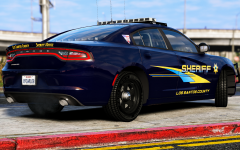
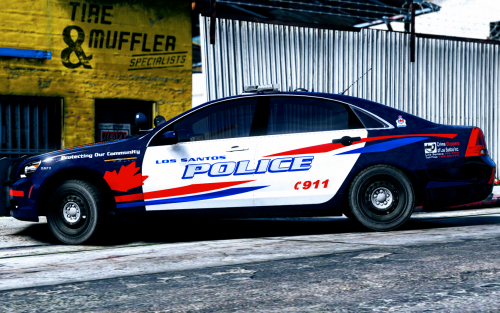 This pack is based off Woodstock Police old scheme. This pack currently includes skins for multiple different models, and will be update every so often to include more. Everything should be easy to install like my other packs, open the corresponding vehicle ytd file, click import and select all the skins for the same vehicle then save. If there are any problems please let me know. Each vehicle includes 10 skins. This is to help create more variety so that multiple units don't show up with the same unit numbers. (obviously this can still happen) Please respect the amount of time taken and do not re-upload or rip off. Please, feel free to make a donation if you like, any amount is more than appreciated! Thanks Everyone DISCLAIMER: Please ignore the spelling in the pictures. This has been corrected. Thanks Files: LSPD Pack Vehicles used (but not limited to):
- 23 comments
- 12 reviews
-
-

- 12
-
-
-
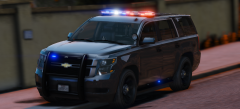
 Well, I am using thegreathah's vehicles but these skins will work on practically any vehicle as most CVPI's use steinberg's model. Most 2013-14 Explorers use the same model. Most 2016 Explorers use the same model. Etc. This means that most likely which ever pack you like most, my skins should work on.
 -
From the album: Skin Works Designs
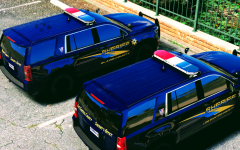
Just to really give people choices, I've decided to include skins with no unit numbers. -
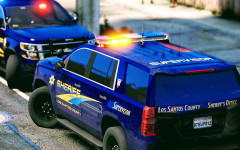
From the album: Skin Works Designs
-
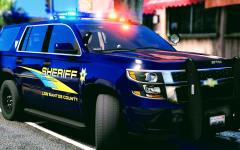
From the album: Skin Works Designs
911 caller reported a fight outside The Hen House. Sheriffs were quick to respond. -
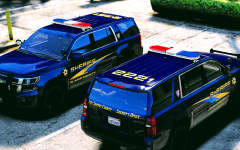
From the album: Skin Works Designs
-
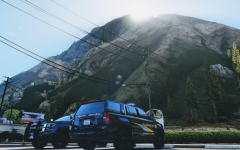
From the album: Skin Works Designs
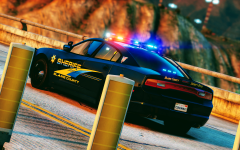
Model again by thegreathah. (However, some valor models are out and coming out soooo) -
Well, release will have 2014, 2015, 2016 Chargers. 2013-14, 2015 Tahoes. Steinberg4145 CVPI, BxBugs123 CVPI. FPIS. FPIU 2014 and 2016. Most will include a Supervisor skin and some none unit numbered skins and some will also have ghost skins.
-
Yes sir. Have a few more vehicles to do then make all the different units and then I will be releasing it. Sometime this week probably.
-
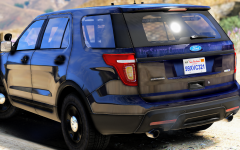
From the album: Skin Works Designs
-
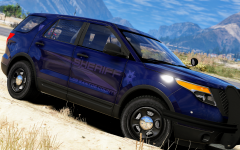
From the album: Skin Works Designs
Let me know if you would like more ghost units and I will add a ghost variant for each vehicle in this pack. -
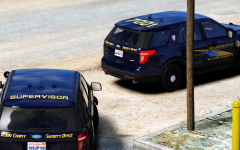
From the album: Skin Works Designs
-
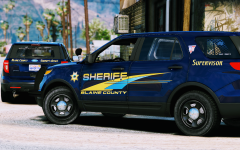
From the album: Skin Works Designs
-
From the album: Skin Works Designs
-
From the album: Skin Works Designs
2014 Explorers are ready to go. Model by thegreathah. -
-
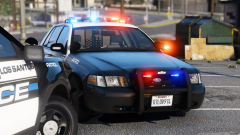 Been waiting for a Valor pack. Looks great!
 -
From the album: Skin Works Designs
-
From the album: Skin Works Designs
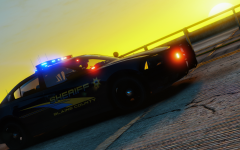
Blaine County responding to a suspicious person call out in the middle of the wetlands. -
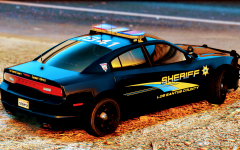
From the album: Skin Works Designs
-
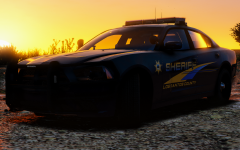
From the album: Skin Works Designs
Model by thegreathah -
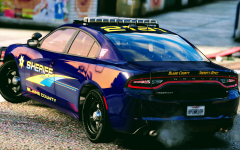
From the album: Skin Works Designs
-
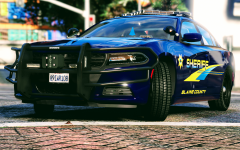
From the album: Skin Works Designs
-
From the album: Skin Works Designs