
Dmodder
Members
-
Joined
-
Last visited
Files posted by Dmodder
-
Introduction -
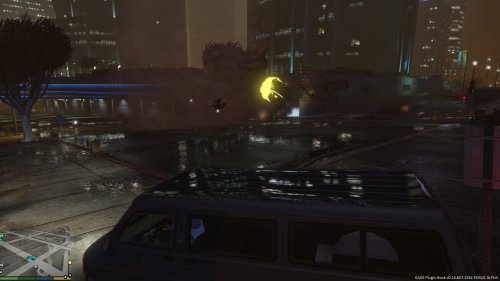
Finally I finished making this mod. It brings tornadoes into the word of Grand Theft Auto V. The making of the mod itself was pretty easy with the source code from the TornadoMod for GTA IV, I was able to convert it to work in GTA V. The mod randomly spawns in tornadoes around your position so you dont need to catch them at the other side of the map. The tornadoes lift vehicles into the air and launch them all over the place. The tornadoes is also marked with blue dots on the minimap so you easily can find them.
Watch the trailer here -
https://youtu.be/GPxYQGSzbb4
How to use it -
It's pretty simple. Just follow the installation instructions in the readme, and when you startup the game, you can activate/deactivate the tornadoes by pressing 'numpad7'.
ParticleLibrary -
This mod for GTA V requires ParticleLibrary. It's a support file that makes spawning particles much easier for developers. The Library is already inside the download, so you don't need to go download it another place on the net. If you're a developer you can take a look at the library right here: https://github.com/DModder/ParticleLibrary
Bugs -
If you encounter any bugs, you post them down below in the comments :)
Enjoy! :)
- 3,049 Downloads
- 28 Comments
Updated