



MrPilot501
Members
-
Joined
-
Last visited
Everything posted by MrPilot501
-
0.4 made a lot of add on scrips obsolete.
-
People can't wait.
-
This is probably the most replied thread.
-
I can't wait to get back into LSPDFR again.
-
ELS is one script that comes to mind, it has't been updated in a long time. The author Lt.Caine , has gone inactive for a long time.
-
Thank you, I'll give it a try.
-
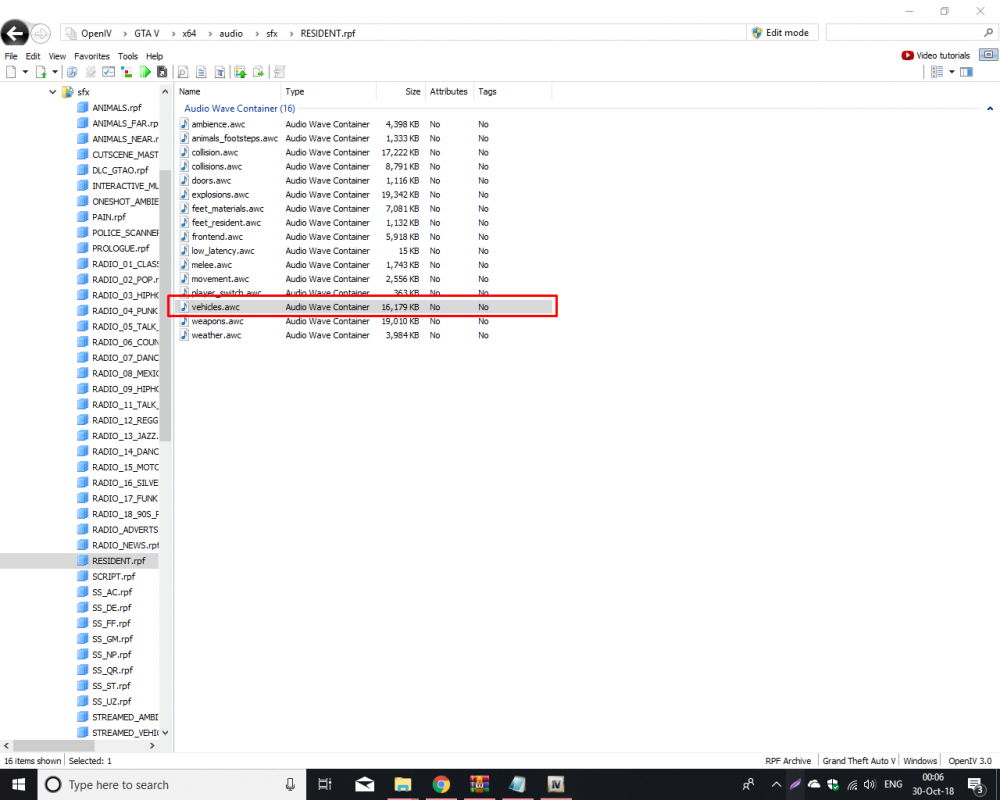
Greetings officers, is there a way to quickly lower the file size of the vehicle.awc file? I have the original backed up.
-
Stop the Ped is a good mod, I have it.
-
Hopefully police partners will be incorporated into LSPDFR in a future update.
-
I'm pretty sure that old callouts and scrips should work with 0.4. I know a lot of scrips will become obsolete, because of the added features built into 0.4.
-
This is a great time to come back to LSPDFR!
-
THE HYPE IS REAL
-
Yes! Yes! The wait was worth it!
-
Give this script a try, it replaces Kifflom, so your player ask for ID instead.
-
 Very well done pack. Decent vehicle variety , good on frames and easy to instal. This is a great starting fleet for LSPDFR and a good fleet in general.
- 208 comments
- 59 reviews
Show me some ID.




