


Darkmove73
Members
-
Joined
-
Last visited
Everything posted by Darkmove73
-
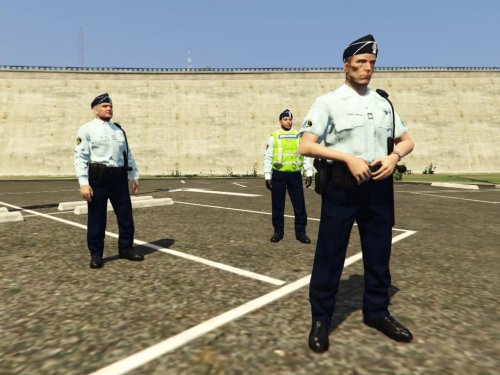 Author : PoliceWorld Grade : Capitaine Gilet Fluo : avec grade Capitaine Calot : logo grenade >>Bois de Cerf<< Audi S4 Gendarmerie NATIONALE : http://www.lcpdfr.com/files/file/9058-audi-s4-gendarmerie-texture/
 -
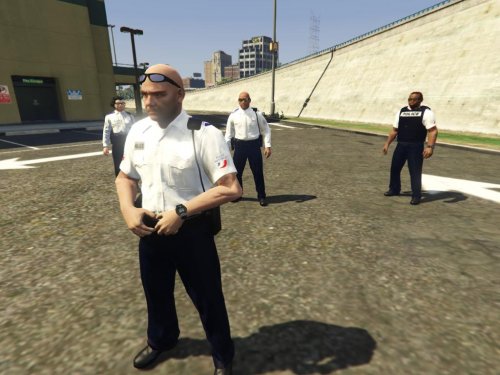 Author : PoliceWorld Grade : Gardient de la paix pour cop male Grade : Adjoint de sécurité pour cop female Hyundai Police NATIONALE : http://www.lcpdfr.com/files/file/9059-hyundai-i30-police-nationale/
 -
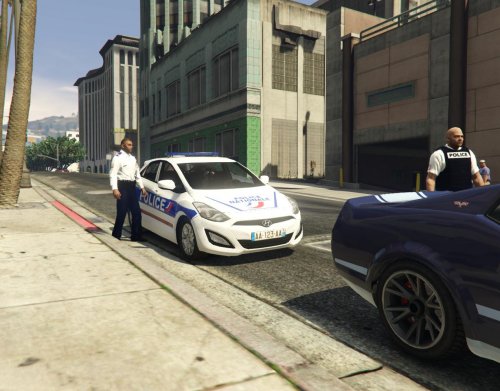 Texture author : PoliceWorld Model Author : Double Doppler https://www.youtube.com/user/TheDoubledoppler/featured
 -
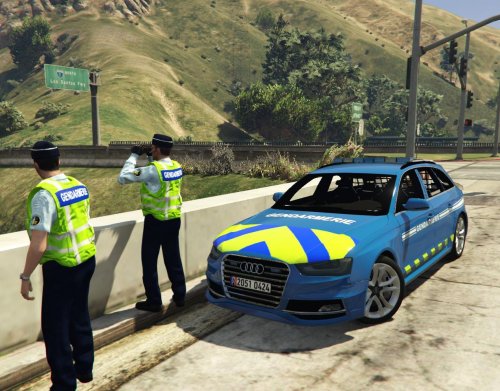 Skin template : PoliceWorld Model and Author ; BritishGamer88 Youtube channel : https://www.youtube.com/user/BritishPoliceMods/featured
