stylez
Members
-
Joined
-
Last visited
Everything posted by stylez
-
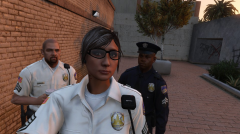
From the album: LSPD Alternative Version
"My character" ped also has a white version as well, male version soon to come. -
-
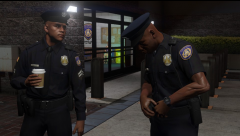
From the album: LSPD Alternative Version
-
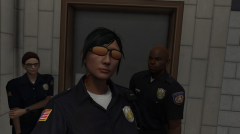
From the album: LSPD Alternative Version
-
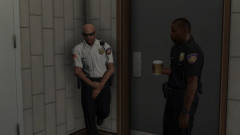
From the album: LSPD Alternative Version
Testing a white version of the alternative uniform I made for the LSPD metro officers -
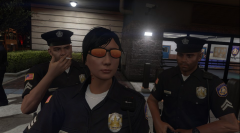
From the album: LSPD Alternative Version
-
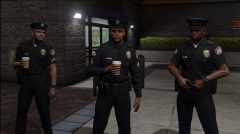
From the album: LSPD Alternative Version
-
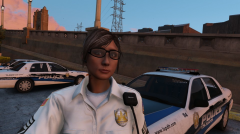
From the album: LSPD Alternative Version
A New Style to the LSPD -
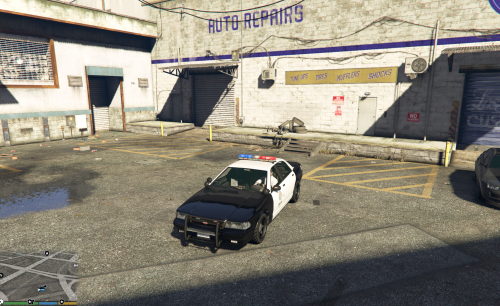 This is great I usually do not like replacing original gta 5 models over the real one, so this is great for me but I was wondering if you can also add the Arjent siren as a secondary optional component like you did with the cvpi? Great stuff always
- 19 comments
- 5 reviews
-
I know this has been said and asked before, but I wonder if anyone can make it happen since a lot of mods here has been so successful lately. I did something similar as I was just role play it by starting LSPDFR and changing my character to a hooker after it is loaded, I wait in the corner street like every other prostitute and hope for a ride. Unlikely that I would be picked up I used the trainer to warp myself as the nearest passenger of a car and when the moment was right I stepped out of the vehicle and order the driver to surrender. So yeah, any thoughts that this could work? I would like to see a working mod of this with scripting better than my role playing experience of it, I thought it was really fun only the fact that this sort of mod doesn't exist right now.
-
I can say that both does not work together if you are using disc version I believe, only steam will work. Actually I figure it out...I uninstall openiv and re-installed it...so both works now....
-
Everything works fine for me, but I just know I can't have script hook and rage hook loading at the same time. I have to get rid of script hook in order to run rage hook properly