


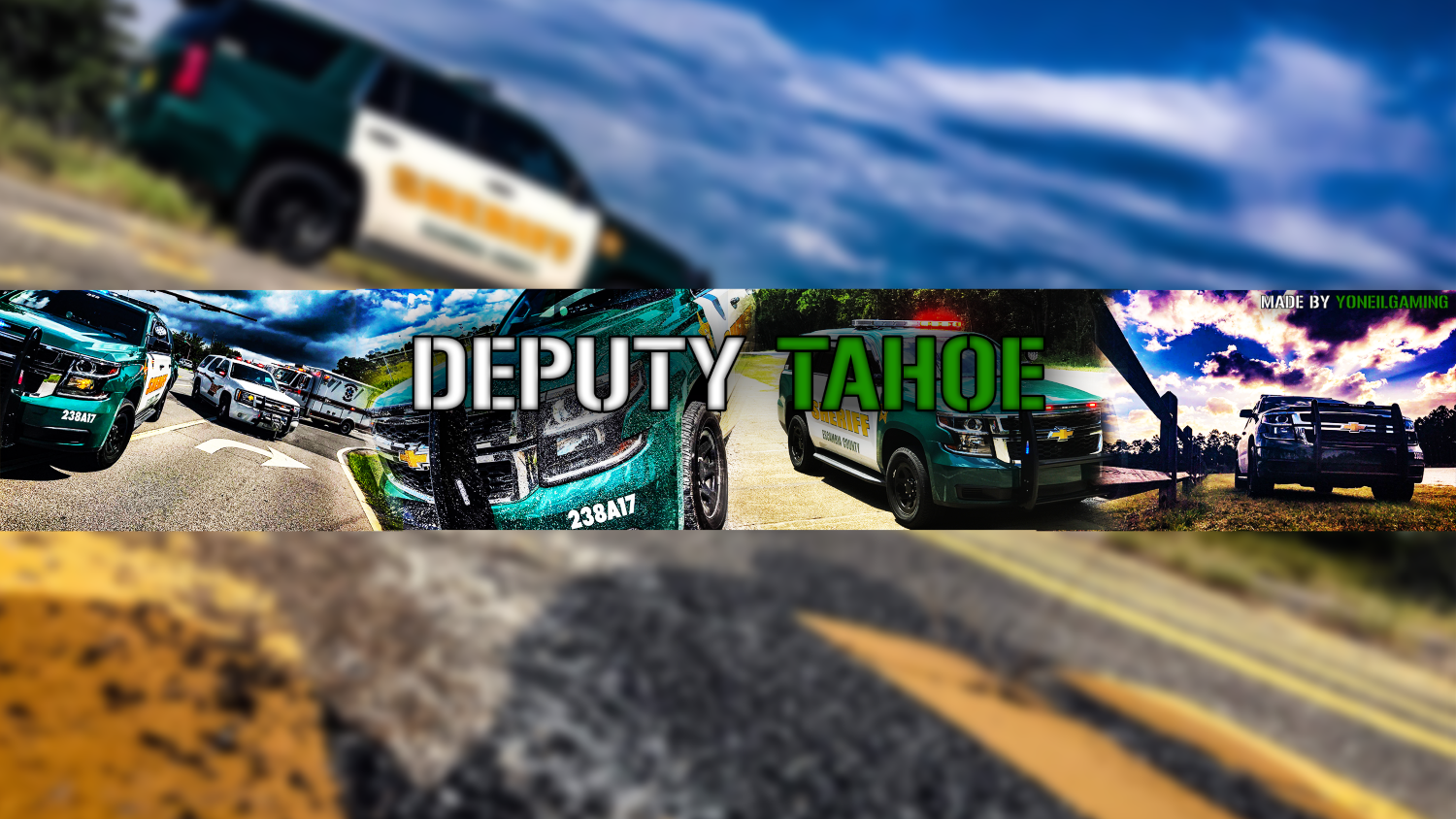

Deputy Tahoe
Members
-
Joined
-
Last visited
Reputation Activity
-
 Deputy Tahoe got a reaction from Ragnrok for a file, Escambia County FL Sheriff's Office Skins ( Updated ) 1.0.2 LCPDFR 1-15RE-UPLOADED AS A ZIP FILE:
Let my OCD get the best of me and decided to redo my skins for my county sheriff's office. This time I've included a 2015 TAHOE, Unmarked Skin(blue and brown) for a 2010 TAHOE, & an International Ambulance we use. Please leave comments on how good they are or if you see any flaws. Thanks for checking them out. Also if need be I can send the files for the vehicles I used.
Also if you notice when you download that the stars on the green and white vehicles look a bit different from the pics. That is because I noticed it was a different coloring than the one I got from google. The star as well as the lettering is the actual type that is used. With that I simply cropped it off of the side of the car when I took pics on my phone and sized it to fit the skin.
If you'd like to download my Pensacola Police Department Pack the link is here:
