
chlax71
Members
-
Joined
-
Last visited
Everything posted by chlax71
-
-
-
-
-
-
When I load it says cant hook. I usually don't use it because I usually don't do LSPDFR. I tried the LSPDFR troubleshooter and I fix the problems and still doesn't work. I think its a ASI loading problem.
-
Yeah, everything is installed by the book. Thanks though.
-
I have modded cars and sirens in the game, but when I go to load, the game loads in the default stuff. Everything is up to date and cars are in the latest patchday folder. ELS doesn't work, and the trainer desn't come up when I press F4. I've looked at the other topics on mods folder not working but those solutions don't seem to work. Any help would be greatly appreciated.
-
-
 I agree with the rest, but thank you for contributing to the community. Gotta start somewhere, cant start on top. Best of luck in the future.
- 13 comments
- 1 review
-
-

- 3
-
-
-
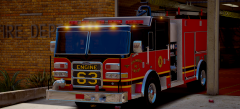
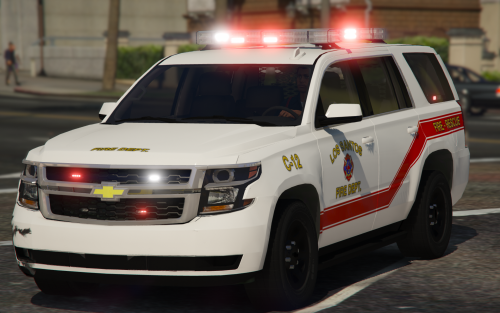
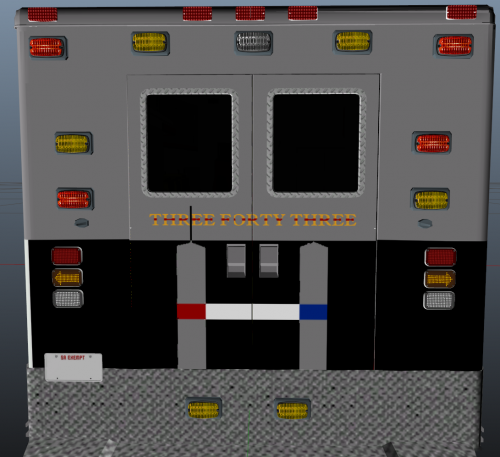 This isn't the best skin I've made before, but something to remember those that died on 9/11.
- 2 comments
- 1 review
-
-
- 4
-
-
-
The Idea is to have the GTA4 fire helmet in GTA5, instead of the current LAFD style helmets. If i had the software to do it I would, but unfortunately I don't. Thanks, Chlax71
-
I can get more photos if needed, just an idea.
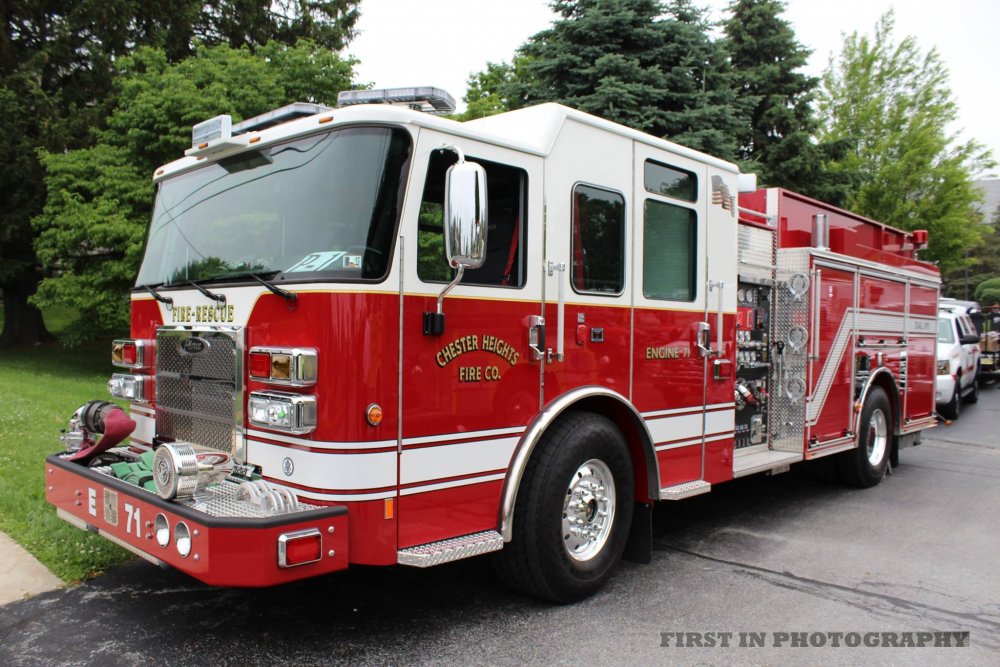
-
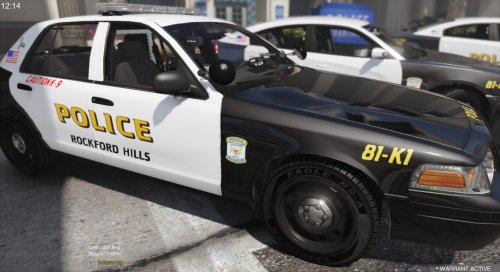 Very Nice
 -
 like the OWLVFD skin.
 -