


OfficerBaboso
-
Joined
-
Last visited
Everything posted by OfficerBaboso
-
Gotta be for that paparazzo... The scene is scripted, isn't it? But I think it would have been possible to make them do that in free roam, it's basically just like in GTA IV just with "holding hands-" like animations and the cuffing and the door. Of course I don't really have an idea how all that actually works so I don't mean to presume Btw, that haircut is really starting to grow on me (xD I didn't even intend that pun) :D :D It kinda reminds me of a somewhat silly 70. cop show :D
-
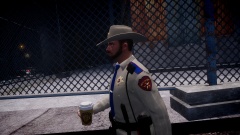 Nice ped :D
 -
Where's that from, I've never seen it before?
-
It's in his inventory right from the start, right? Anyway, whatchu guys think of this new haircut? :D Nice Contrast
-
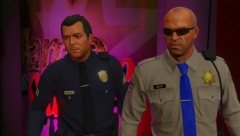
From the album: GTA V Modded Police
-
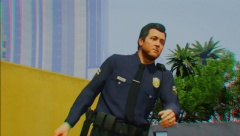
From the album: GTA V Modded Police
-
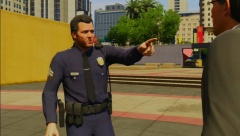
From the album: GTA V Modded Police
-
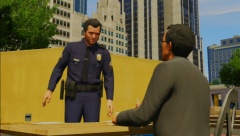
From the album: GTA V Modded Police
-
-
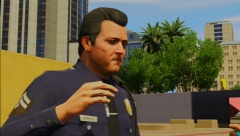
From the album: GTA V Modded Police
-
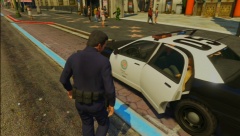
From the album: GTA V Modded Police
-
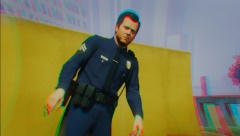
From the album: GTA V Modded Police
-
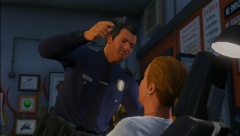
From the album: GTA V Modded Police
-
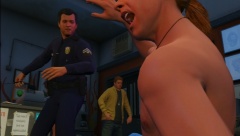
From the album: GTA V Modded Police
-
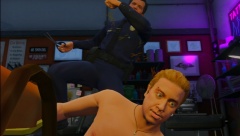
From the album: GTA V Modded Police
-
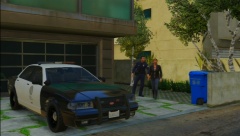
From the album: GTA V Modded Police
-
-
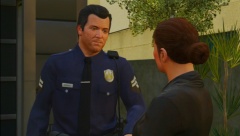
From the album: GTA V Modded Police
-
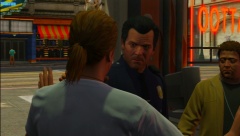
From the album: GTA V Modded Police
-
-
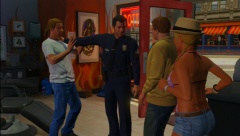
From the album: GTA V Modded Police
-
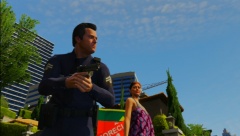
From the album: GTA V Modded Police
-
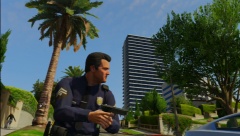
From the album: GTA V Modded Police
-
-
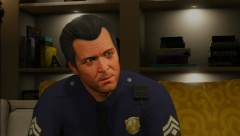
From the album: GTA V Modded Police




